
Home Assistant
Home Assistant runs the house. This gives you control cards, thermostat dials, day schedules and a 3D floor plan, each from your own entities. The assistant can read and, with control, change them.
Set it up
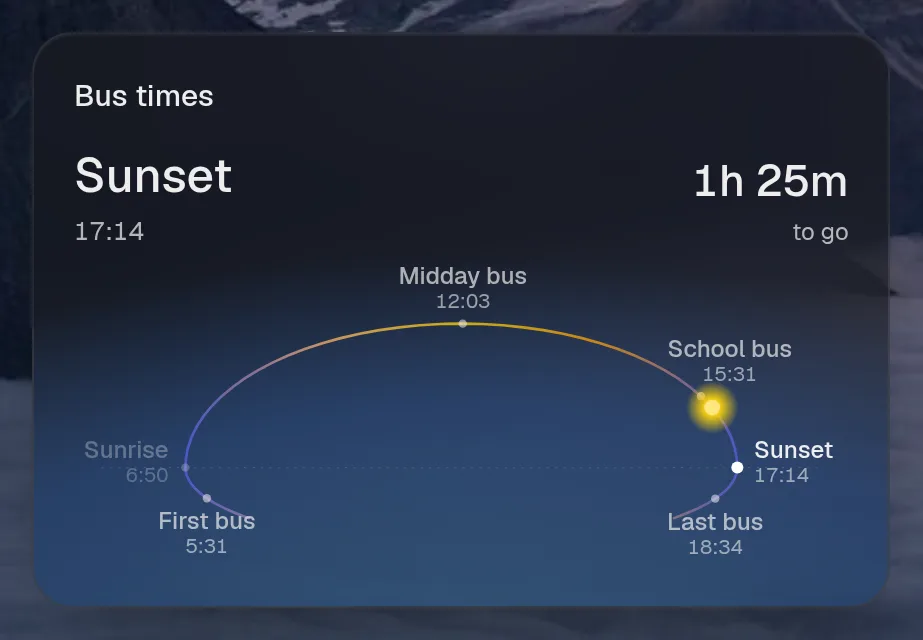
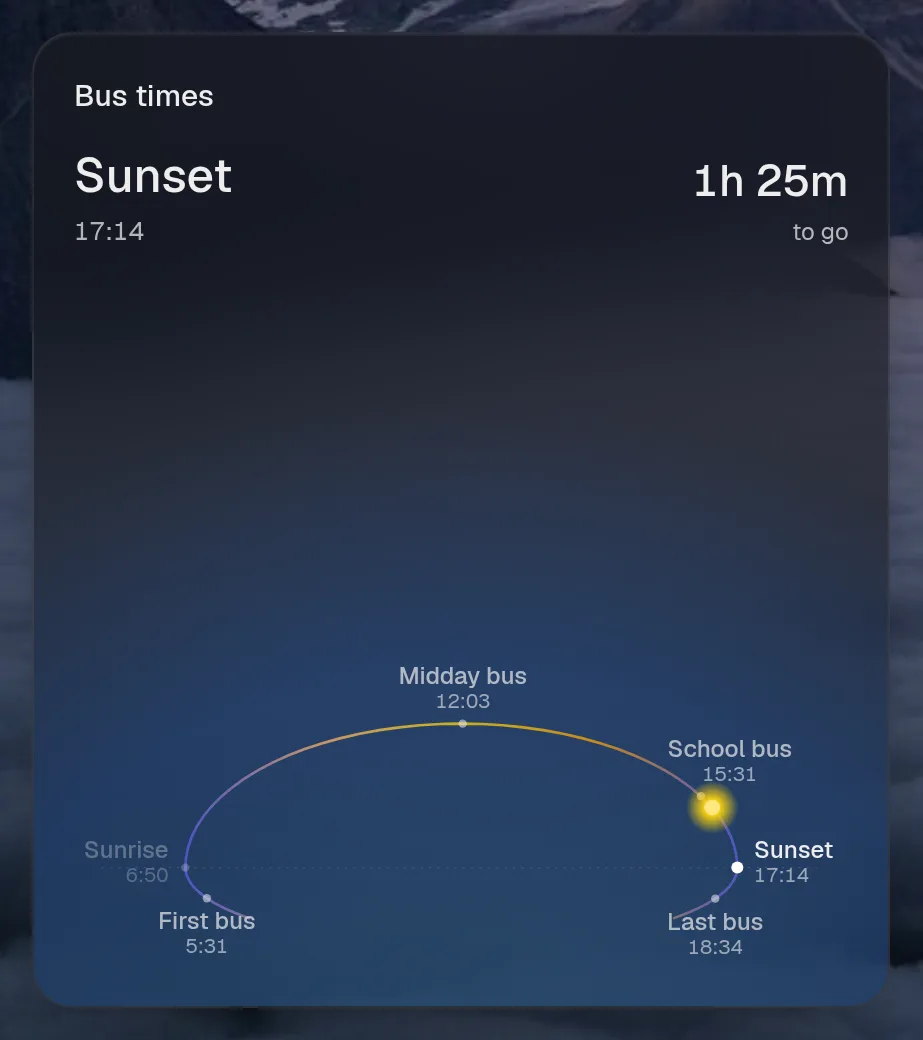
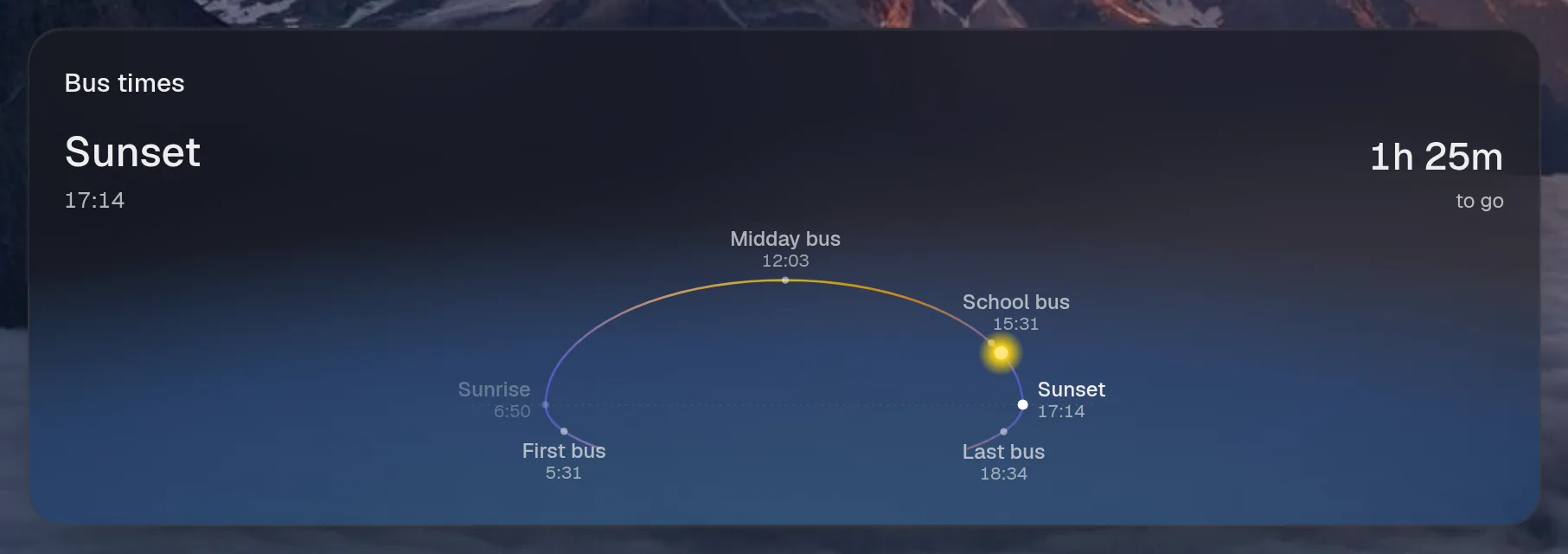
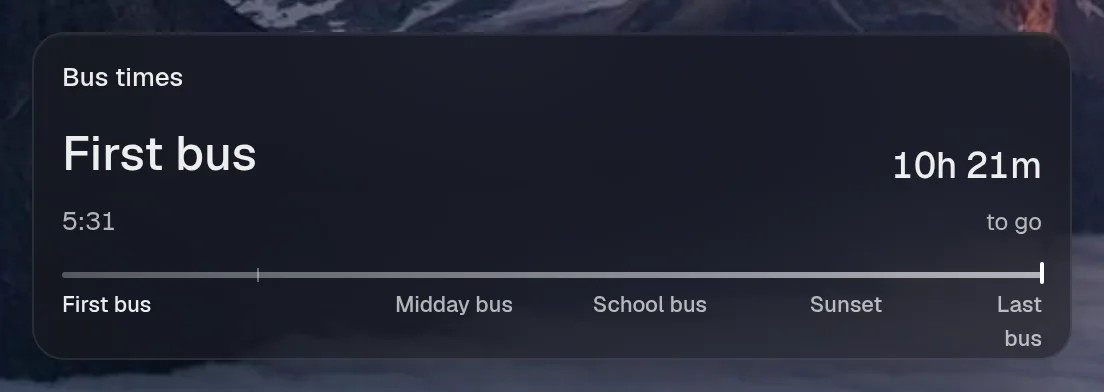
Section titled “Set it up”integrations: homeassistant: type: homeassistant url: http://homeassistant:8123 token: ${HOMEASSISTANT_TOKEN} href: https://ha.example.com cards: lights: title: Lights icon: bulb entities: - light.living_room - light.kitchen - light.bedroom - light.office - id: light.porch name: Porch - scene.movie_night house: title: House icon: home entities: - sensor.outdoor - sensor.humidity - select.heating_mode - switch.coffee - media_player.living_room - vacuum.robot schedules: buses: title: Bus times icon: clock soon: 15 entities: - id: sensor.first_bus name: First bus - id: sensor.sunrise name: Sunrise muted: true - id: sensor.midday_bus name: Midday bus - id: sensor.school_bus name: School bus - id: sensor.sunset name: Sunset - id: sensor.last_bus name: Last bus thermostats: hallway: entity: climate.hallway title: Hallway floorplans: flat: title: Home map: camera.robot_map vacuum: vacuum.robot rooms: Living room: - light.living_room Kitchen: - light.kitchen Bedroom: - light.bedroom Bathroom: - light.bathroom Office: - light.office
layout: - title: Home widgets: - homeassistant.lights| Option | Type | Default | What it does |
|---|---|---|---|
url | URL | required | Where the service answers, from Valet’s side. |
token | string | required | A long-lived access token, best from a separate non-admin user. Use ${VAR}. |
href | string | optional | Where the card links to, when that differs from url. |
cards | map of object | {} | Each entry becomes a widget, <instance>.<key>, of controls: { title, icon, entities }. Entities are ids, or { id, name } to rename one. |
controllable | list of string | [] | extra entities the assistant may control (cards’ entities always may) |
schedules | map of object | {} | Each entry becomes a schedule widget from timestamp sensors: { title, icon, entities, soon }. Within soon minutes the next one also shows as a live ring. |
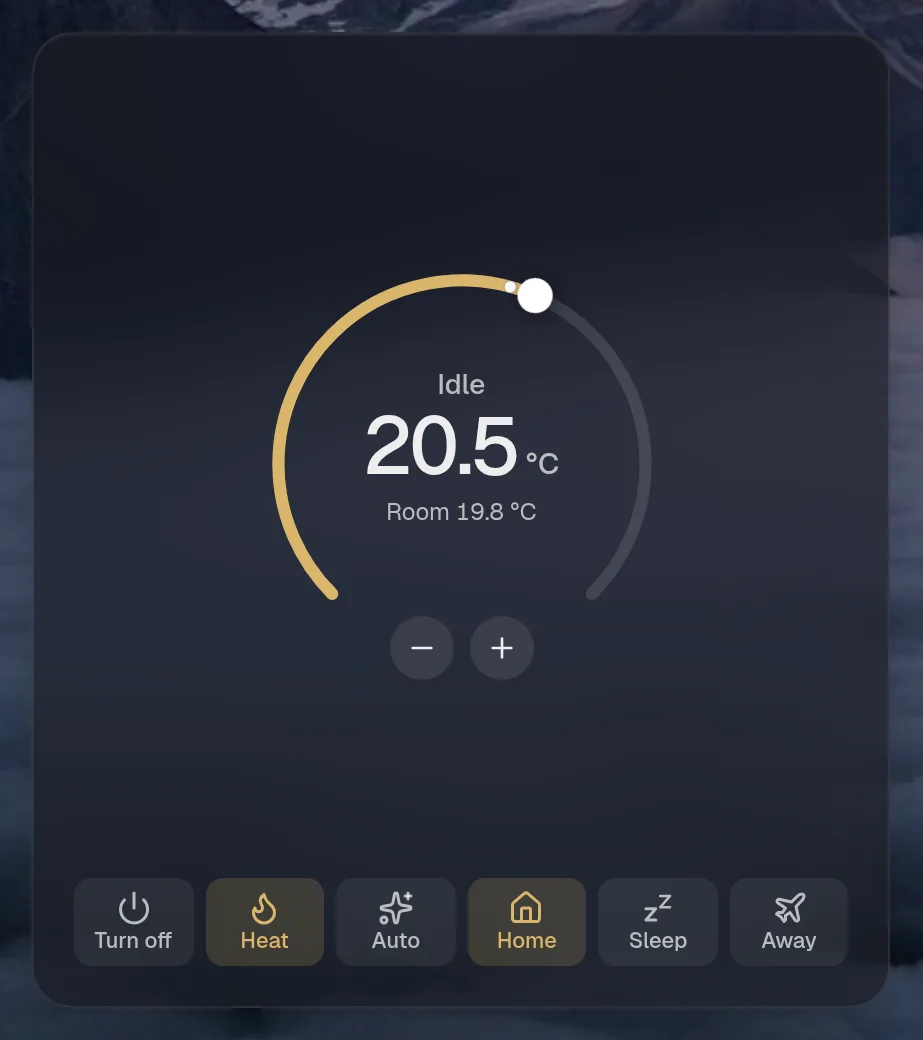
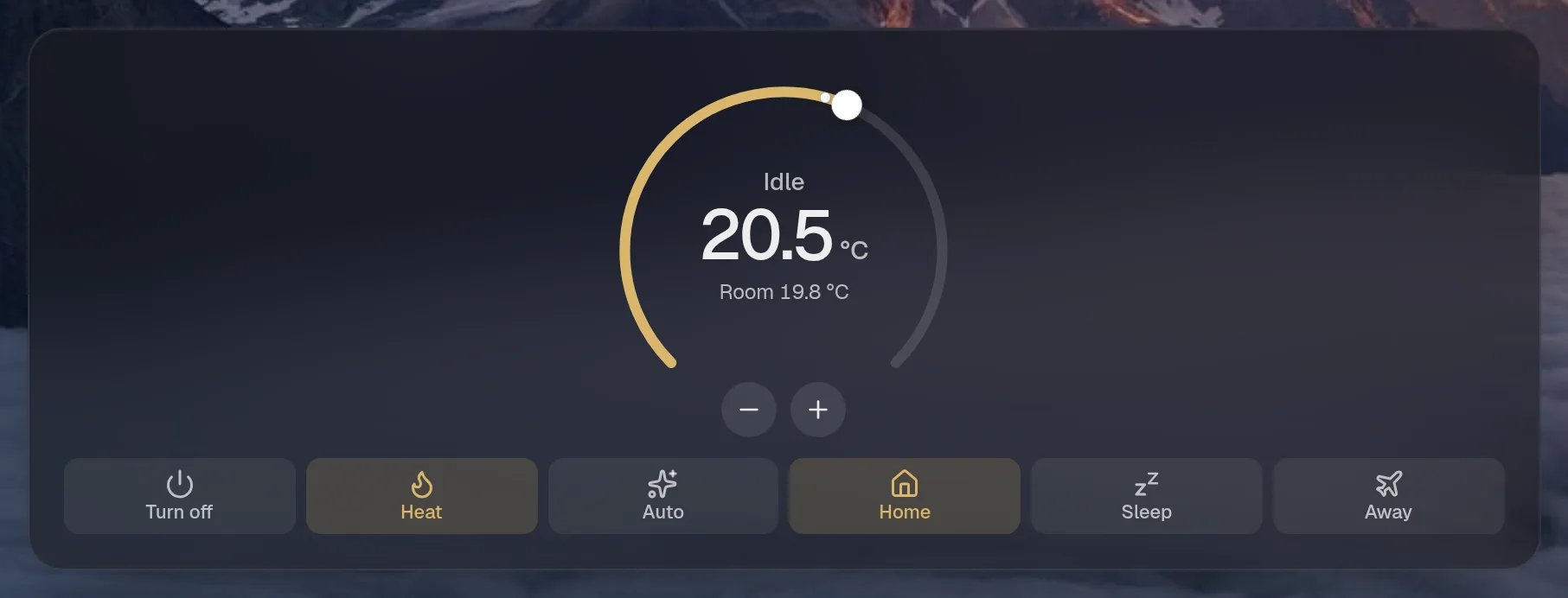
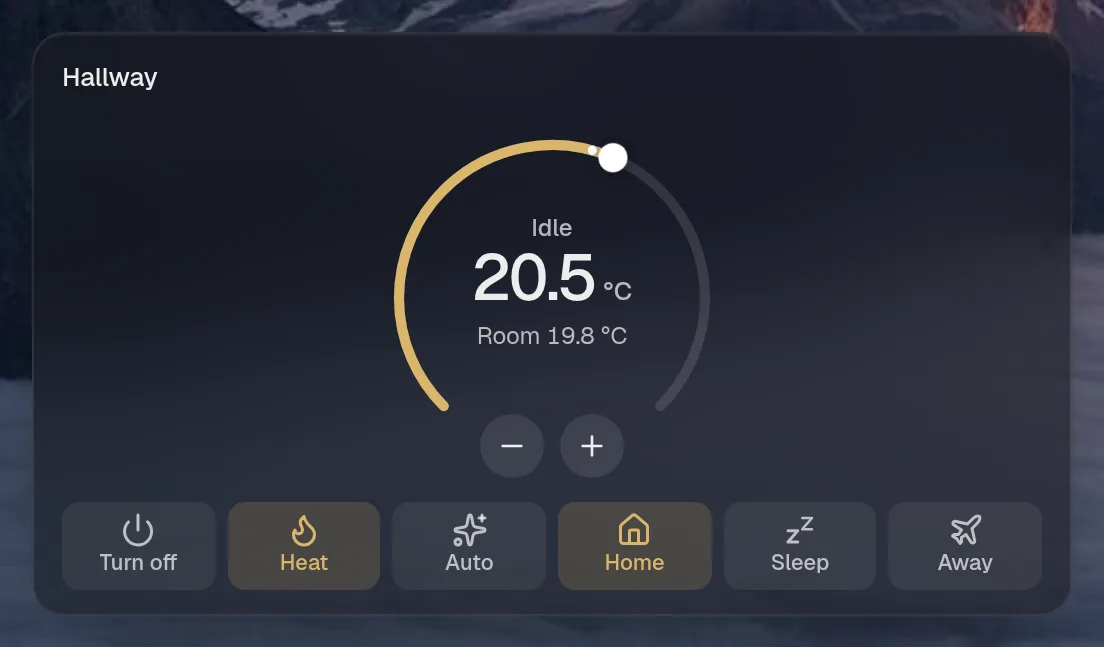
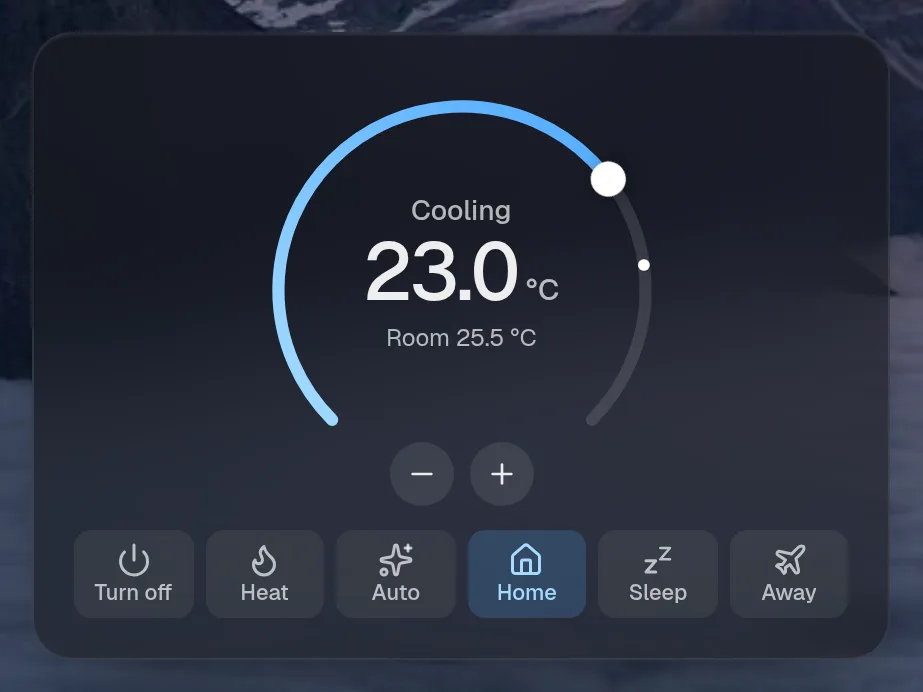
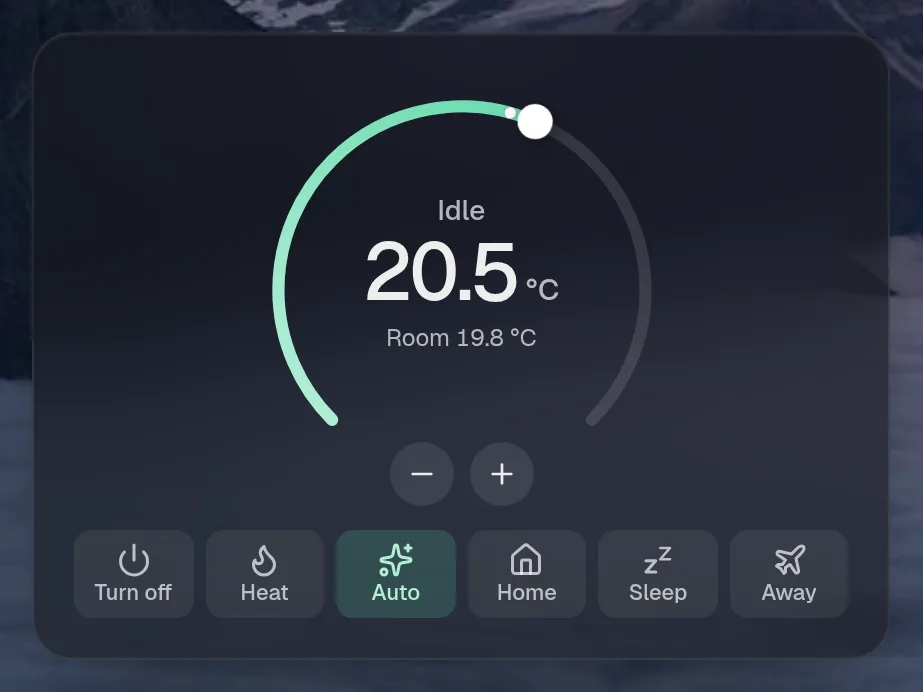
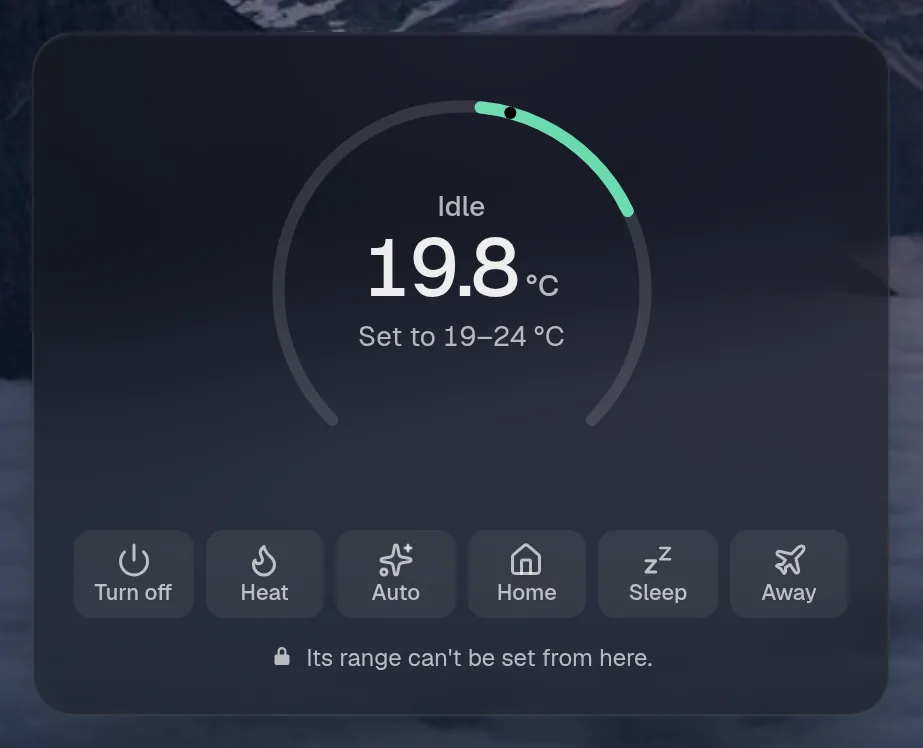
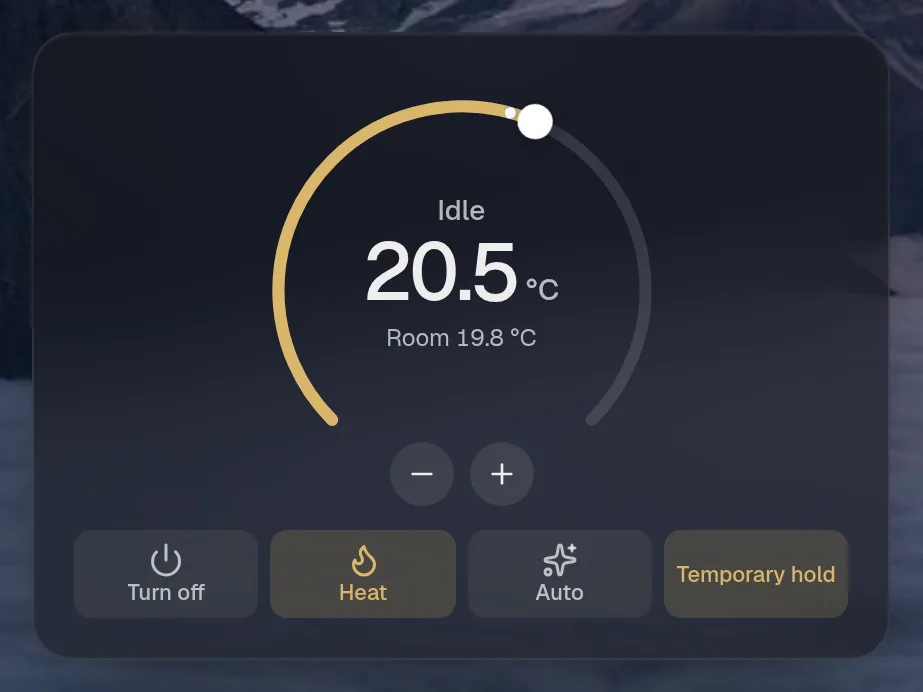
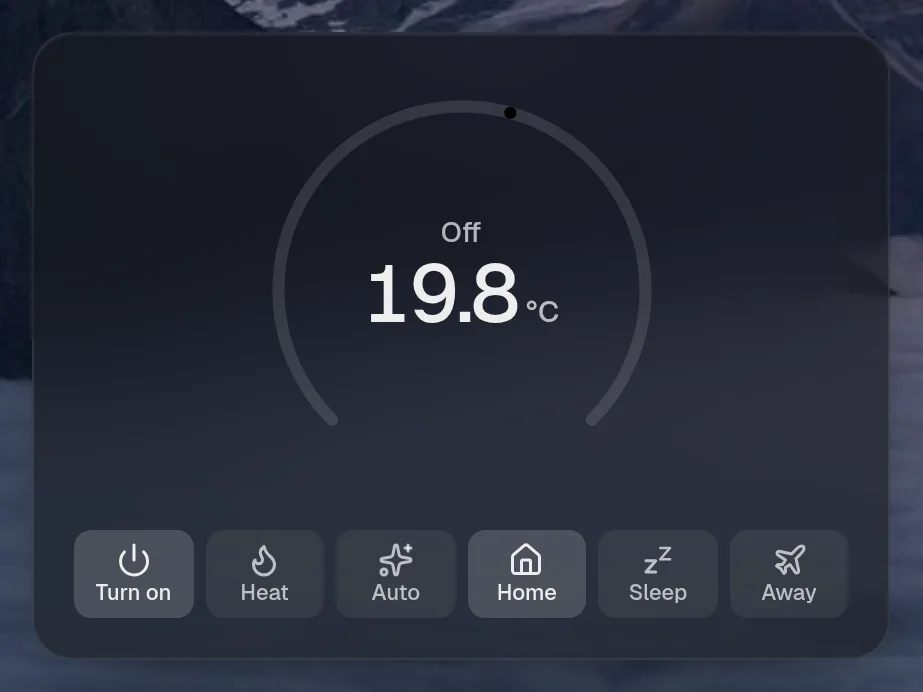
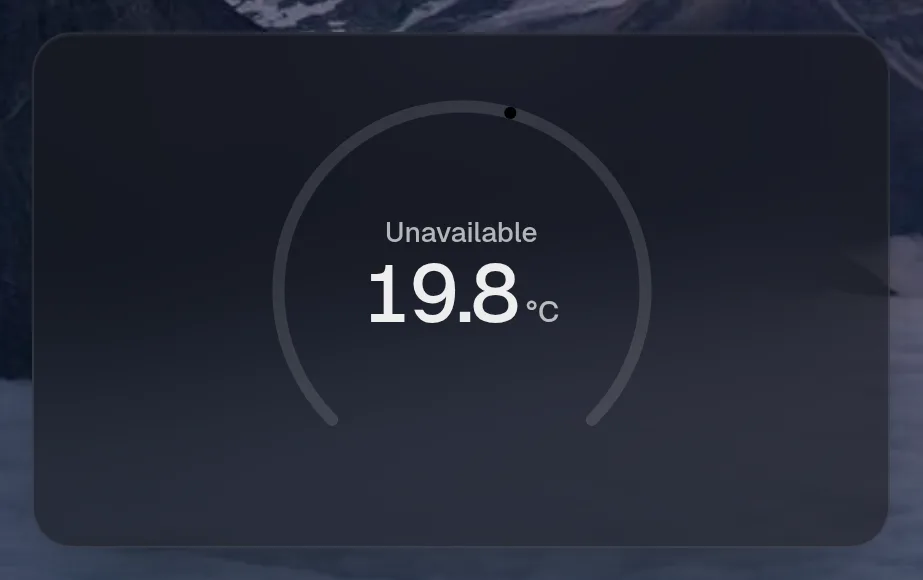
thermostats | map of object | {} | Each entry becomes a thermostat dial: { entity, title, modes, unit }. |
floorplans | map of object | {} | Each entry becomes a 3D floor plan from a robot vacuum’s map: { title, map, vacuum, rooms, hide, rotate, flip, view }. |
Widgets
Section titled “Widgets”5 widgets. Each key starts with your instance name, here homeassistant.
Lights
Section titled “Lights”homeassistant.lights · controls card · refreshes every 5 seconds while the page is open.
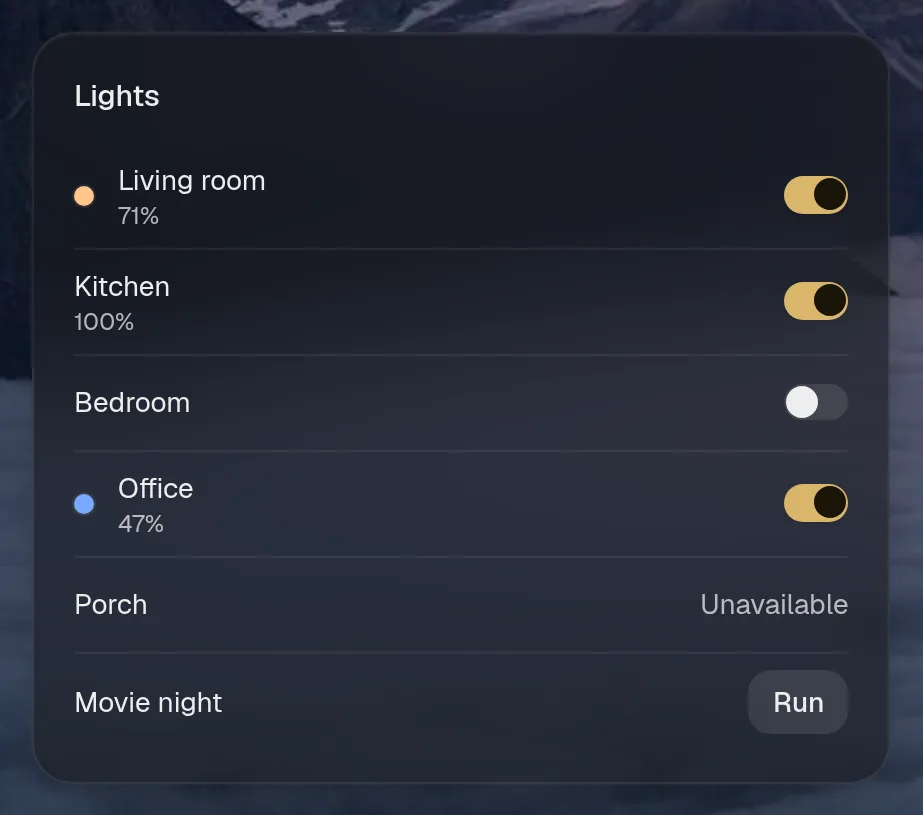
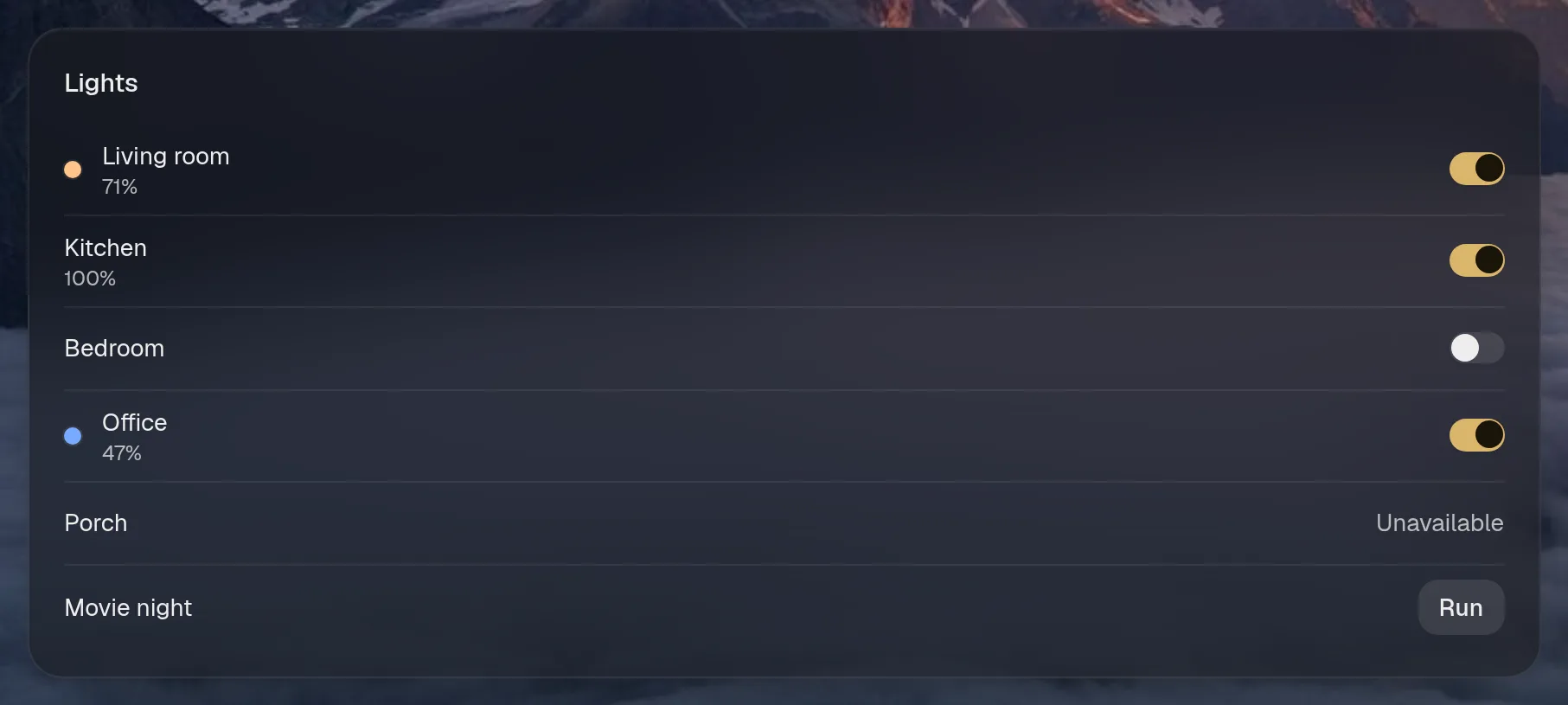
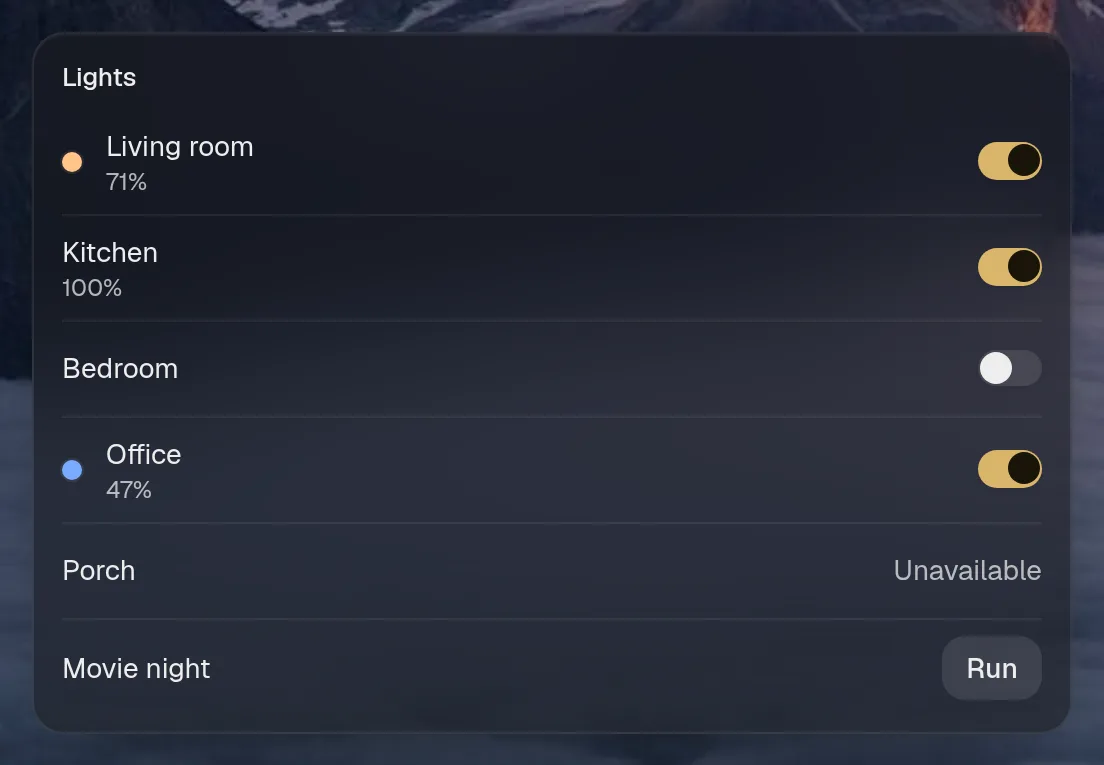
Small draws the same as medium. Wide draws the same as medium. Tall draws the same as medium, so they aren't shown. Only the empty space changes.
States
Section titled “States”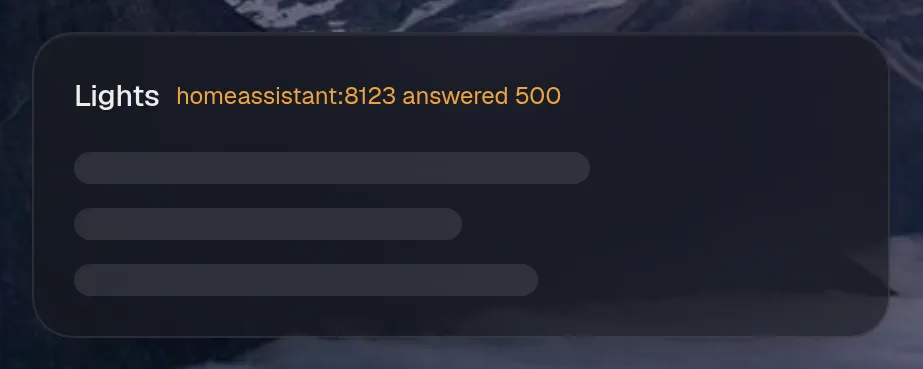
homeassistant.house · controls card · refreshes every 5 seconds while the page is open.
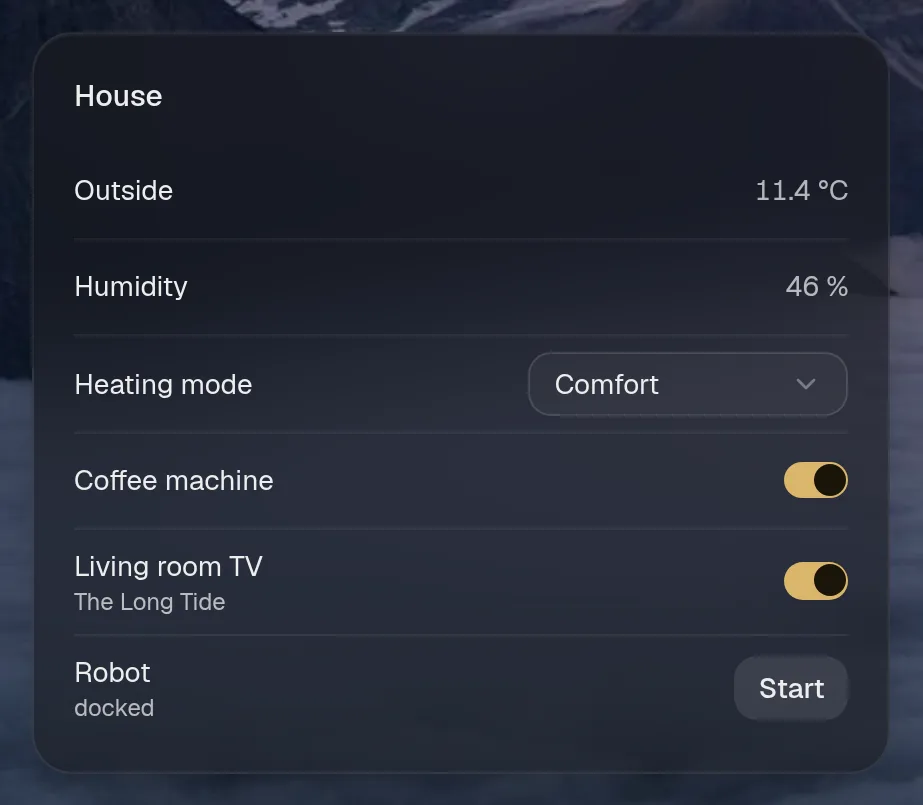
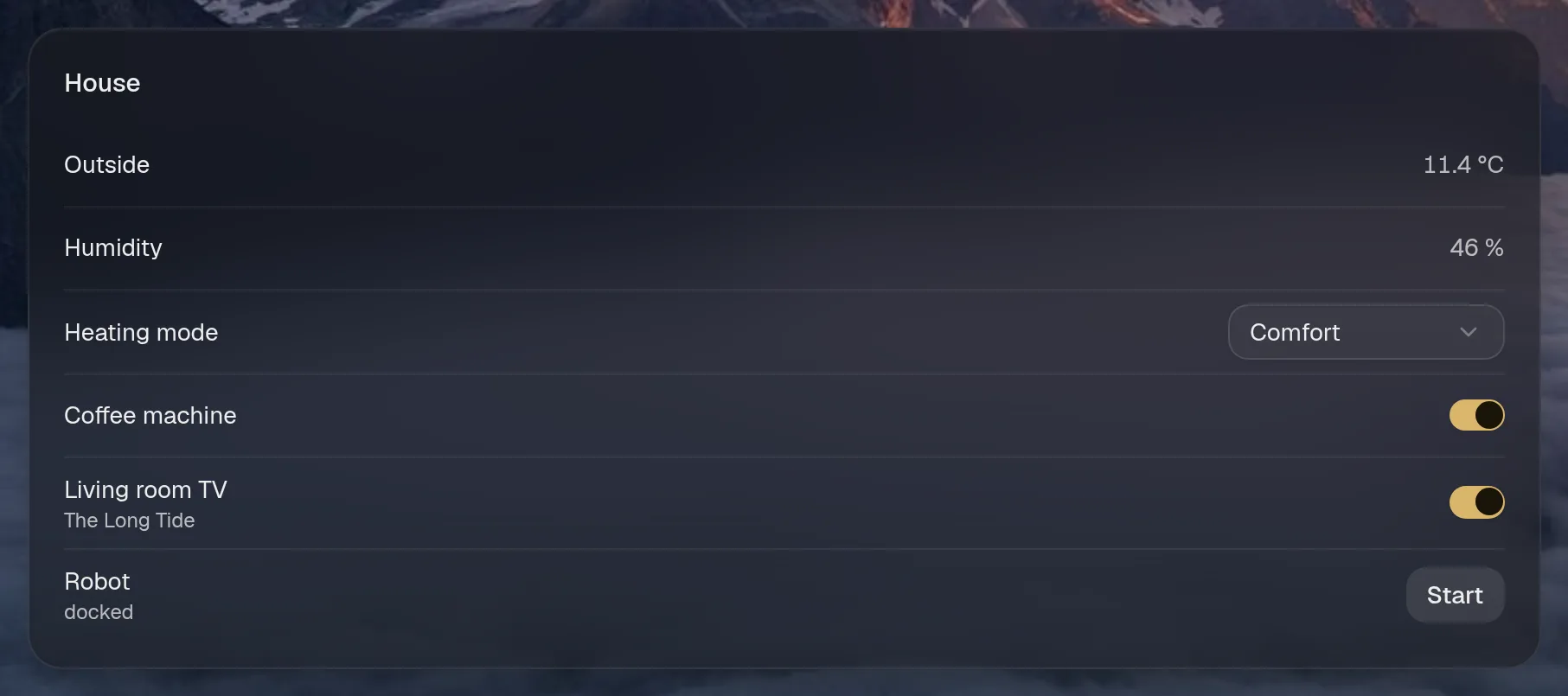
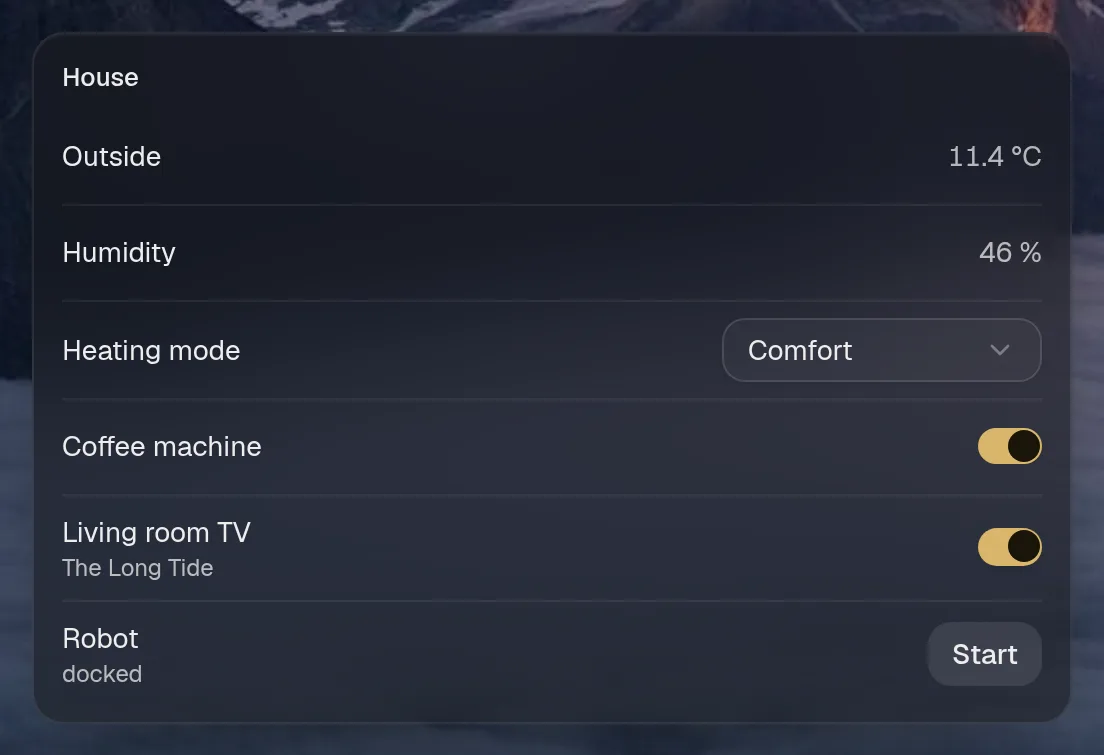
Small draws the same as medium. Wide draws the same as medium. Tall draws the same as medium, so they aren't shown. Only the empty space changes.
States
Section titled “States”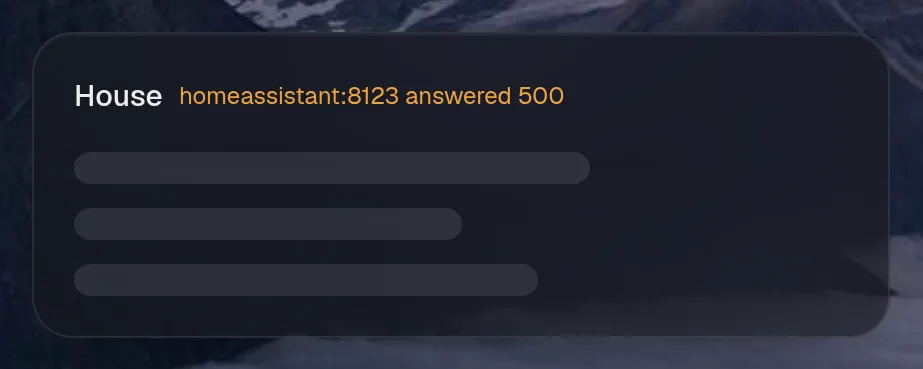
Bus times
Section titled “Bus times”homeassistant.buses · schedule card · refreshes every minute while the page is open.


States
Section titled “States”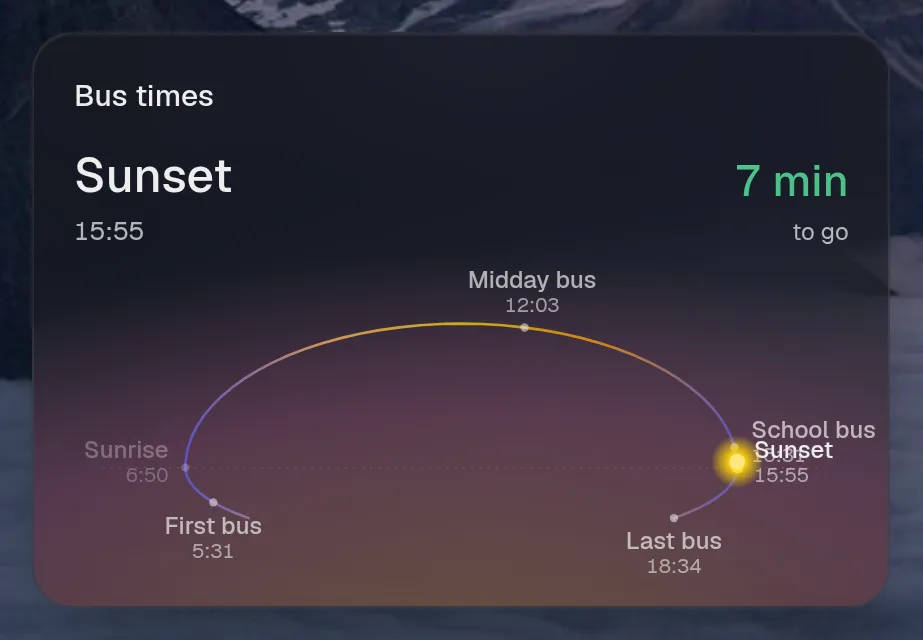
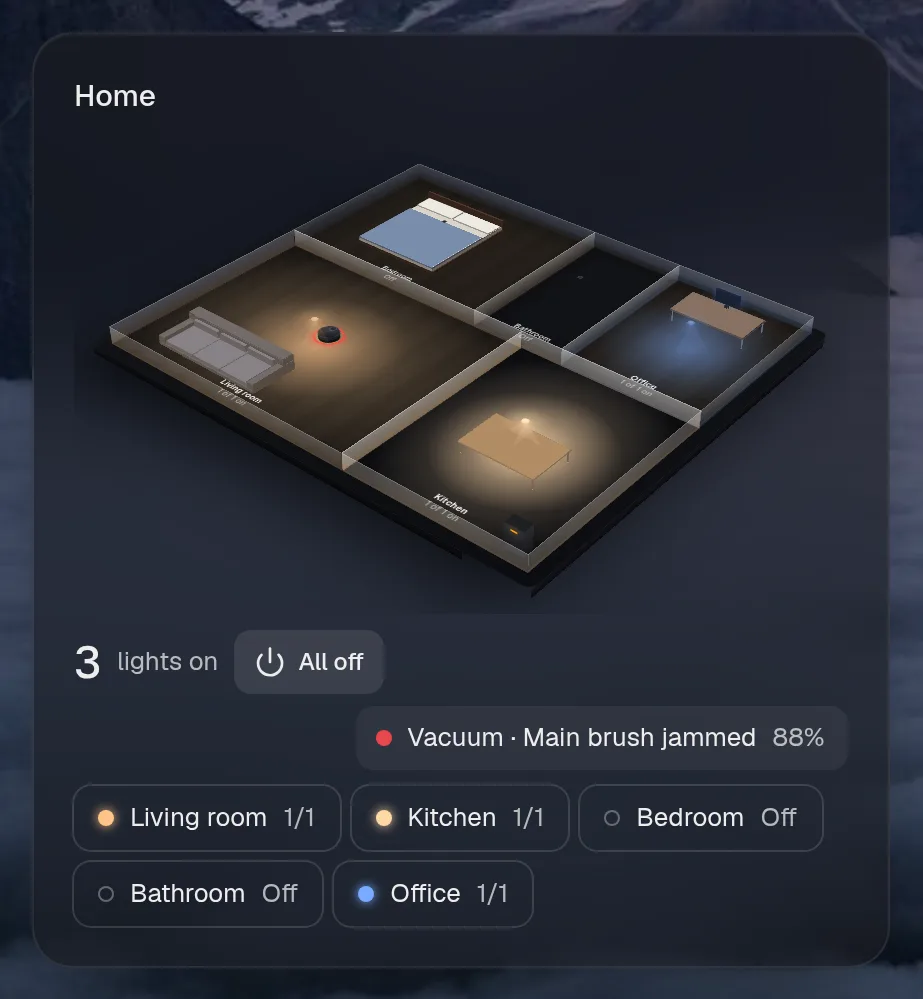
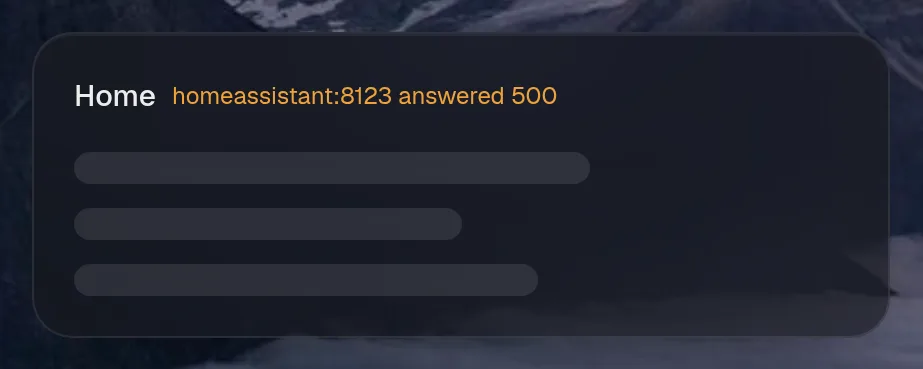
homeassistant.flat · showcase card · refreshes every 5 seconds while the page is open.
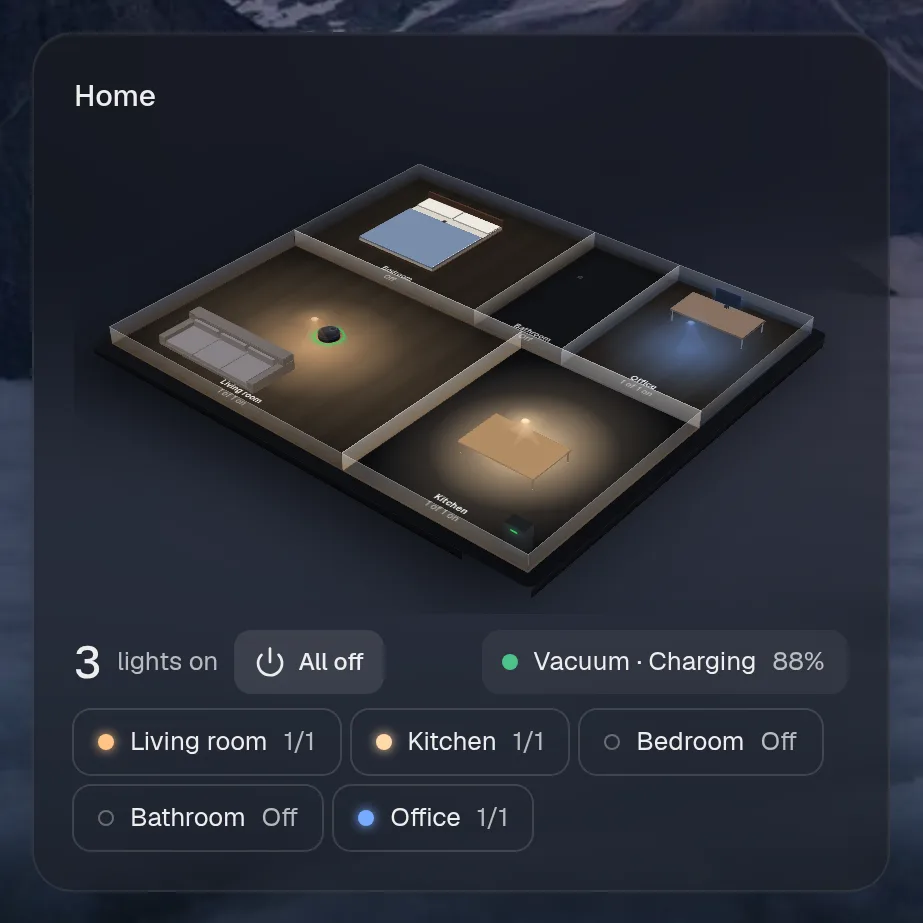
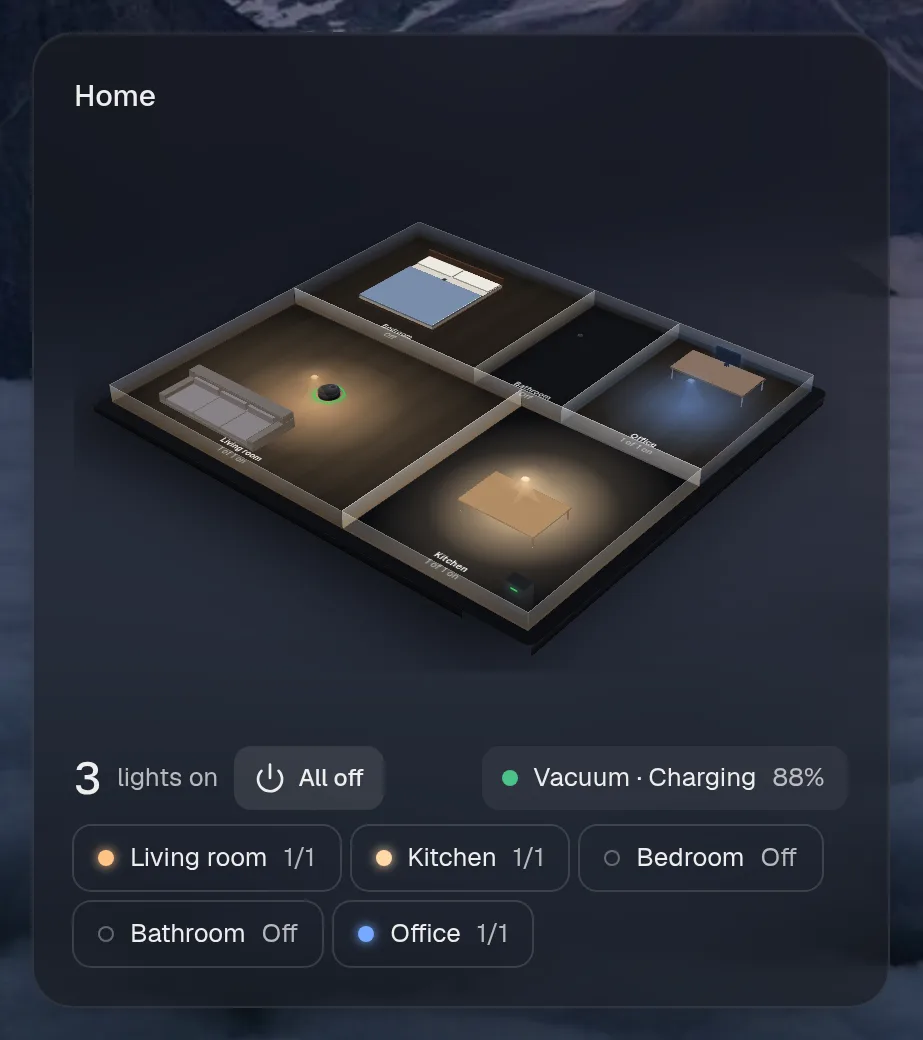
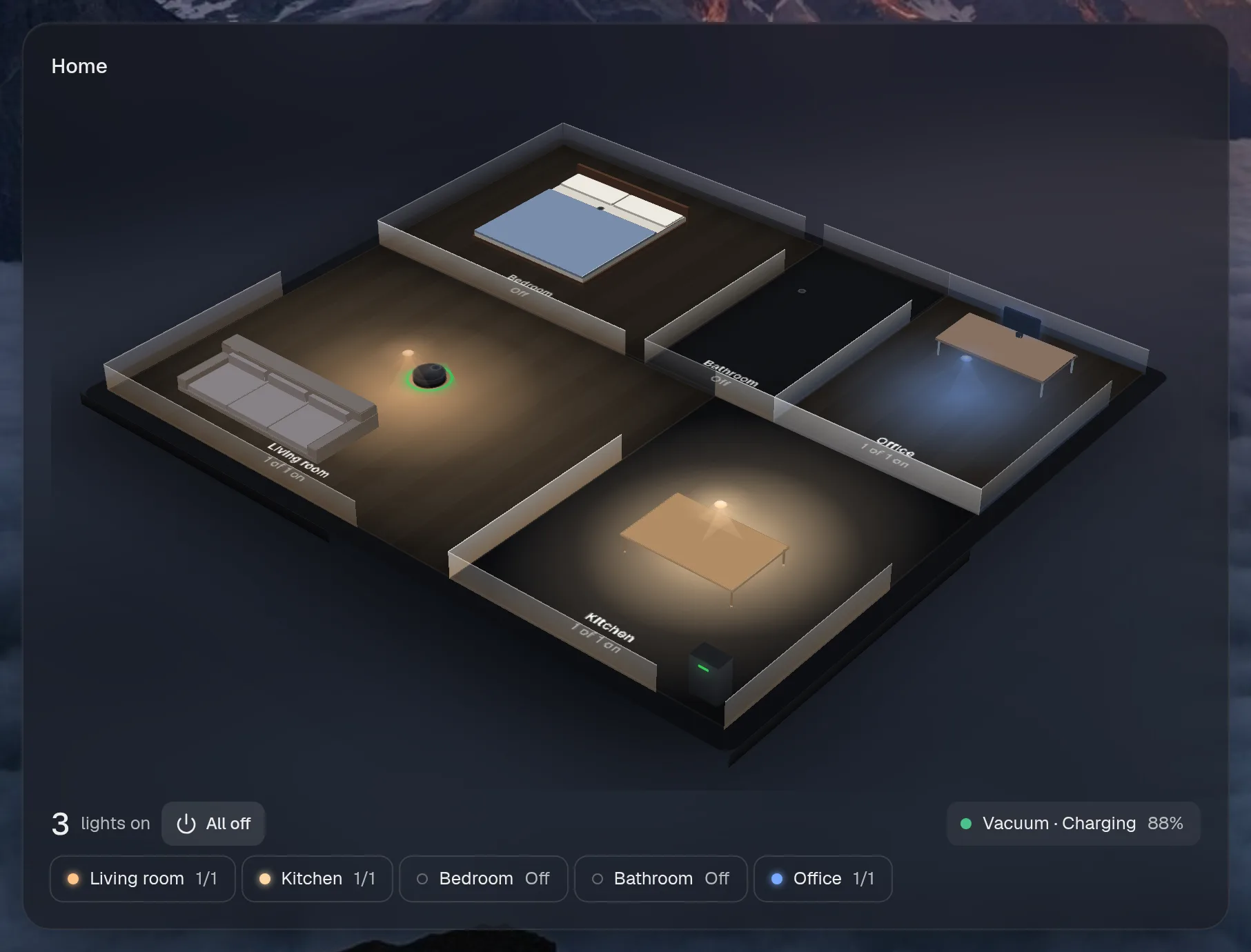
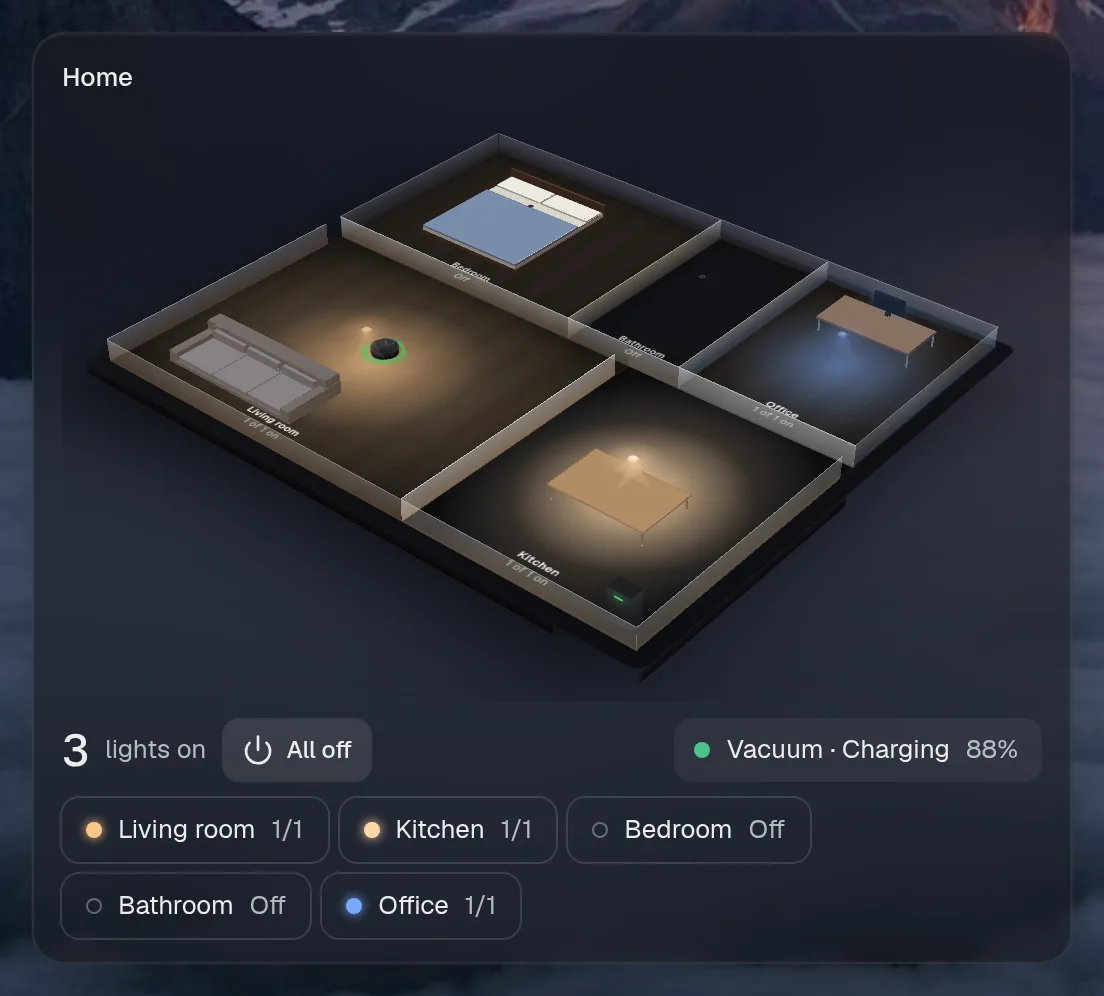
Small draws the same as medium. Wide draws the same as medium, so they aren't shown. Only the empty space changes.
States
Section titled “States”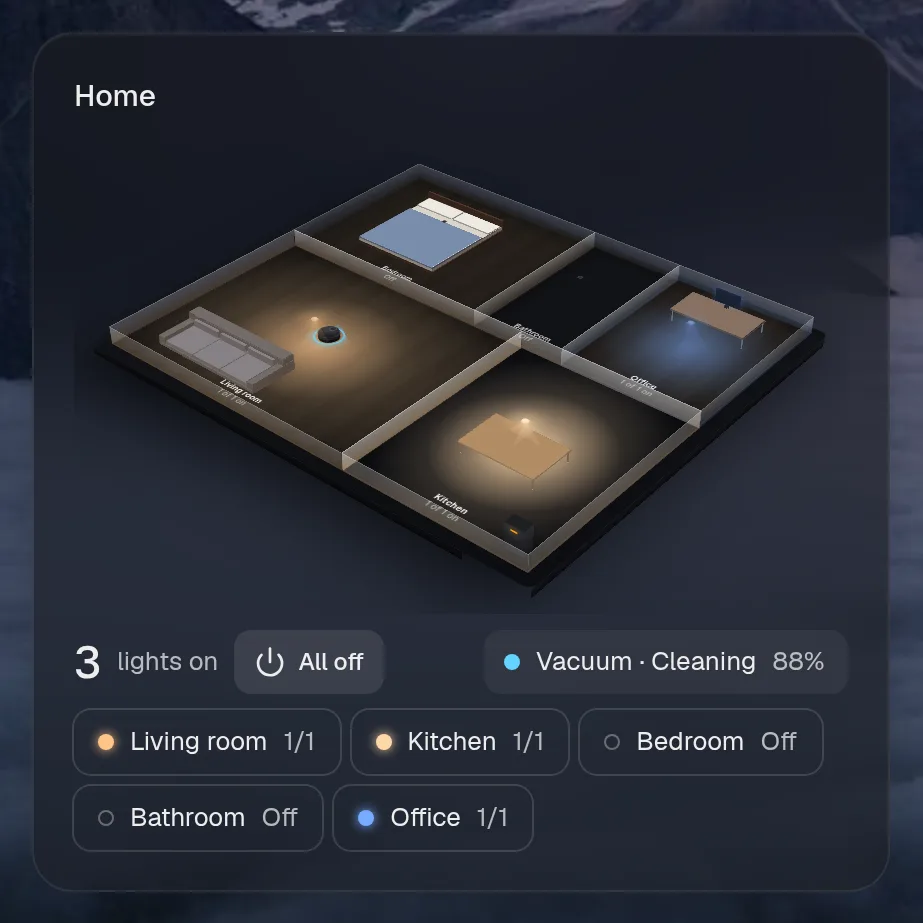
Hallway
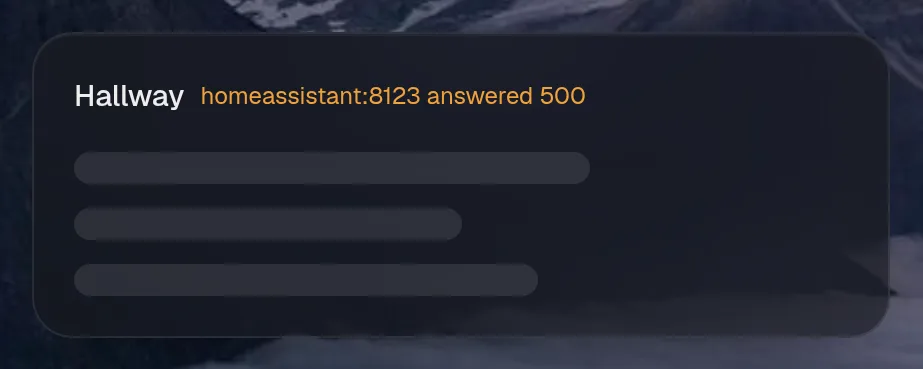
Section titled “Hallway”homeassistant.hallway · thermostat card · refreshes every 10 seconds while the page is open.
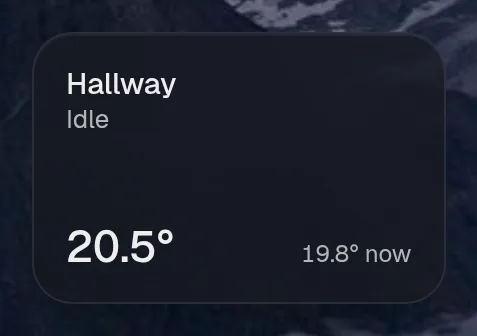
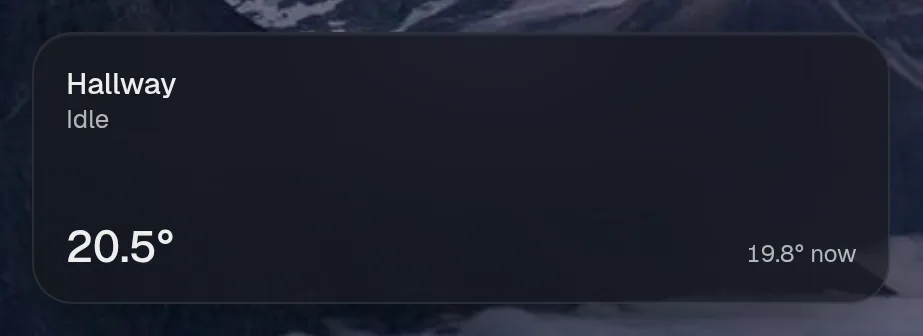
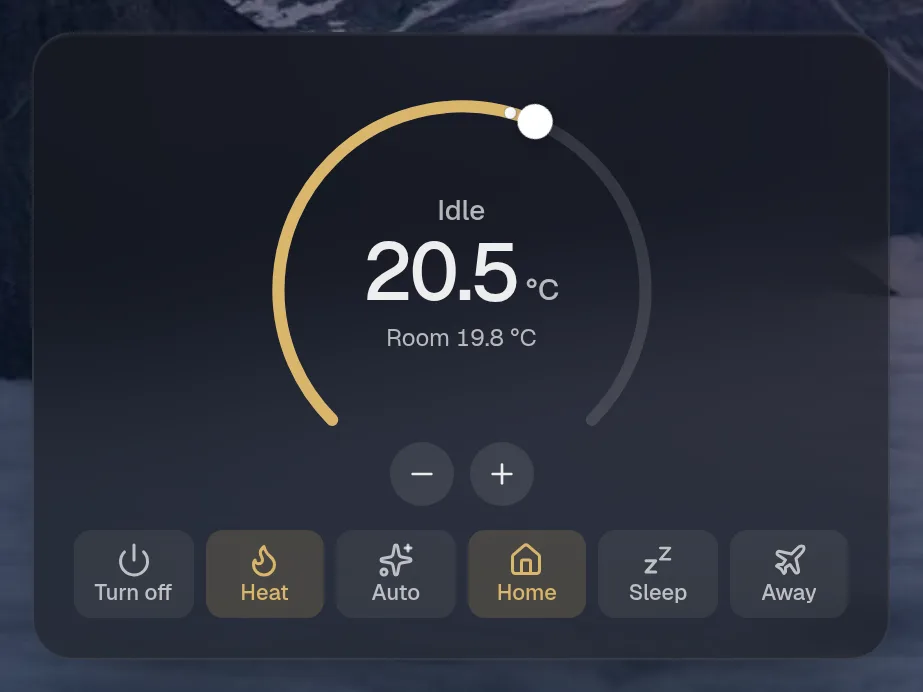
States
Section titled “States”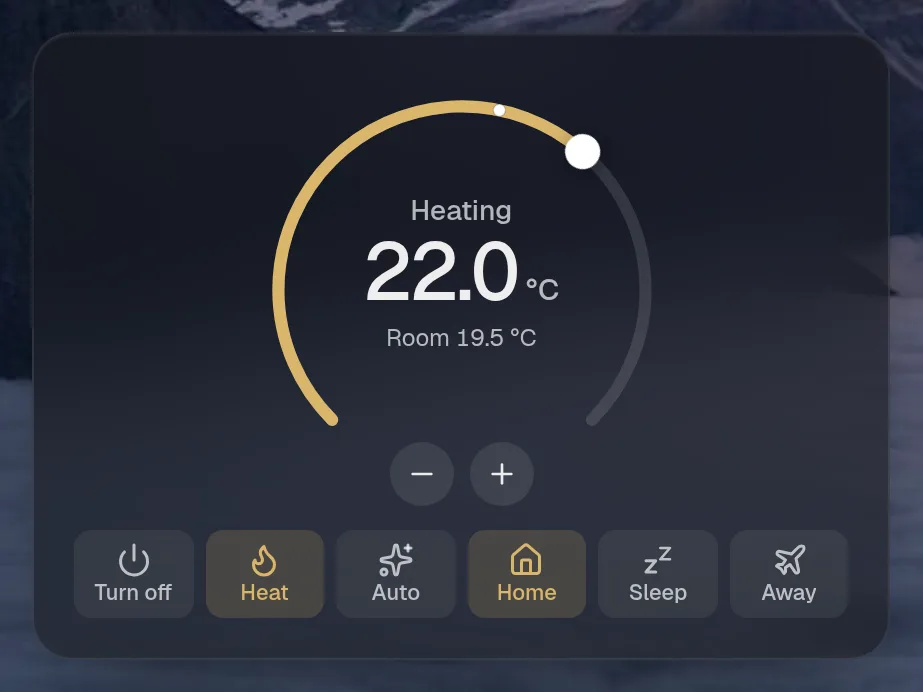
Assistant tools
Section titled “Assistant tools”What the assistant can use, once its access level allows it. Read tools run freely. Everything else asks first.
| Tool | Access | What it does |
|---|---|---|
home_find | read | Search Home Assistant entities (lights, switches, sensors, media players, scenes…) by name, area word or domain. |
home_climate | control | Set a thermostat (a climate entity marked controllable by home_find): a target temperature in the unit Home Assistant uses, an HVAC mode (off, heat, cool, auto…) or a preset (home, sleep, away…). |
home_control | control | Control a Home Assistant entity: turn_on / turn_off / toggle (optionally brightness 0-100 and rgb colour for lights), or run a scene/script, or start/return_to_base a vacuum. |
Actions
Section titled “Actions”What the page’s own buttons and controls can do. They need a signed-in person or a trusted network.
| Action | What it does |
|---|---|
set | Turn an entity on or off |
choose | Pick an option of a select entity |
press | Run a scene/script, press a button, start/dock a vacuum |
light | Turn lights on/off, set brightness (0-100), colour (rgb) or warmth (kelvin) |
climate | Set a thermostat: target temperature, HVAC mode or preset |
vacuum | Robot vacuum: start, pause, dock, locate, clean some rooms, or set suction |