Seerr
Seerr, Overseerr and Jellyseerr take media requests. This shows what’s been requested and how far along it is, and lets the assistant search and, after asking, request.
Set it up
Section titled “Set it up”integrations: seerr: type: seerr url: http://seerr:5055 apiKey: ${SEERR_APIKEY} href: https://requests.example.com downloads: https://home.example.com/#media
layout: - title: Media widgets: - seerr.requests| Option | Type | Default | What it does |
|---|---|---|---|
url | URL | required | Where the service answers, from Valet’s side. |
apiKey | string | required | Its API key. Use ${VAR}. |
href | string | optional | Where the card links to, when that differs from url. |
downloads | string | optional | where download progress lives; without it, Seerr’s own page for the title |
Widgets
Section titled “Widgets”One widget. Its key is seerr.requests, using the instance name from your config.
Requests
Section titled “Requests”seerr.requests · shelf card · refreshes every 5 minutes while the page is open.
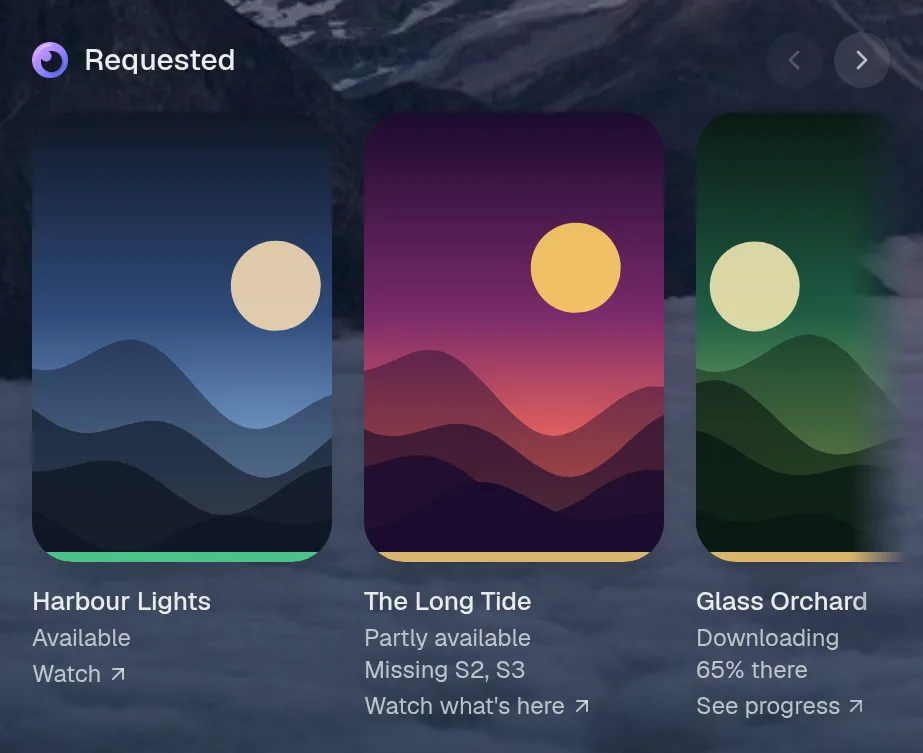
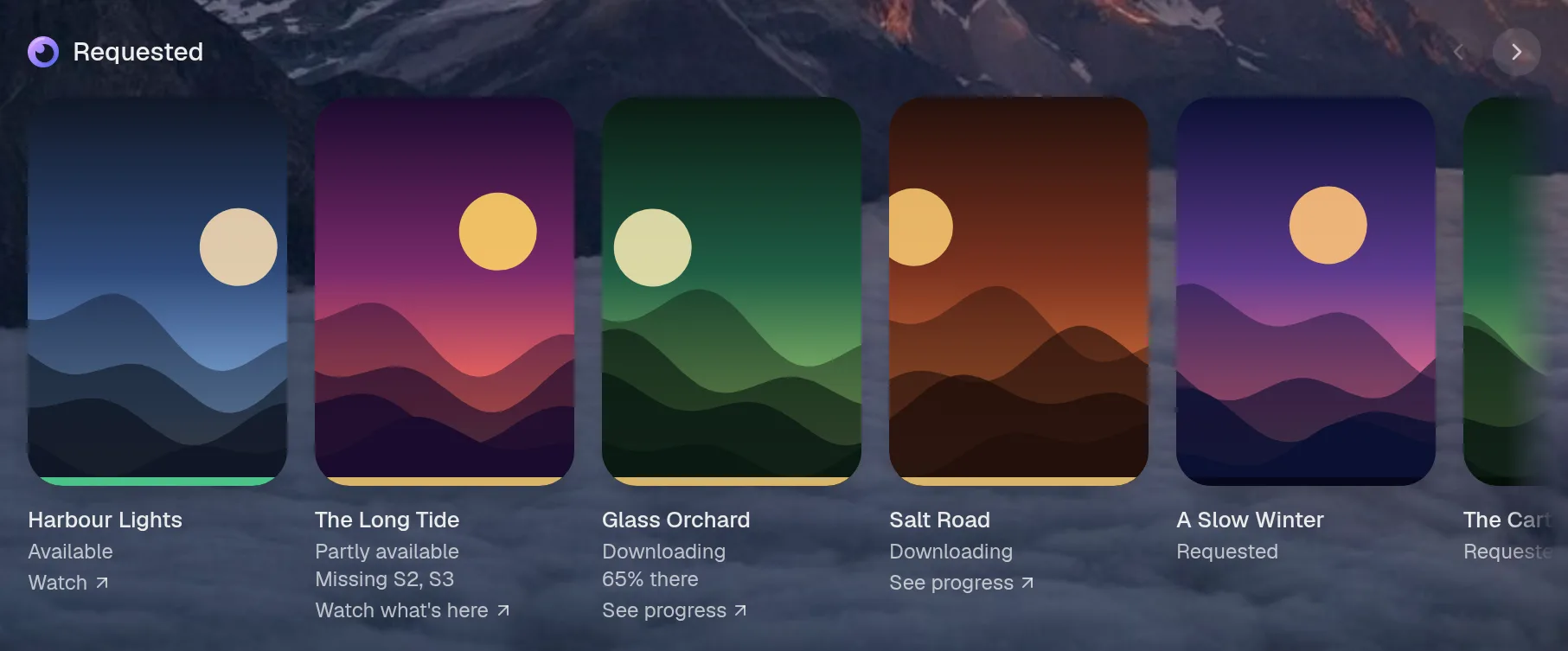
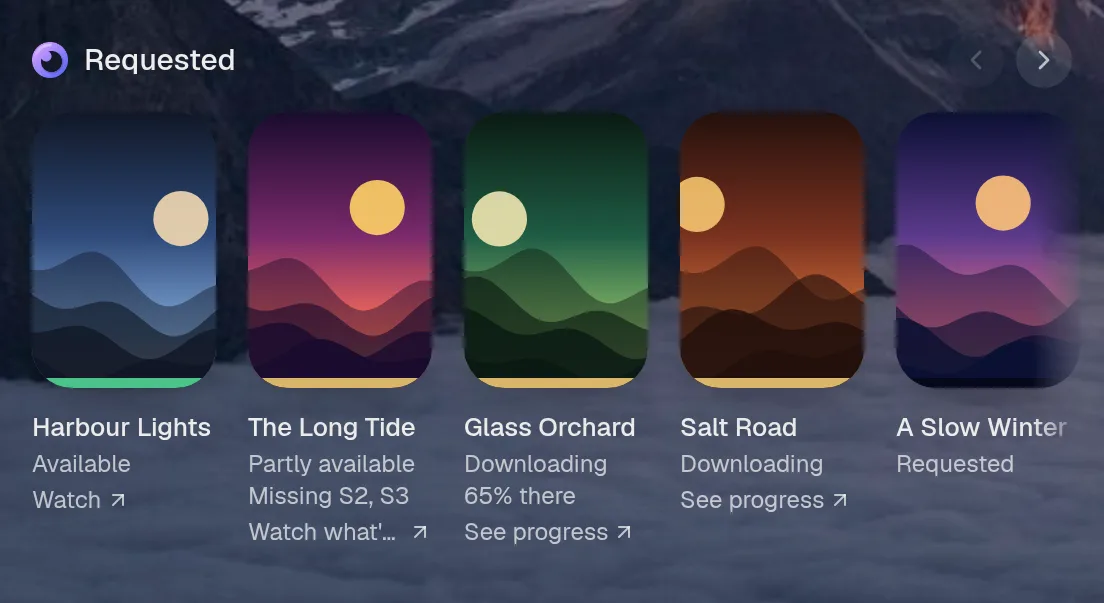
Small draws the same as medium. Wide draws the same as medium. Tall draws the same as medium, so they aren't shown. Only the empty space changes.
States
Section titled “States”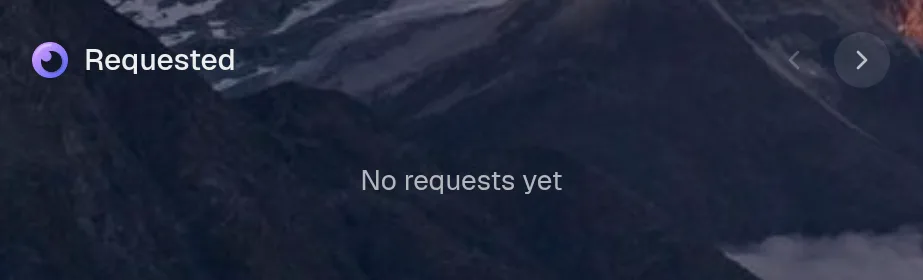
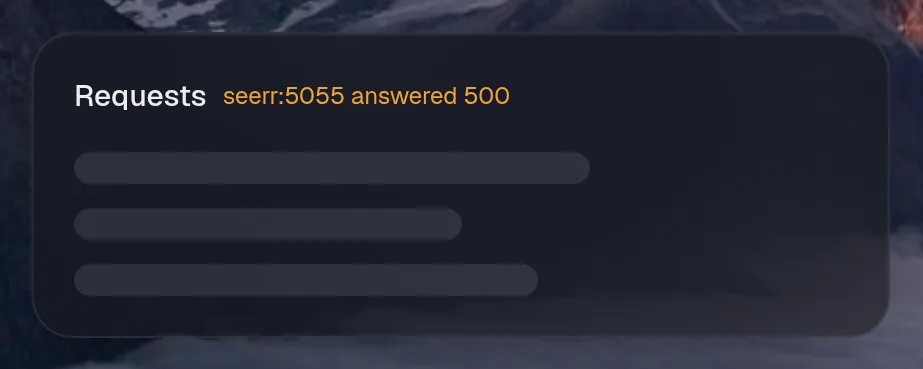
Assistant tools
Section titled “Assistant tools”What the assistant can use, once its access level allows it. Read tools run freely. Everything else asks first.
| Tool | Access | What it does |
|---|---|---|
media_search | read | Search movies and TV shows to watch or request (via Seerr/TMDB). |
media_request | control | Request a movie or a whole TV show so it downloads into Plex. |
media_requests | read | Recent movie and TV requests and where each one is (waiting, approved, downloading, available). |
Year in review
Section titled “Year in review”Slides this integration adds to the recap.