
Add a service
Here’s Pi-hole from start to finish. Every integration works the same way.
1. Find its page
Section titled “1. Find its page”Each integration page lists its options and widgets. Pi-hole’s says it takes url and password, and has one widget, stats.
2. Put the secret in .env
Section titled “2. Put the secret in .env”PIHOLE_PASSWORD=an-app-passwordThe container reads .env when it’s created, so a new variable needs one more step:
docker compose up -dCompose recreates the container if the environment changed.
3. Add the integration
Section titled “3. Add the integration”integrations: dns: # any name you like type: pihole url: http://pihole # as Valet reaches it, not as your browser does password: ${PIHOLE_PASSWORD}url is an address from inside the Valet container. Use the Docker service name if they share a network. Most integrations also take href, which is where the card links to in your browser, when the two differ.
Names are letters, numbers, - and _. valet, pins and config are taken.
A self-signed certificate? Add insecure: true to that service. It applies to that service only.
4. Put its widget on the page
Section titled “4. Put its widget on the page”layout: - title: Network widgets: - dns.statsSave. The card appears.
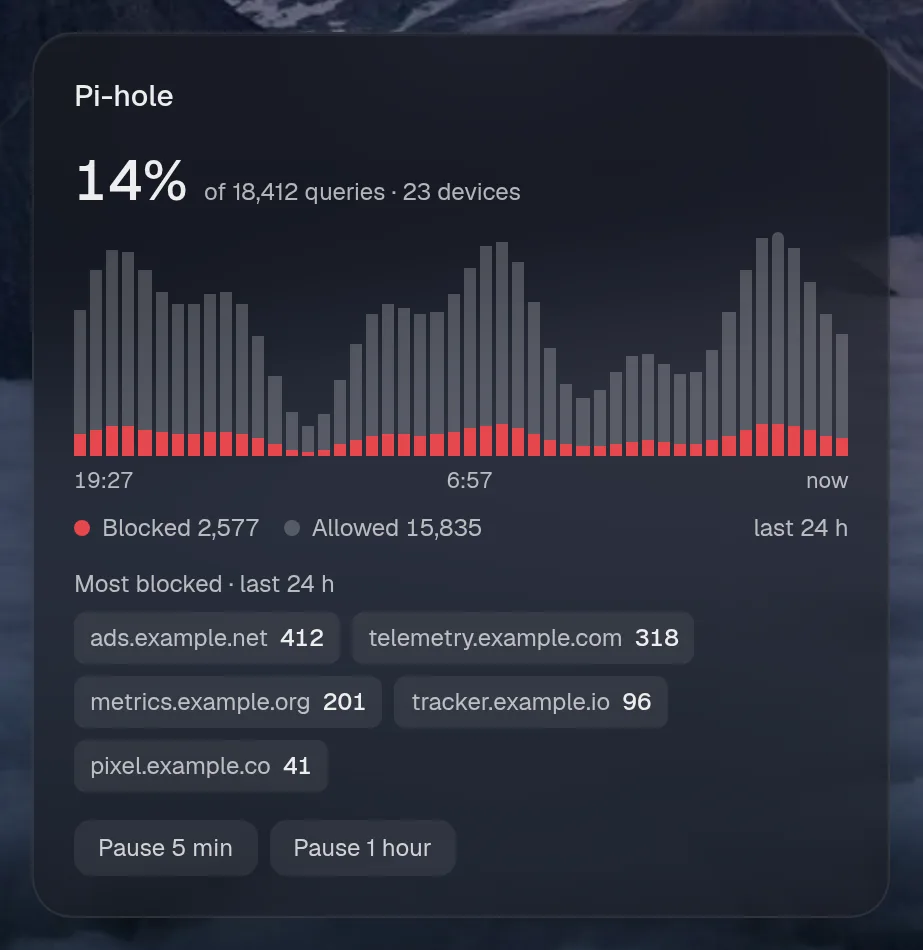
5. Choose how it’s shown
Section titled “5. Choose how it’s shown”Give a widget a size, or use its headline as a ring in the top bar.
menubar: [dns.stats]
layout:  - title: Network    widgets:      - { widget: dns.stats, size: large }
See sizes and sections and layout.
When it doesn’t work
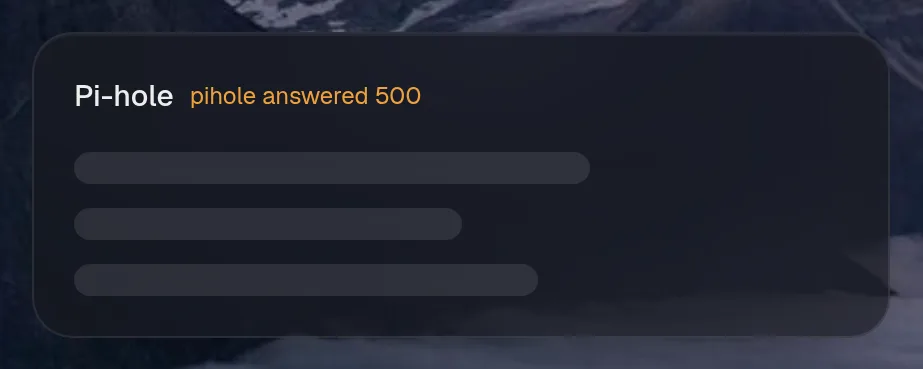
Section titled “When it doesn’t work”A widget that can’t reach its service says so, in the card.
- Run
config checkfor mistakes in the file. - Read the log:
docker logs valet. It lists problems at startup. npm run test:live, from a source checkout, tests every widget in your config against your real services.sign-in refusedusually means the wrong key, or a key with too little access.didn't send JSON: is the url right?usually means the URL is a login page or the wrong port.
If there’s no integration for it
Section titled “If there’s no integration for it”httpgives you up or down for anything with a web page.apiturns a JSON API into a card from YAML.iframeputs a page inside a card.service()is about ten lines of TypeScript. Plugins load from one file indata/integrations/.
Let the assistant use it
Section titled “Let the assistant use it”If you have an assistant, a new integration gets the default level from assistant.access, which is read unless you change it. See access levels.
assistant: model: qwen3:8b access: { default: read, dns: control } # by the name you chose, not the type