PC lighting
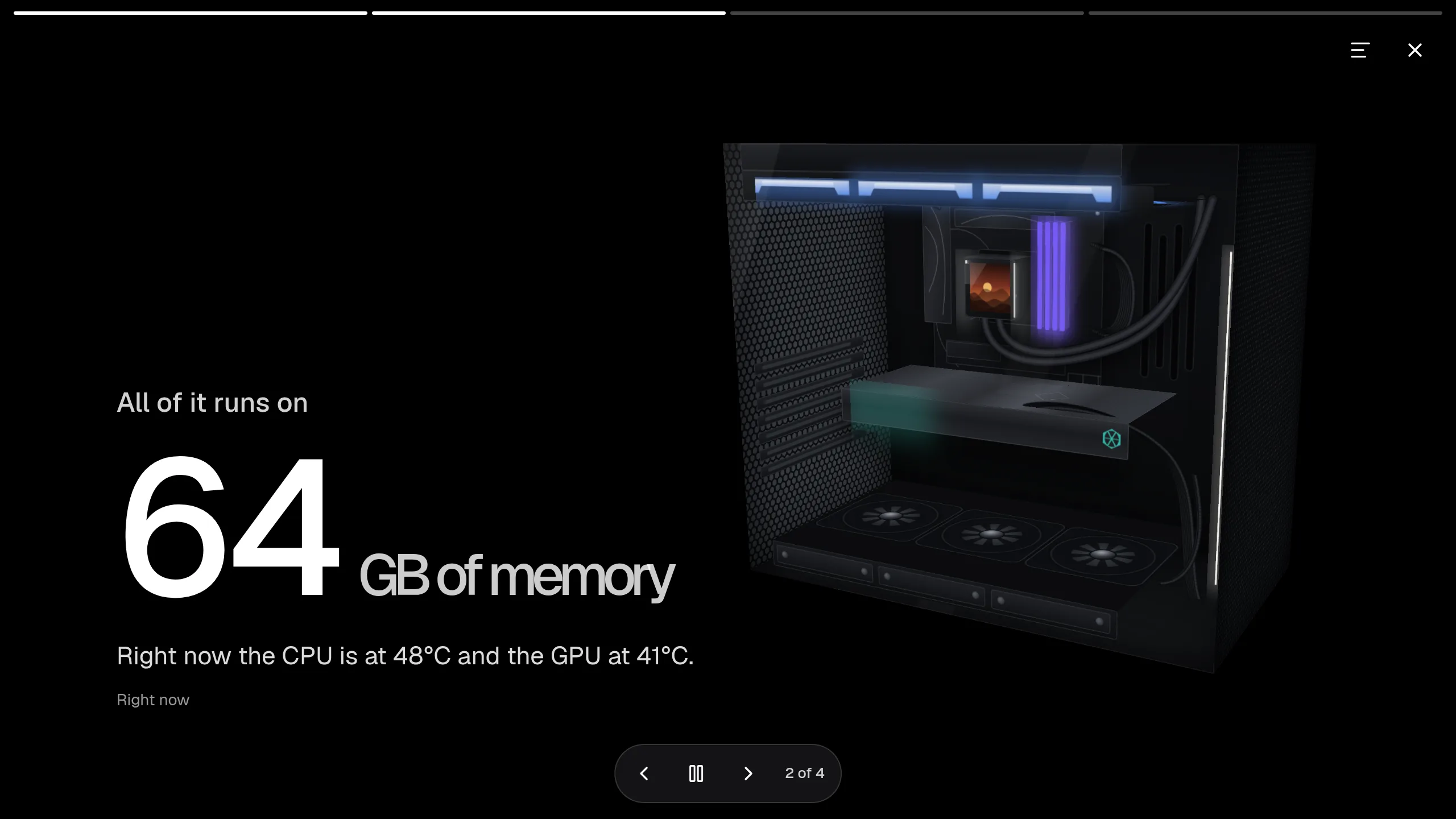
Controls PC lighting through a small companion service. This shows a 3D model of your PC with its parts, temperatures and lighting, and lets you or the assistant change it.
Set it up
Section titled “Set it up”integrations: rgb-control: type: rgb-control url: http://desktop.example:8098 build: radiatorFans: 3 floorFans: 3 cooler: aio ram: 4
layout: - title: Home widgets: - rgb-control.pc| Option | Type | Default | What it does |
|---|---|---|---|
url | URL | required | host:8098 |
href | string | optional | where the card links to |
interval | number | 10000 | Milliseconds between refreshes. |
presets | boolean | true | show the lighting presets when no part is selected |
build | object | {} | What’s in the case, so the model looks like your PC. All optional. |
build.radiatorFans | whole number | optional | Fans on the radiator, 0 to 3. Range 0 to 3. |
build.floorFans | whole number | optional | Fans in the floor, 0 to 3. Range 0 to 3. |
build.cooler | aio, air | optional | The kind of cooler. |
build.ram | whole number | optional | Memory sticks, 0 to 4. Range 0 to 4. |
build.ramLabel | string | optional | The label on the memory. |
build.board | object | optional | The motherboard. |
build.board.label | string | optional | Its label. |
build.board.plate | string | optional | Its plate colour. |
build.board.accent | string | optional | Its accent colour. |
build.gpu | object or null | optional | The graphics card, or null for none. |
build.gpu.label | string | optional | Its label. |
build.gpu.badge | string | optional | The badge on it. |
build.strip | boolean | optional | Whether there’s a light strip. |
controls | boolean | true | allow changing lights from the card (false: look, don’t touch) |
view | object | {"turn":-27,"tilt":-18,"draggable":true} | the model’s starting angle; drag to look around |
view.turn | number | -27 | degrees left/right |
view.tilt | number | -18 | degrees up/down (negative looks down) |
view.draggable | boolean | true | Whether you can drag to look around. |
Widgets
Section titled “Widgets”One widget. Its key is rgb-control.pc, using the instance name from your config.
Desktop
Section titled “Desktop”rgb-control.pc · showcase card · refreshes every 10 seconds while the page is open.
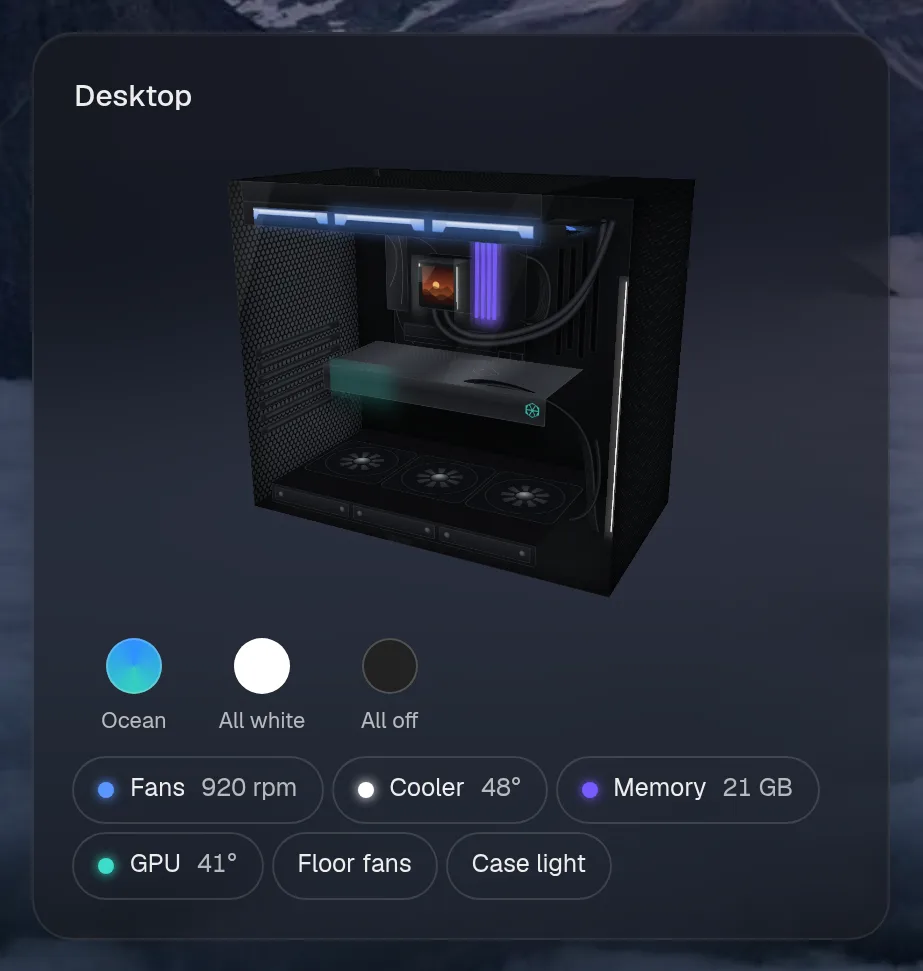
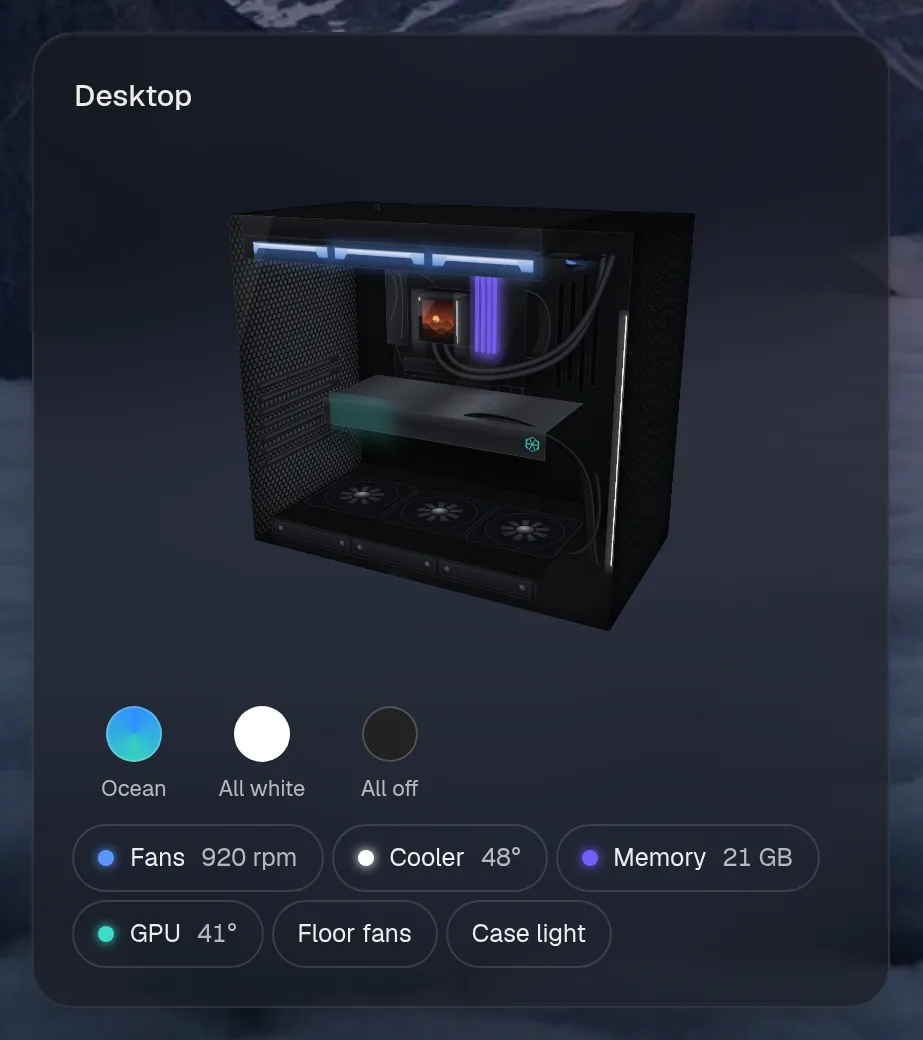
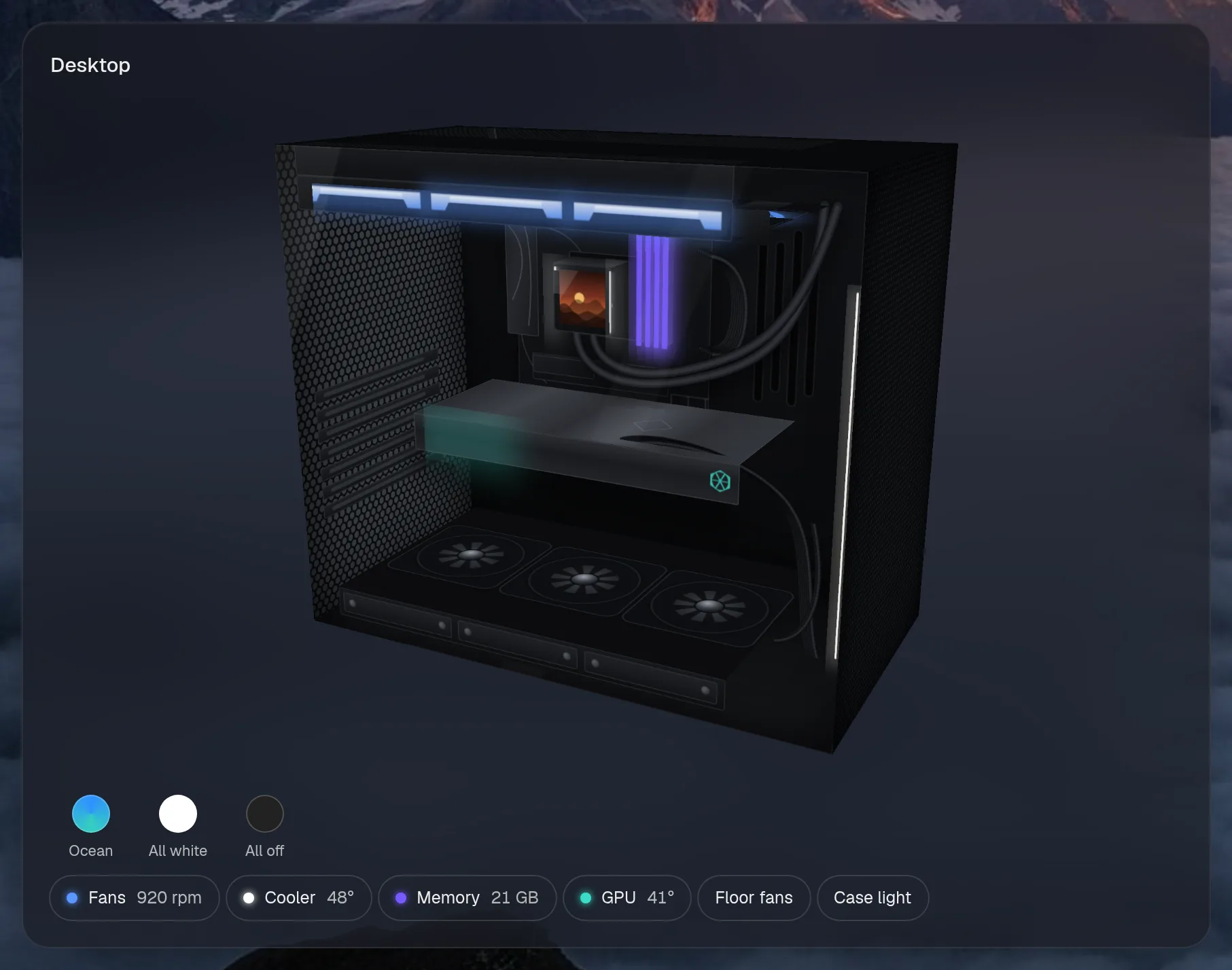
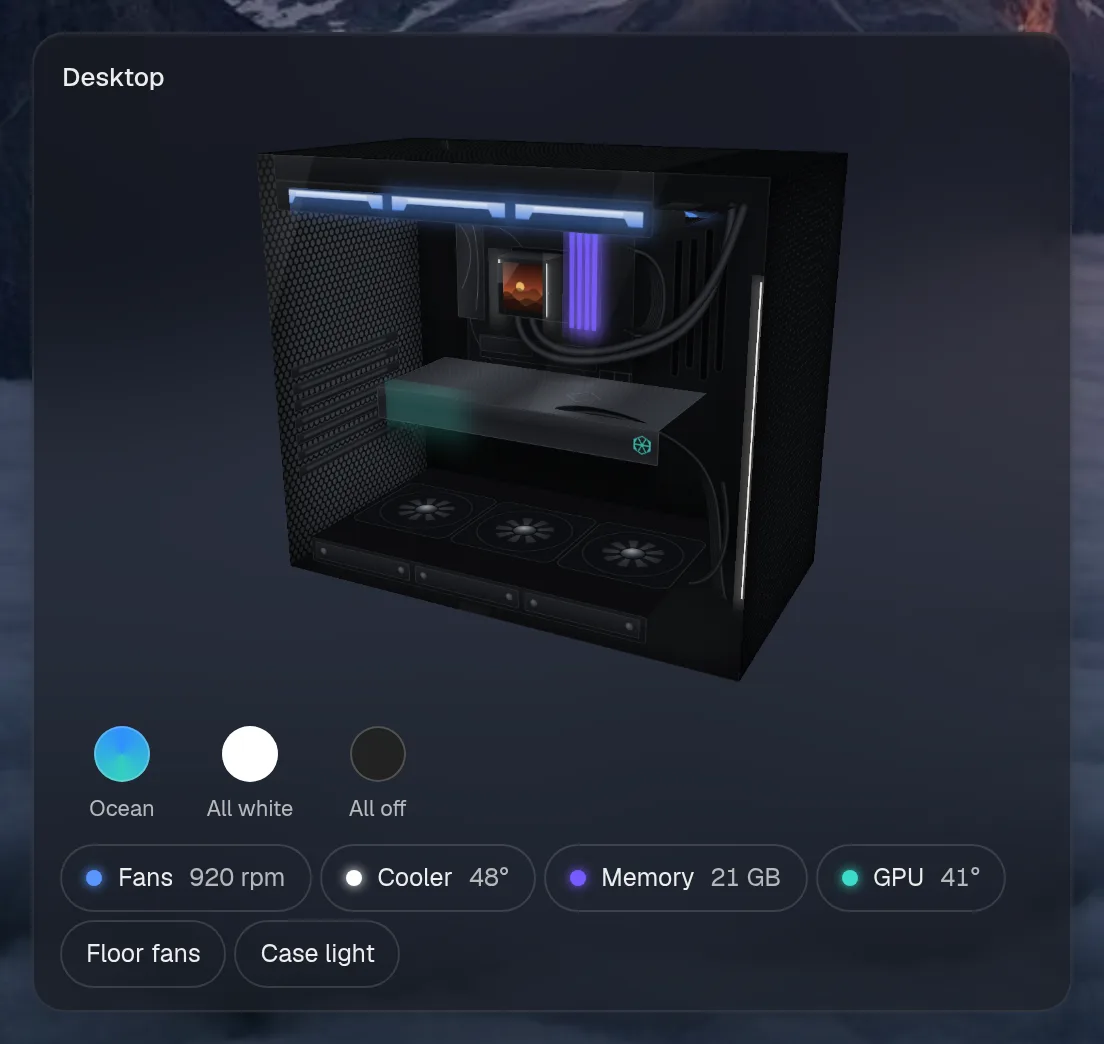
Small draws the same as medium. Wide draws the same as medium, so they aren't shown. Only the empty space changes.
States
Section titled “States”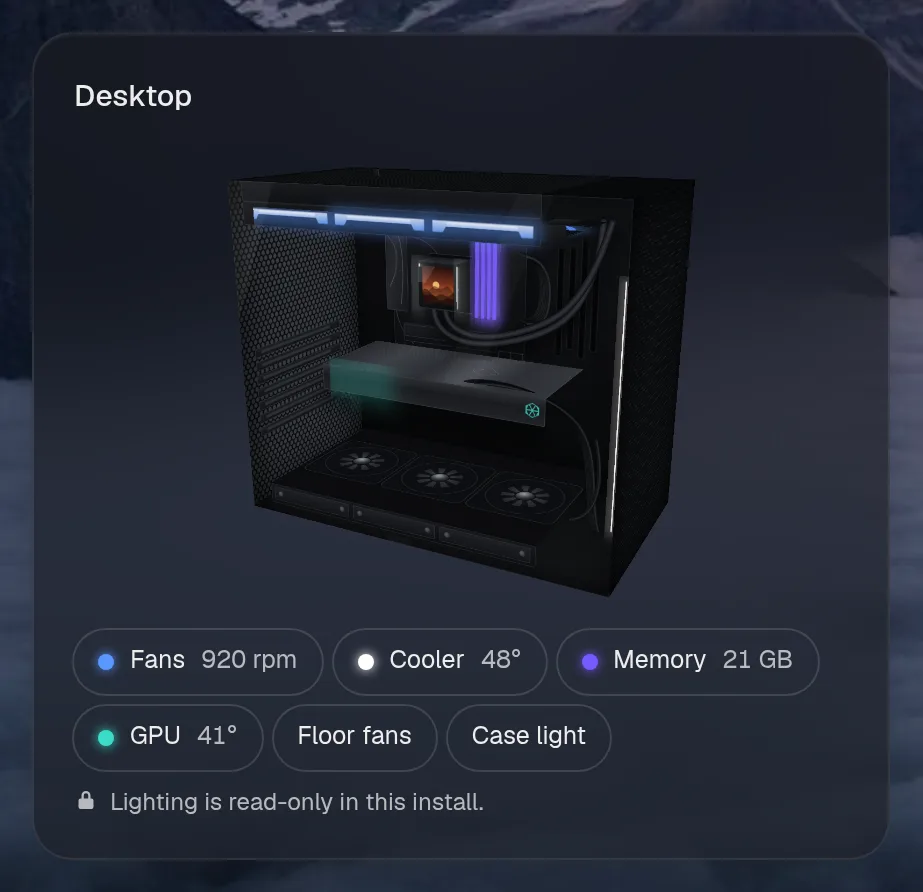
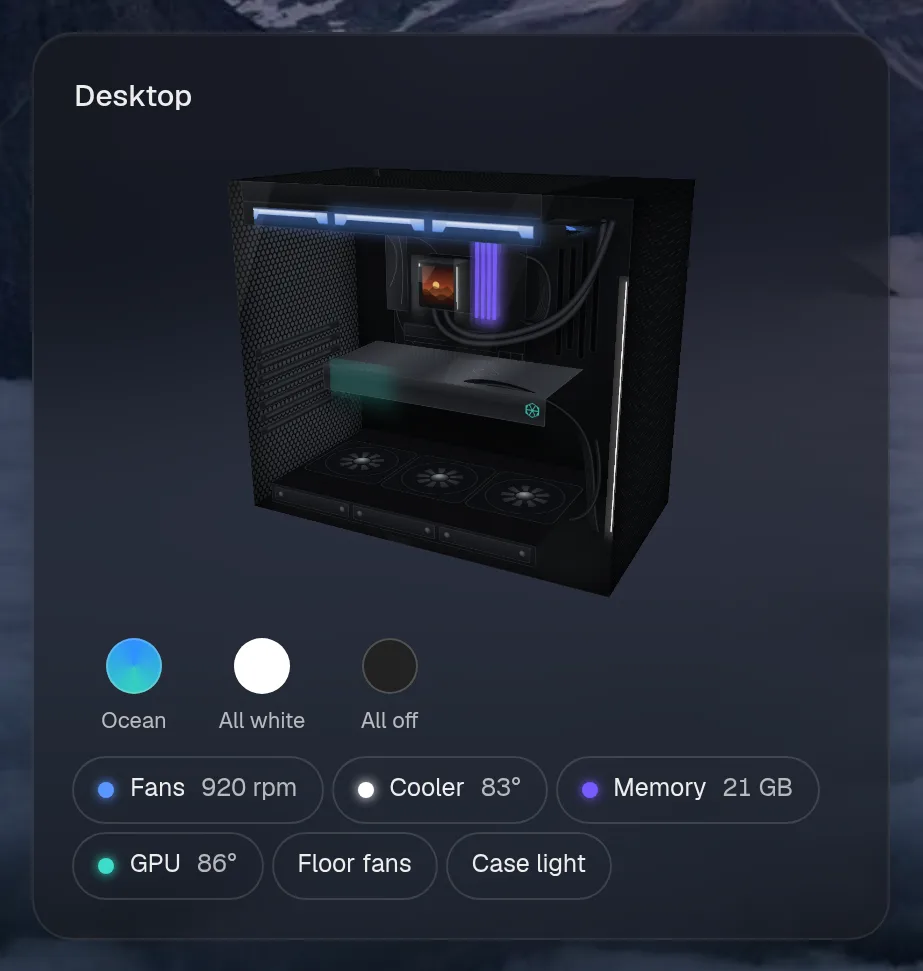
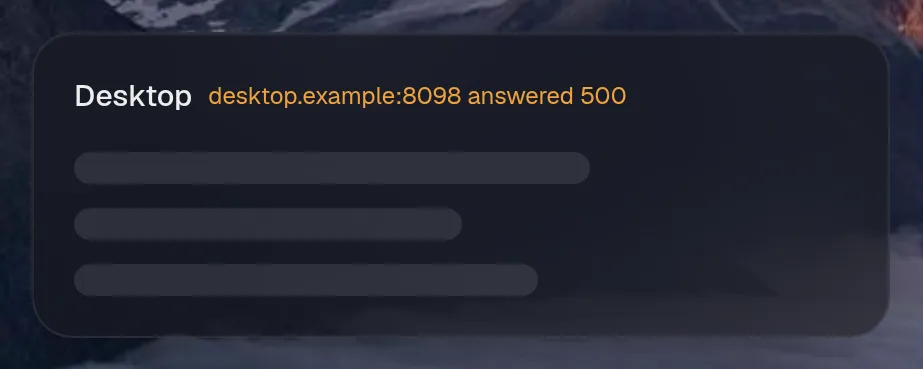
Assistant tools
Section titled “Assistant tools”What the assistant can use, once its access level allows it. Read tools run freely. Everything else asks first.
| Tool | Access | What it does |
|---|---|---|
pc_lighting | control | Change the PC’s lighting: one part (fans, pump, ram, gpu, or “all”) to a colour (hex like #0a84ff, or a name you turn into hex), an effect (Static, Breathing, Rainbow, …) and/or brightness 0-100; or apply a preset by name (e.g. “Ocean”, “All white”, “All off”). |
pc_status | read | The desktop’s temperatures (CPU, GPU, coolant), pump and fan speeds, and what its lights are set to. |
Actions
Section titled “Actions”What the page’s own buttons and controls can do. They need a signed-in person or a trusted network.
| Action | What it does |
|---|---|
preset | Apply a lighting preset to the whole PC |
light | Set one part’s lighting: colour, effect and brightness |
Year in review
Section titled “Year in review”Slides this integration adds to the recap.