
Machines
Every machine running the Valet agent, from one block of config. This shows each machine with whether it answers, CPU, memory, disk, temperature and what’s wrong, each one’s own card, and their containers, services and disks grouped by machine. A machine that’s down never holds up the rest. The assistant can say which machine is low on disk and read logs on any of them. The agent can only look.
Set it up
Section titled “Set it up”integrations: machines: type: machines hosts: nas: url: http://10.0.0.5:7576 token: x name: NAS quiet: - zfs-scrub pi: url: http://10.0.0.6:7576 token: x name: Pi mini: url: http://10.0.0.7:7576 token: x name: Mini PC
layout: - title: Infrastructure widgets: - machines.fleet| Option | Type | Default | What it does |
|---|---|---|---|
hosts | map of object | required | |
title | string | Machines | |
timeout | number | 4 | seconds a machine gets to answer before it’s shown as not reachable Range 1 to 30. |
Widgets
Section titled “Widgets”8 widgets. Each key starts with your instance name, here machines.
Machines
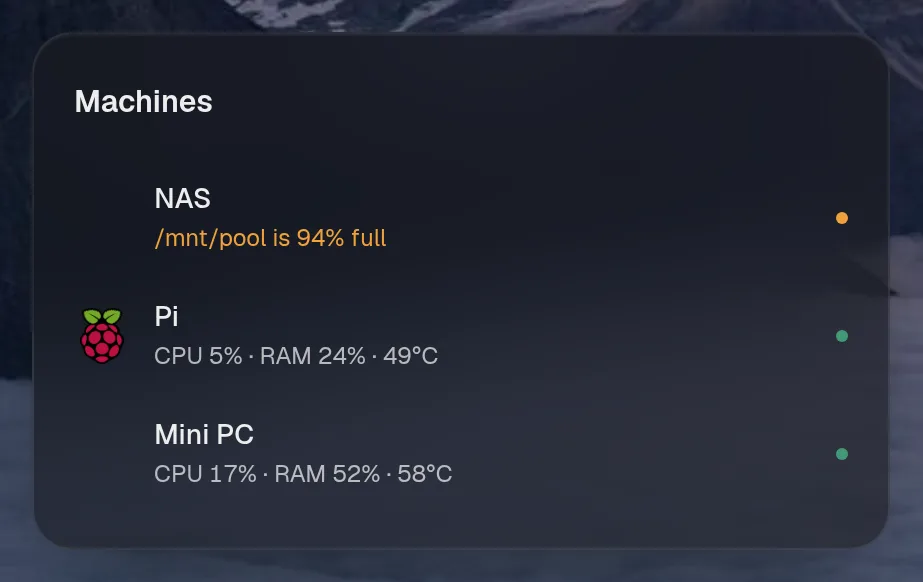
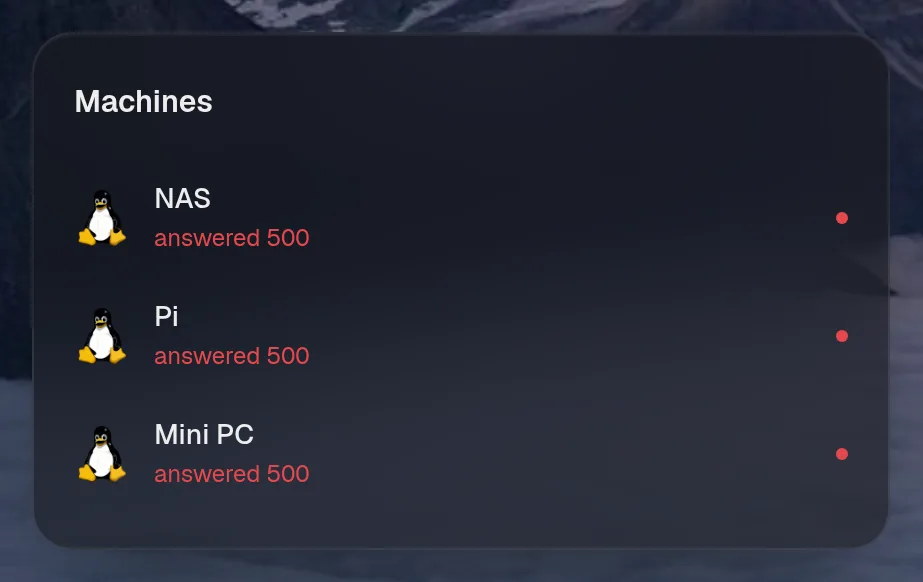
Section titled “Machines”machines.fleet · status card · refreshes every 15 seconds while the page is open.
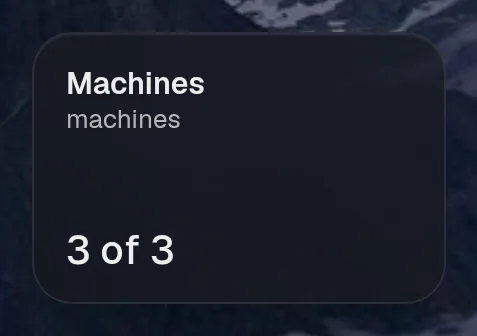
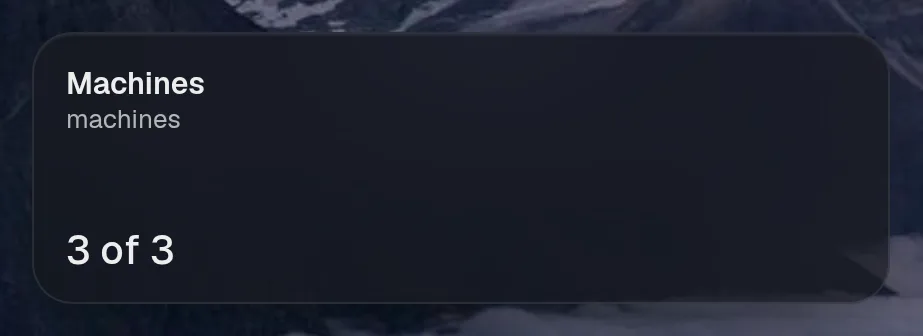
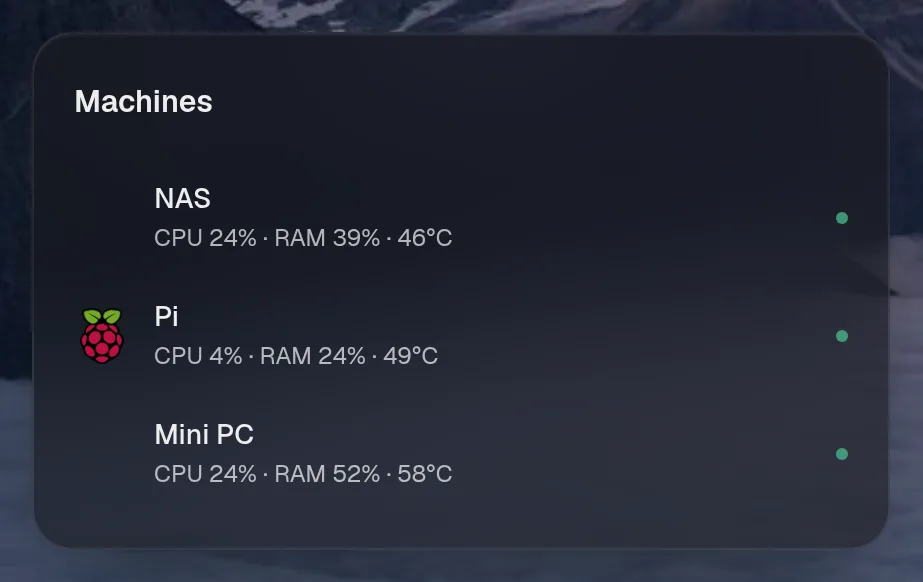

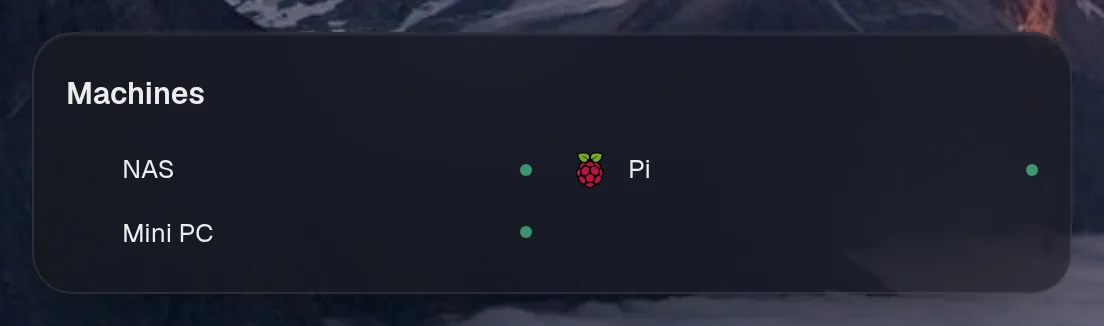
Tall draws the same as medium, so it isn't shown. Only the empty space changes.
States
Section titled “States”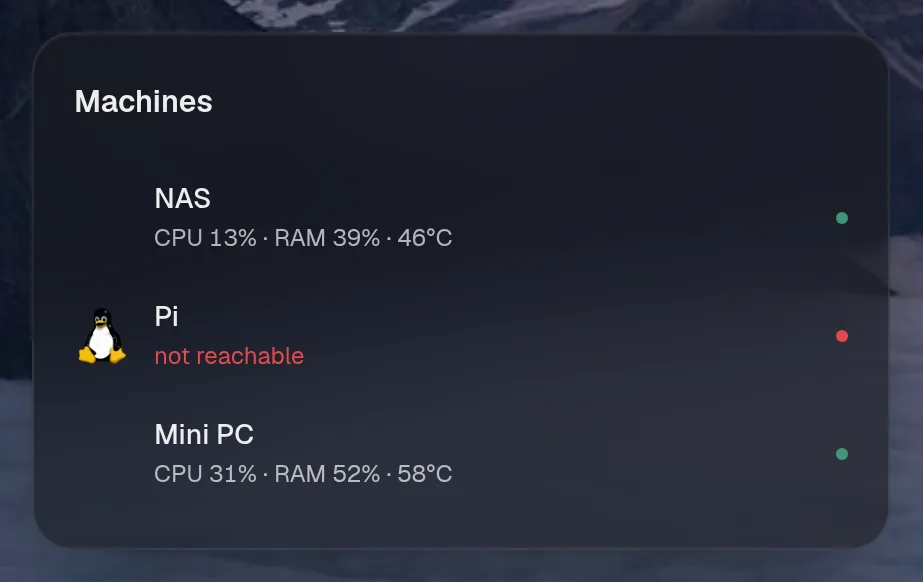
Machines
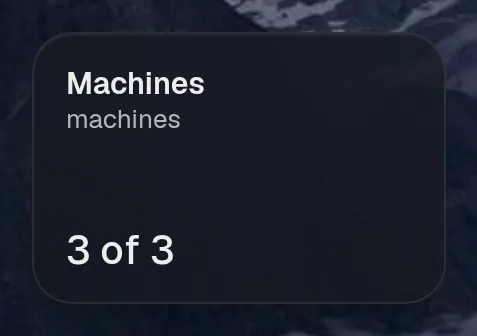
Section titled “Machines”machines.overview · table card · refreshes every 15 seconds while the page is open.
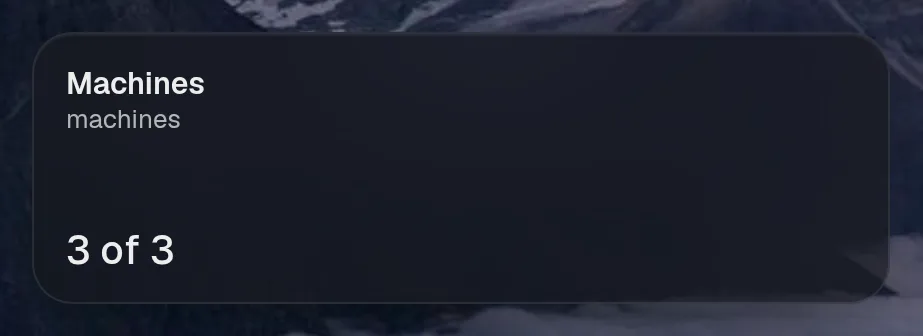
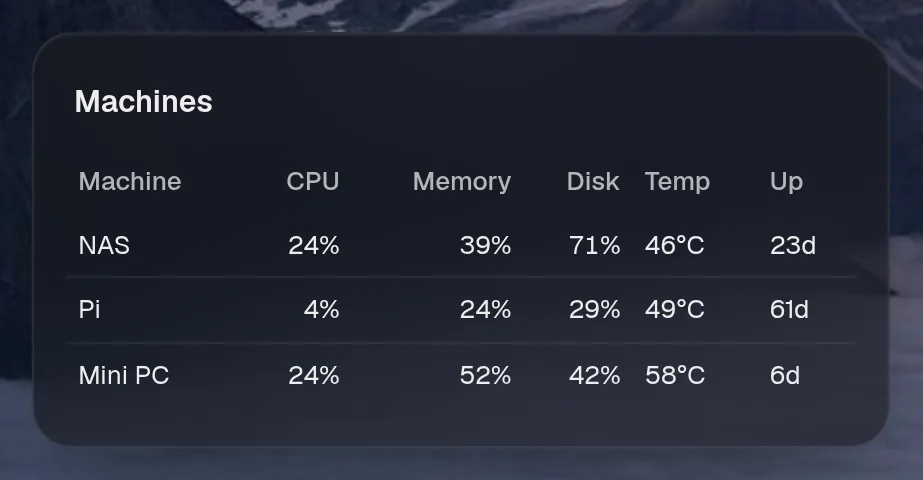
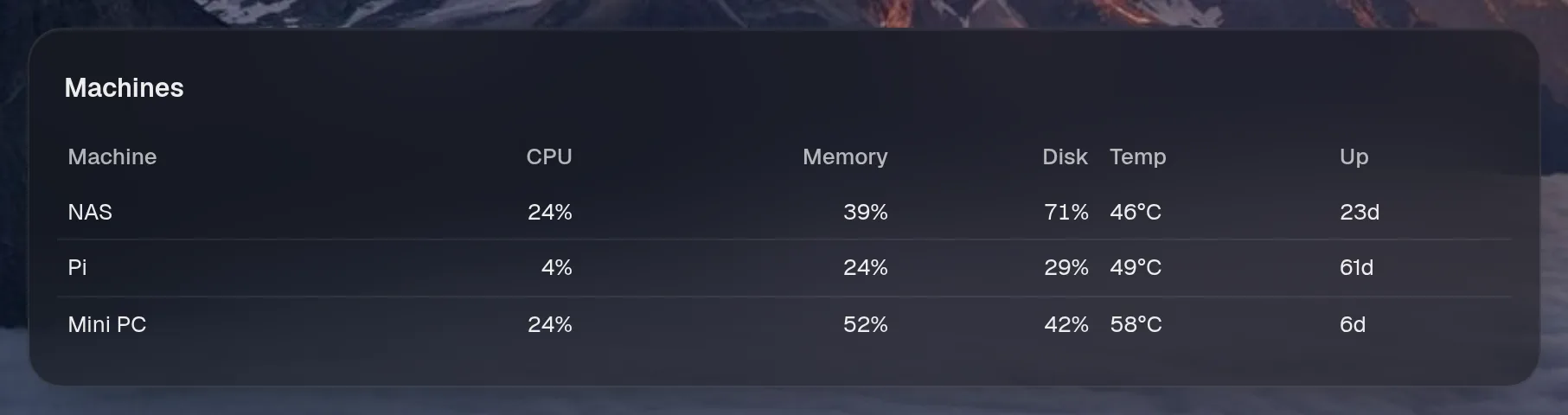
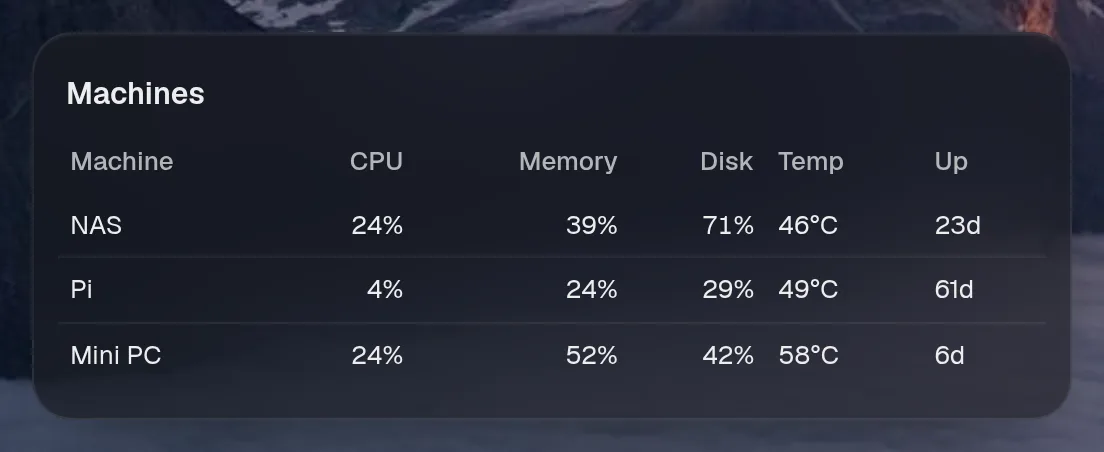
Tall draws the same as medium, so it isn't shown. Only the empty space changes.
States
Section titled “States”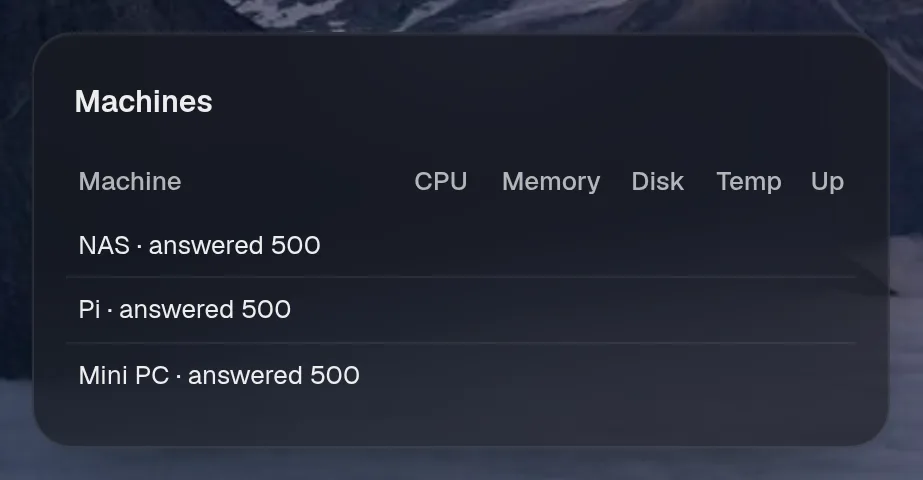
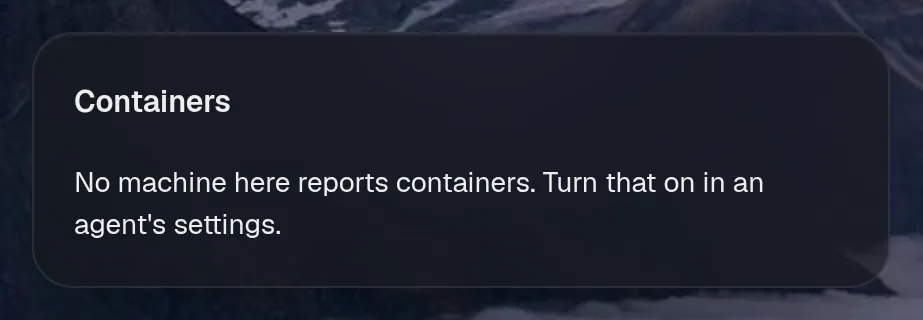
Containers
Section titled “Containers”machines.containers · status card · refreshes every 30 seconds while the page is open.
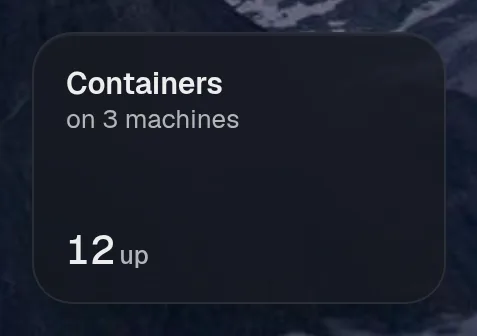
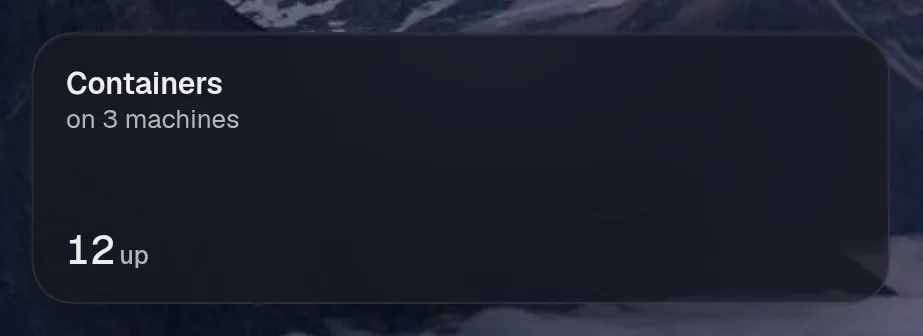
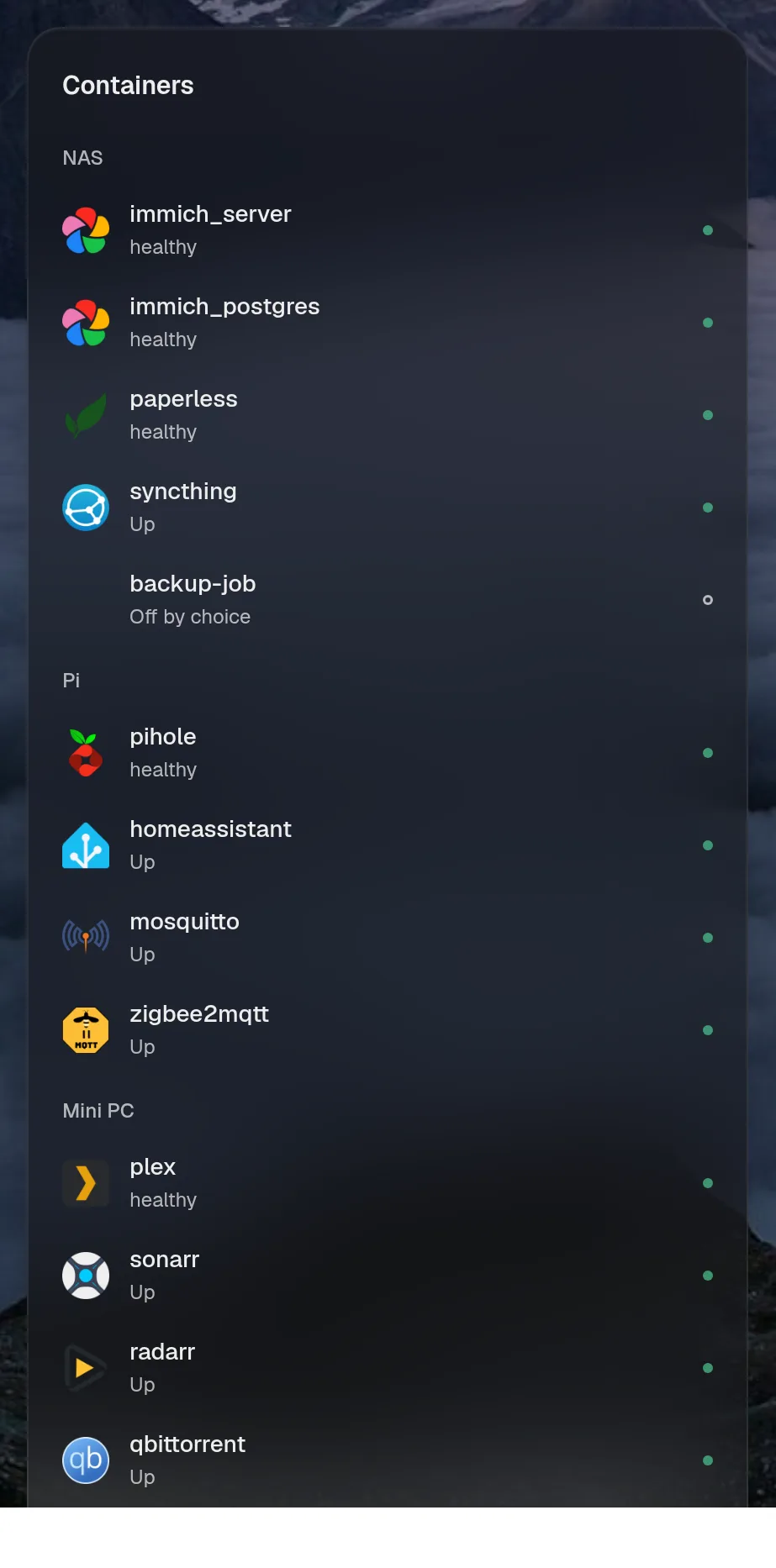
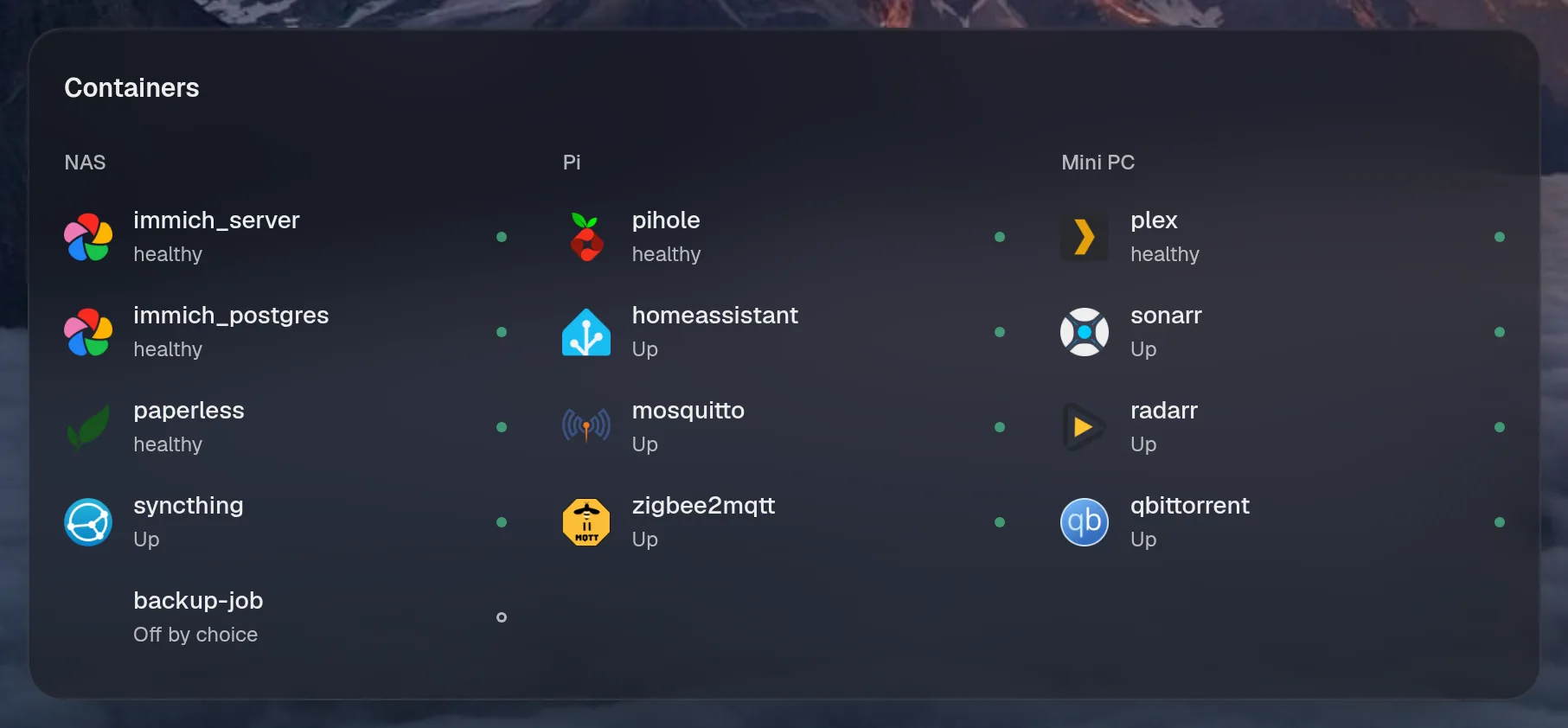
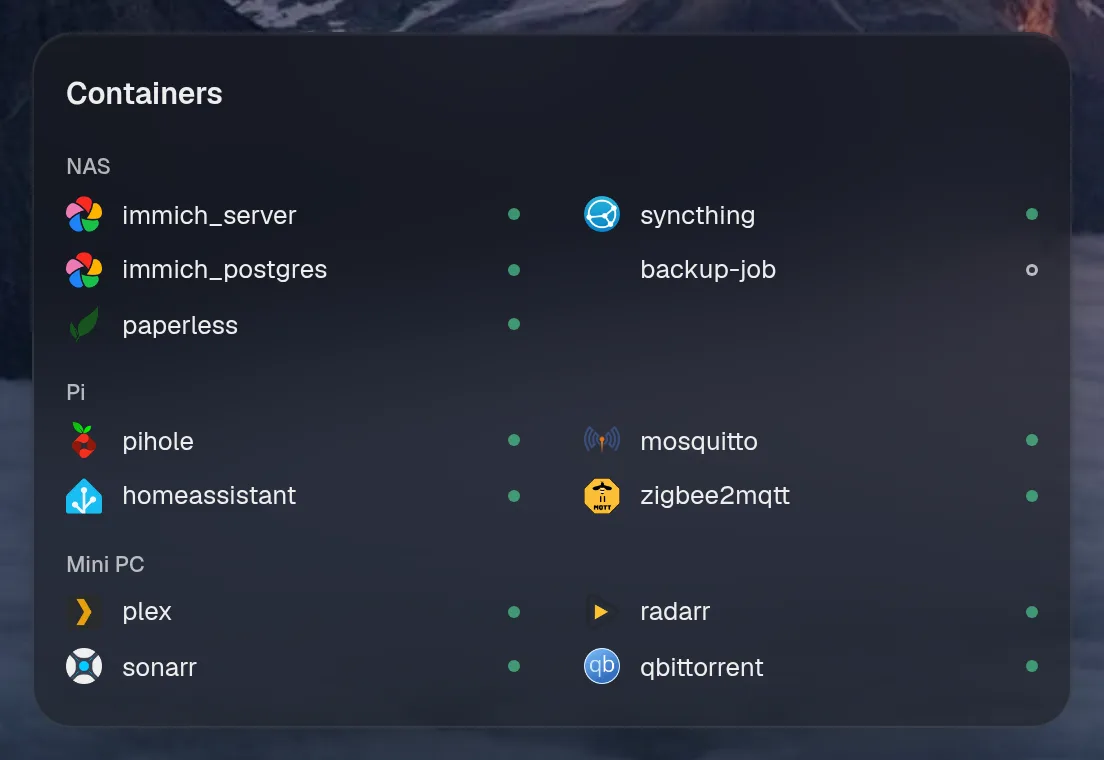
Tall draws the same as medium, so it isn't shown. Only the empty space changes.
States
Section titled “States”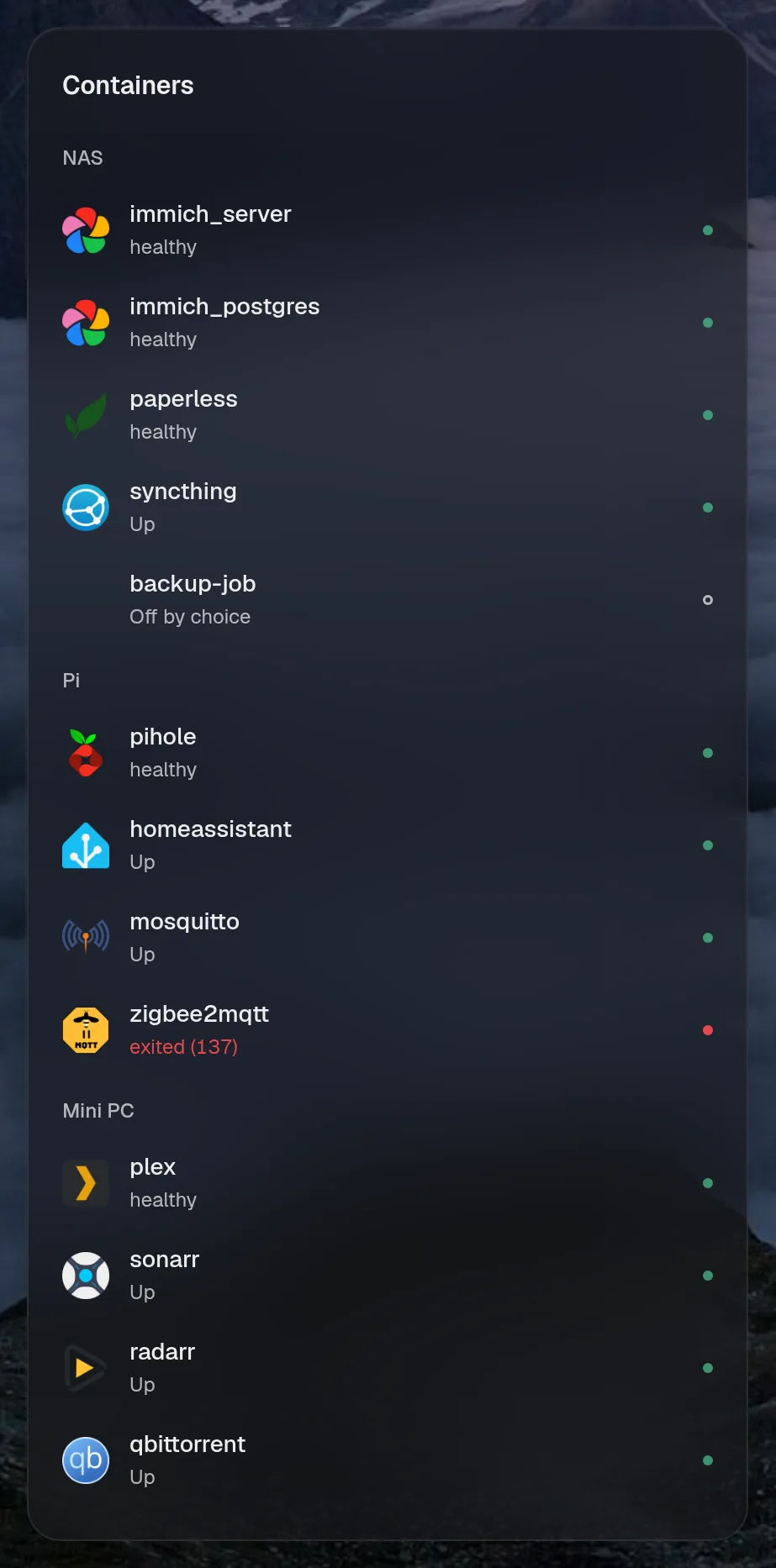
Services
Section titled “Services”machines.units · status card · refreshes every 30 seconds while the page is open.
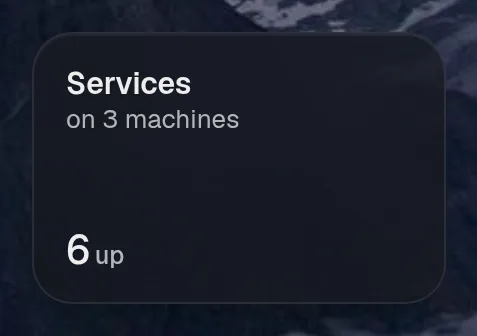
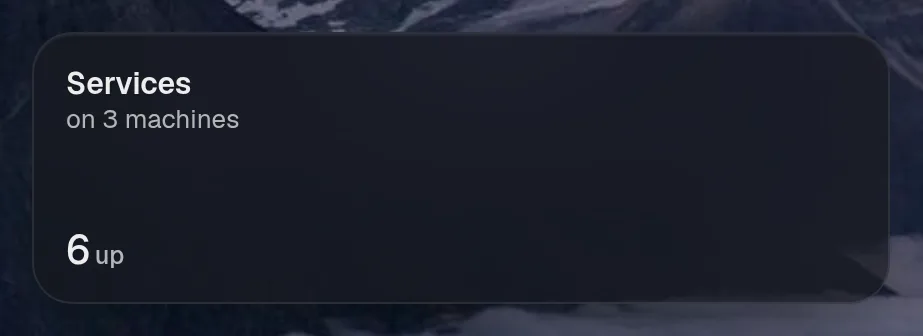
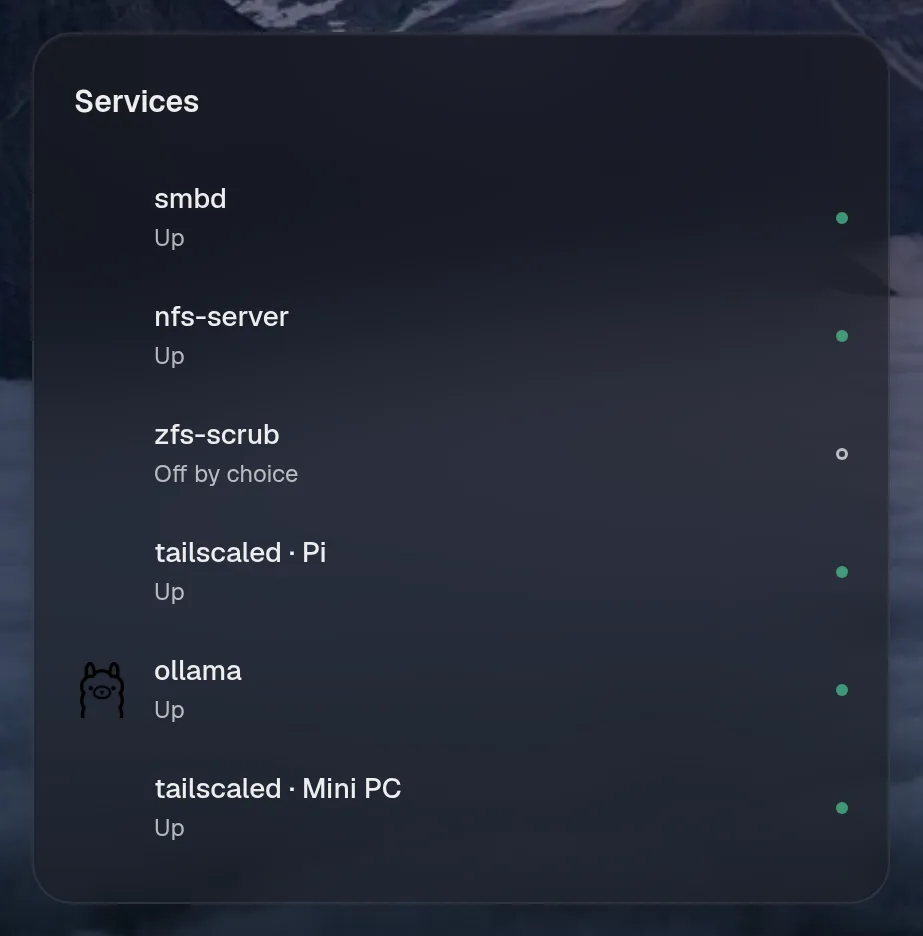
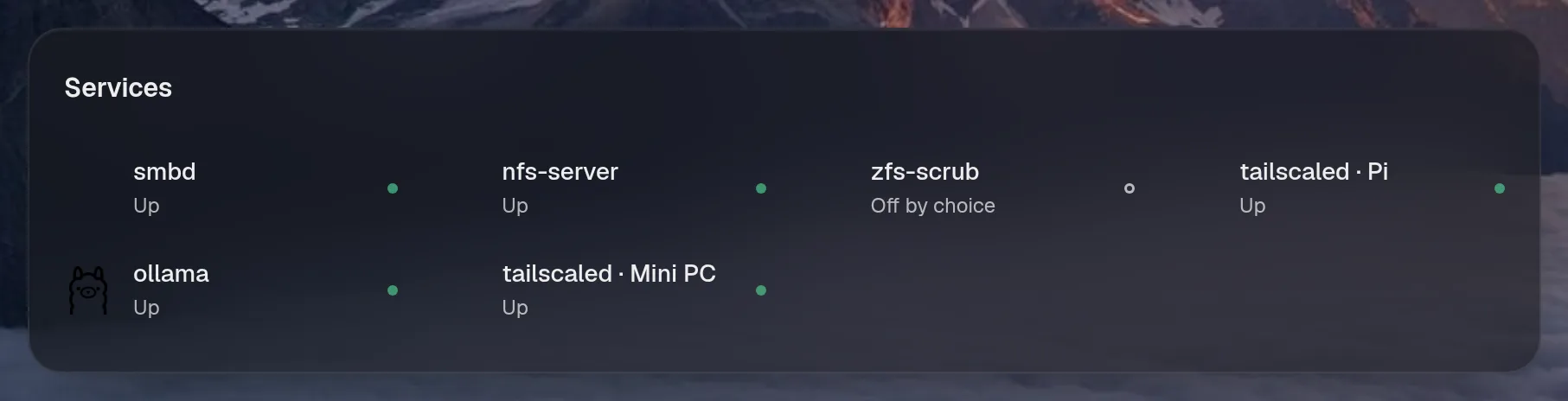
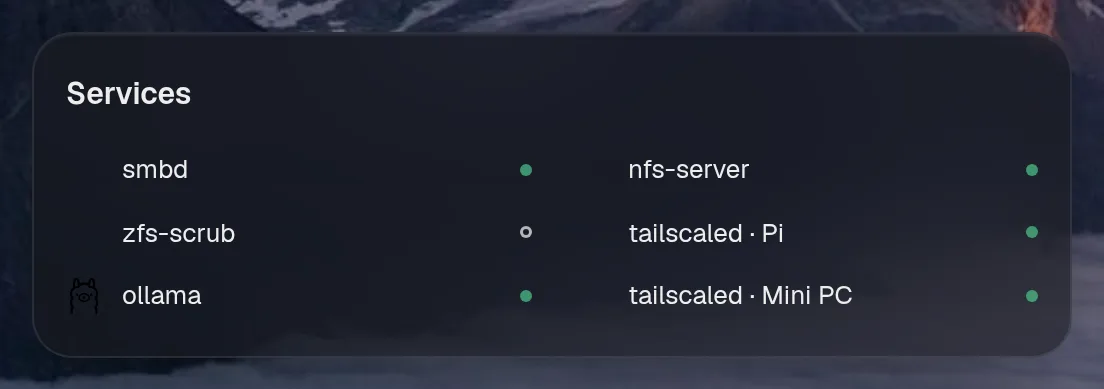
Tall draws the same as medium, so it isn't shown. Only the empty space changes.
States
Section titled “States”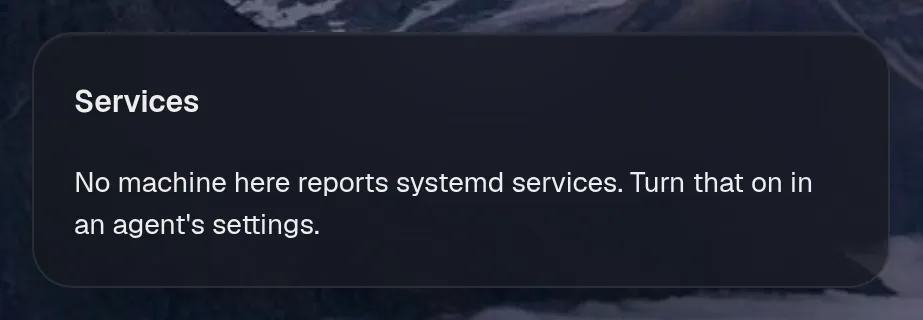
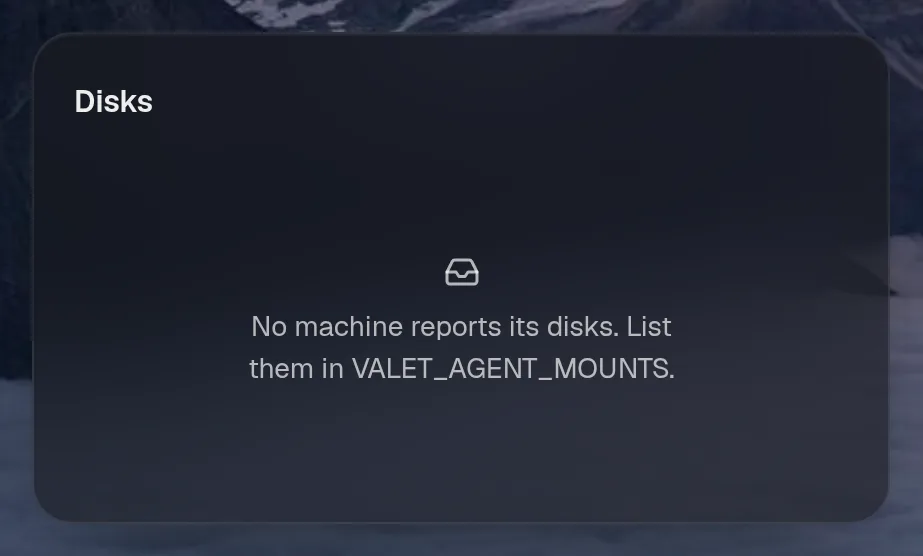
machines.disks · list card · refreshes every minute while the page is open.
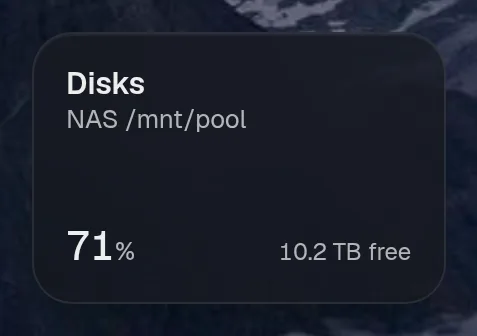
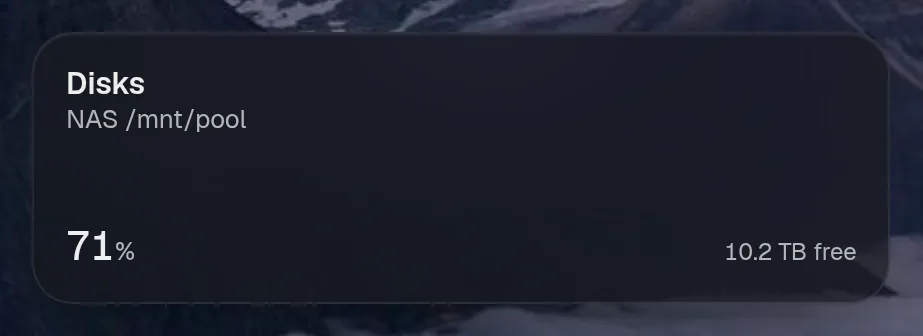
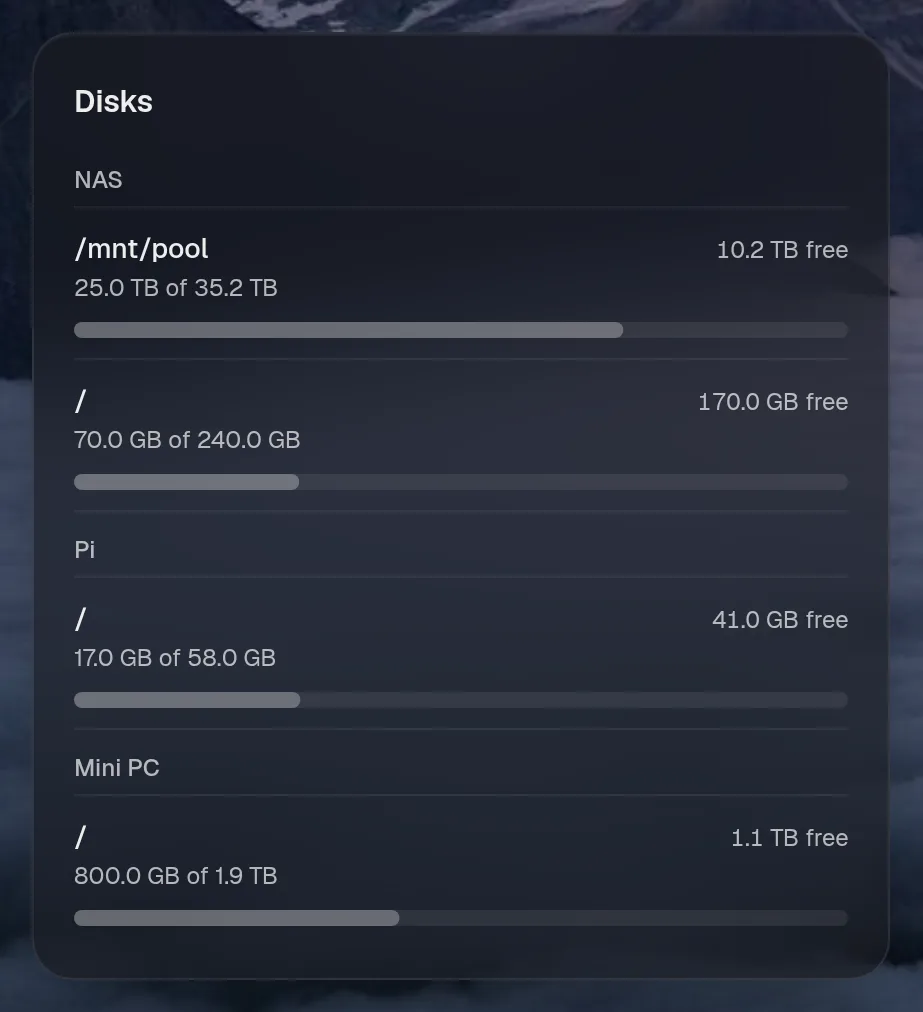
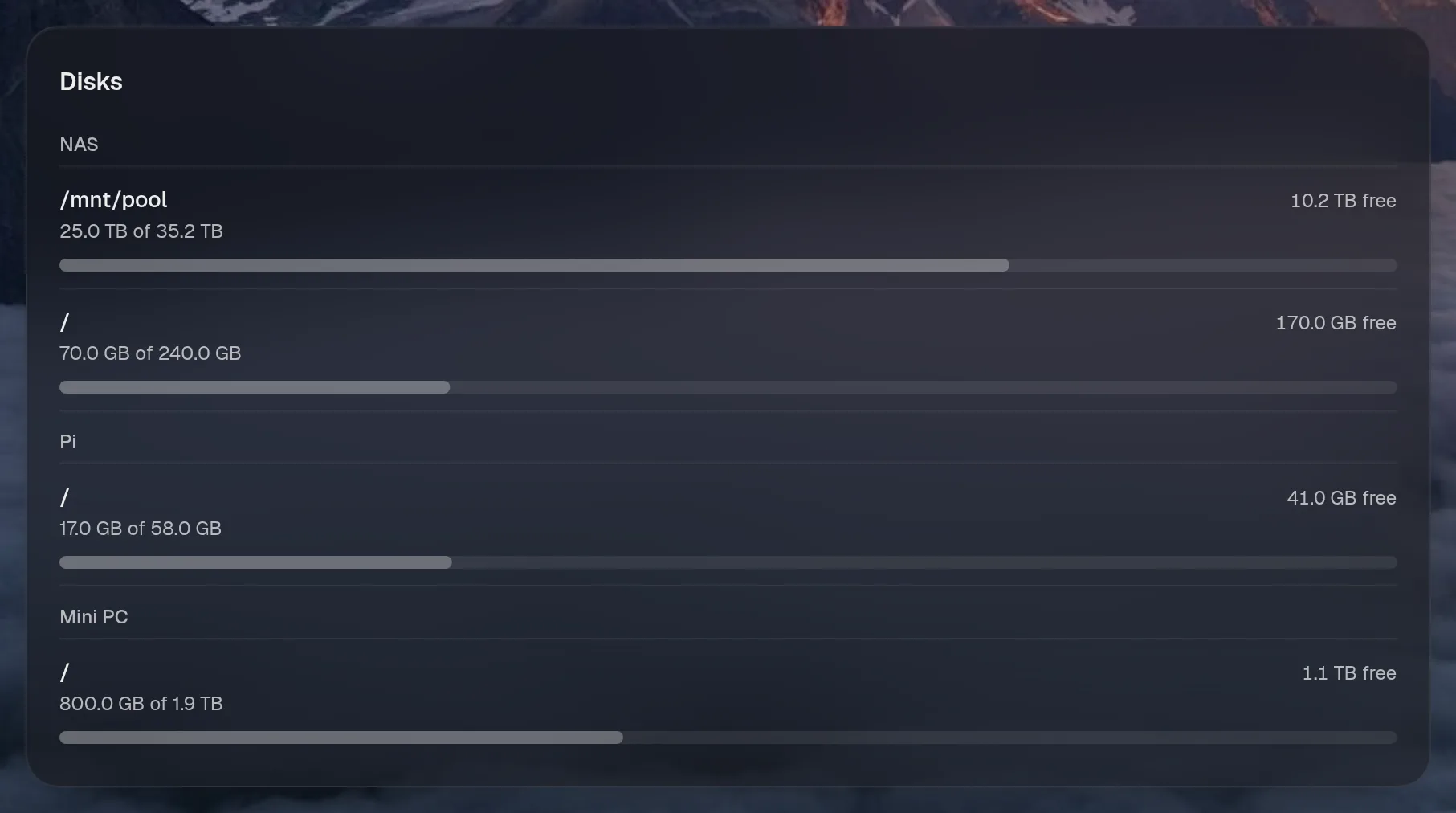
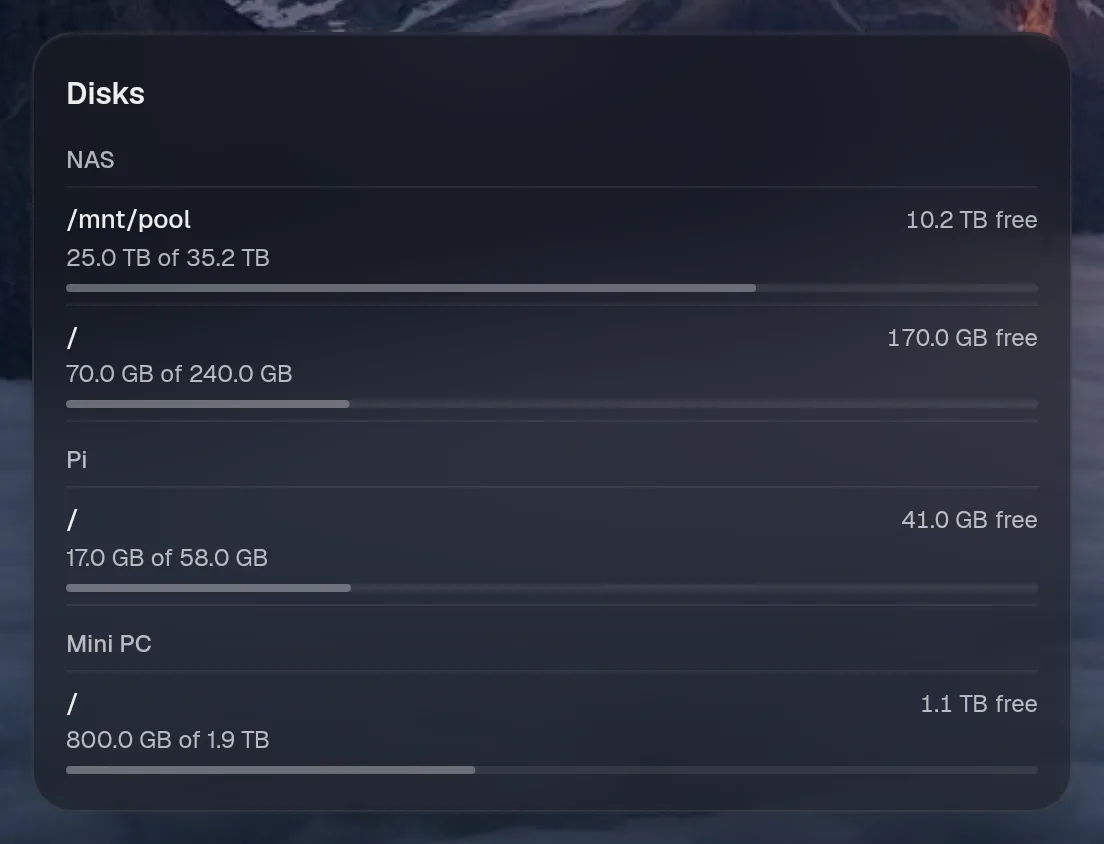
Tall draws the same as medium, so it isn't shown. Only the empty space changes.
States
Section titled “States”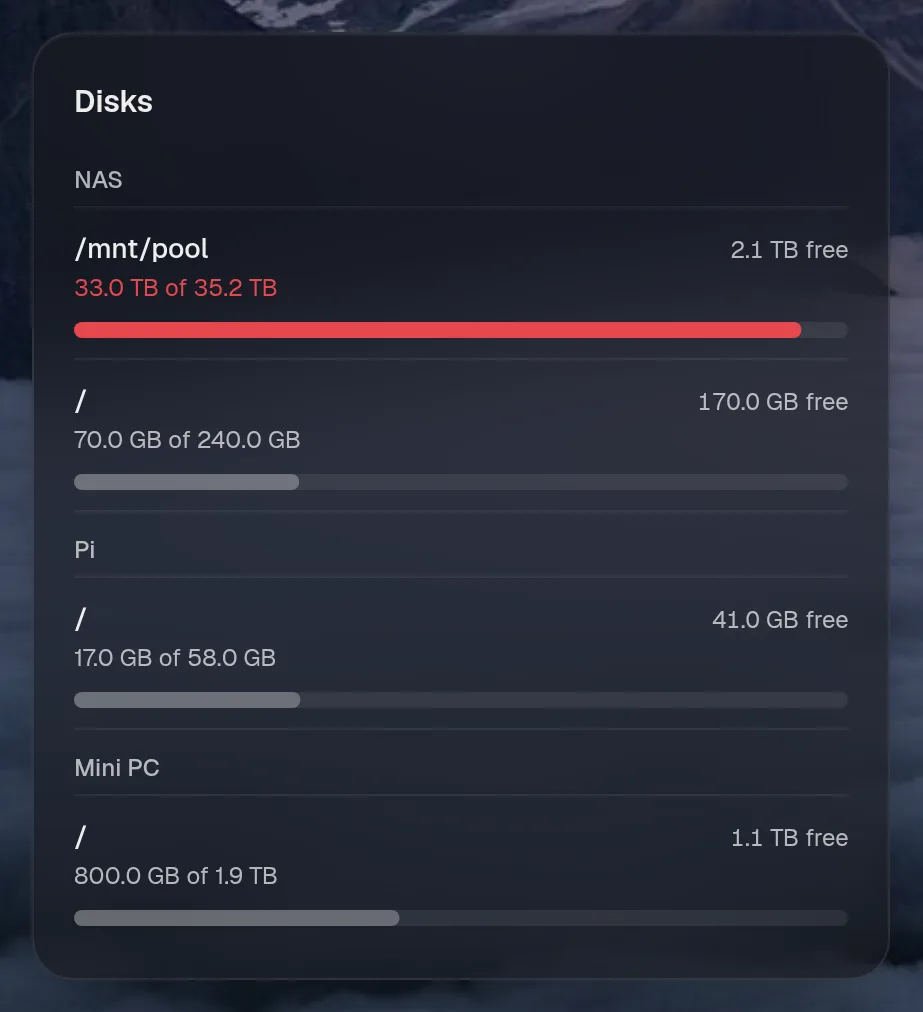
machines.nas · stats card · refreshes every 15 seconds while the page is open.
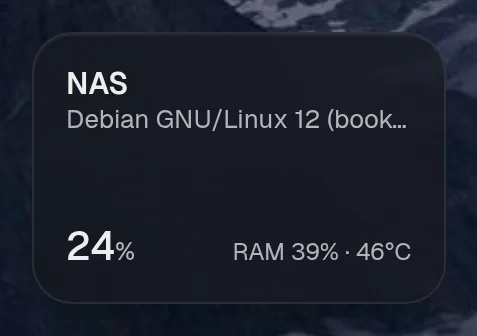
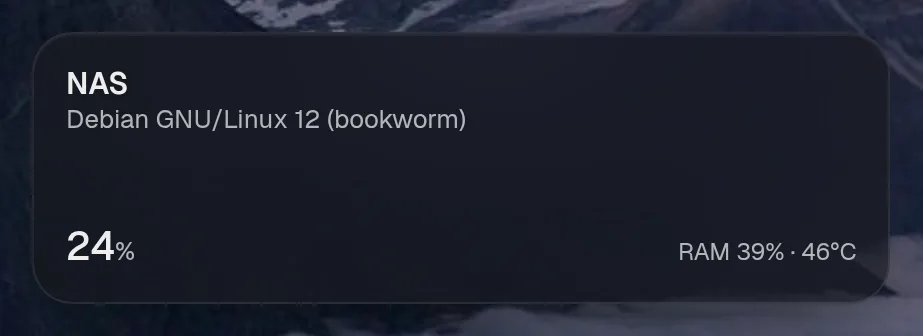
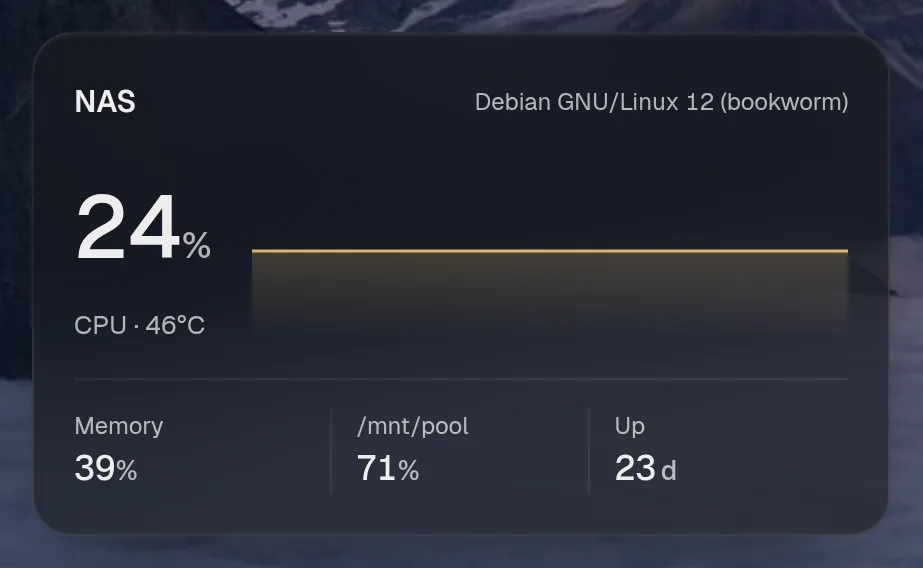
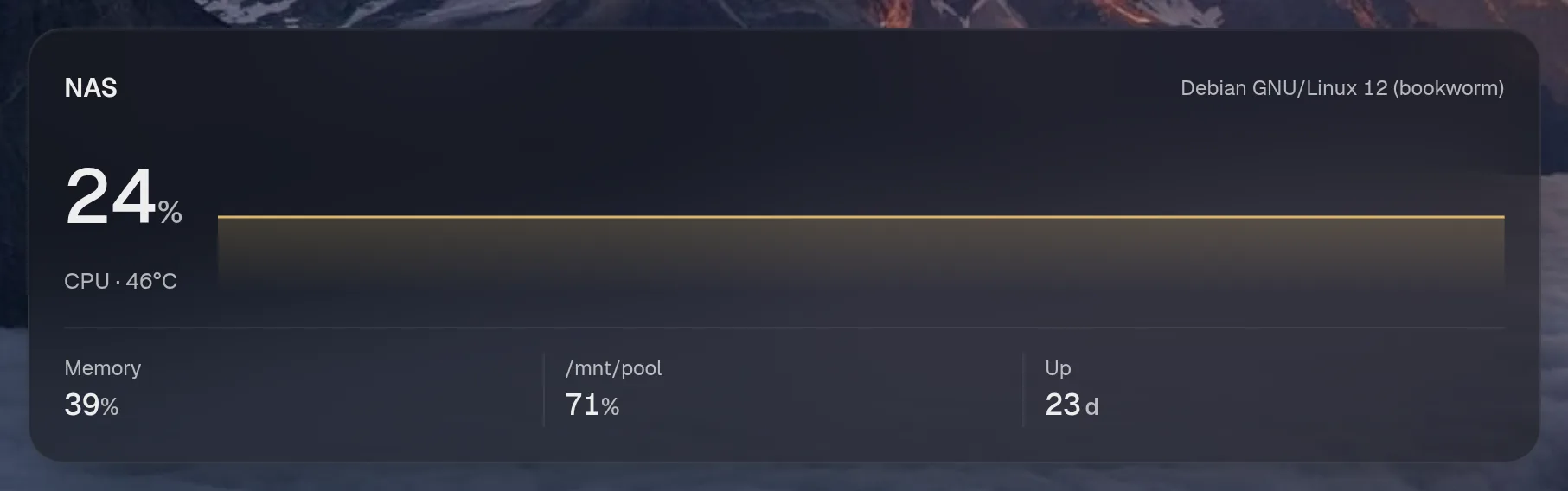
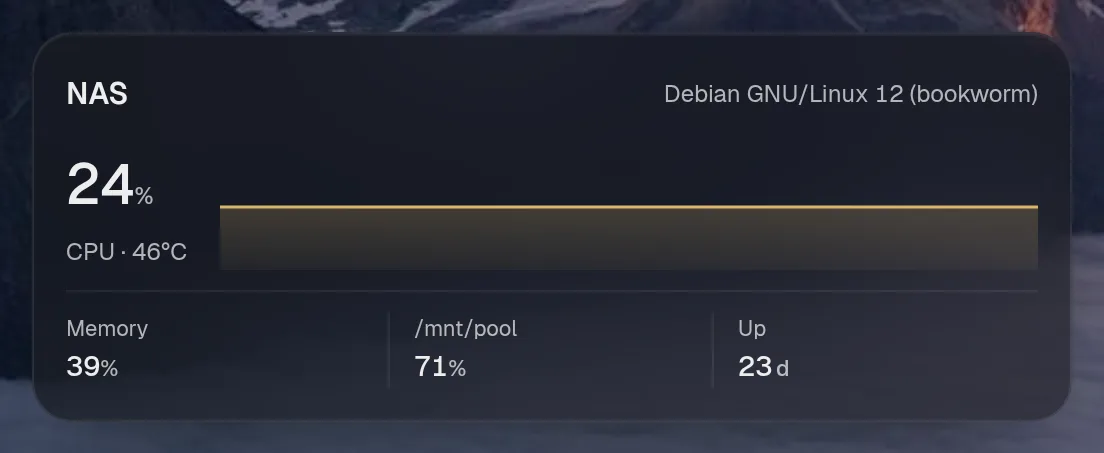
Tall draws the same as medium, so it isn't shown. Only the empty space changes.
States
Section titled “States”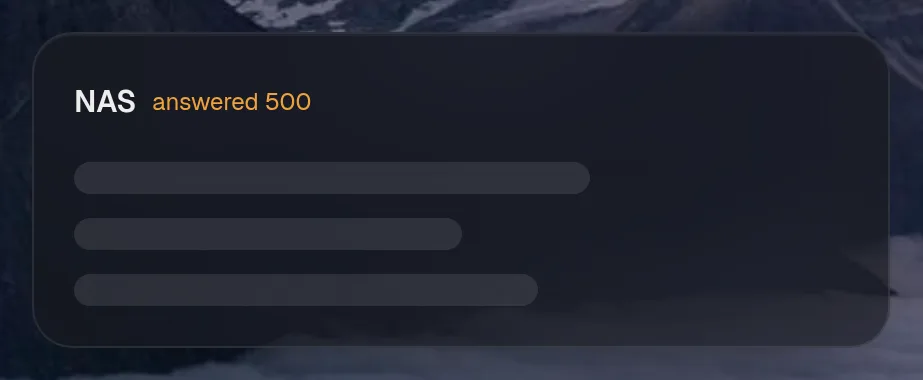
machines.pi · stats card · refreshes every 15 seconds while the page is open.
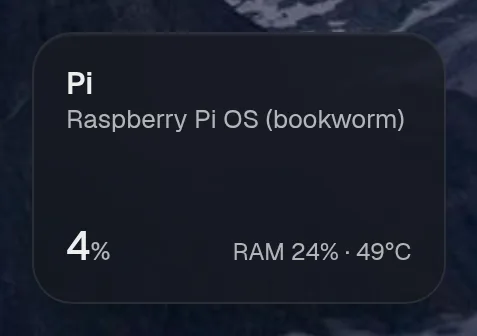
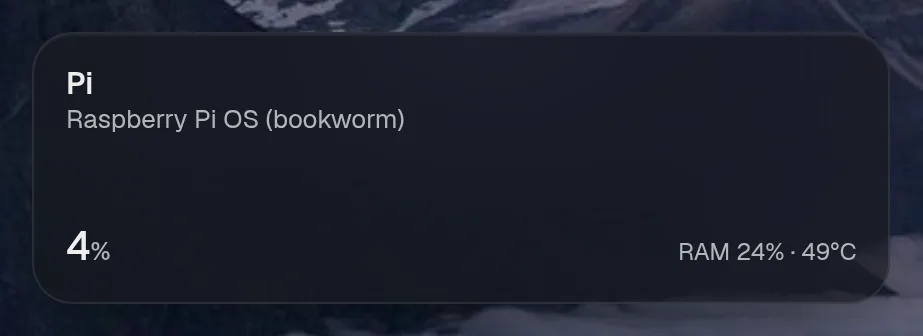
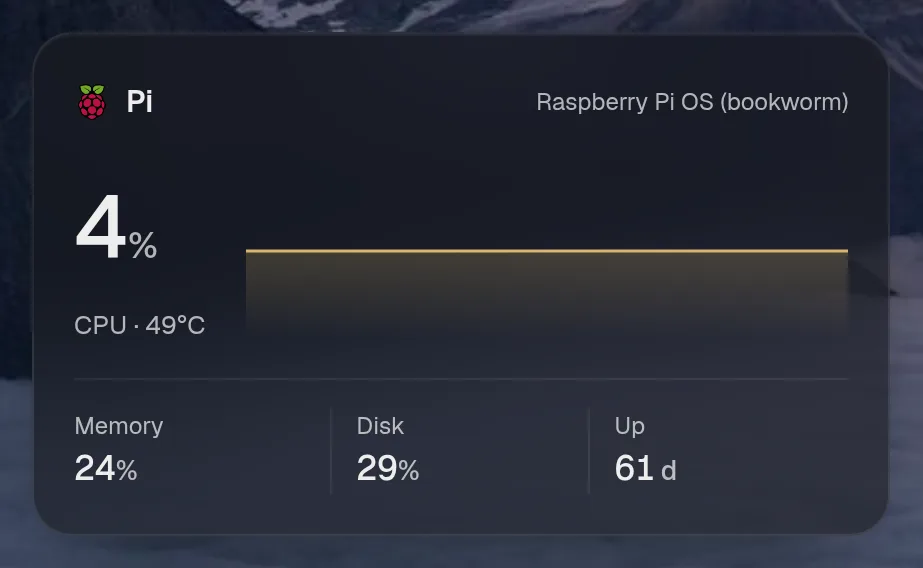
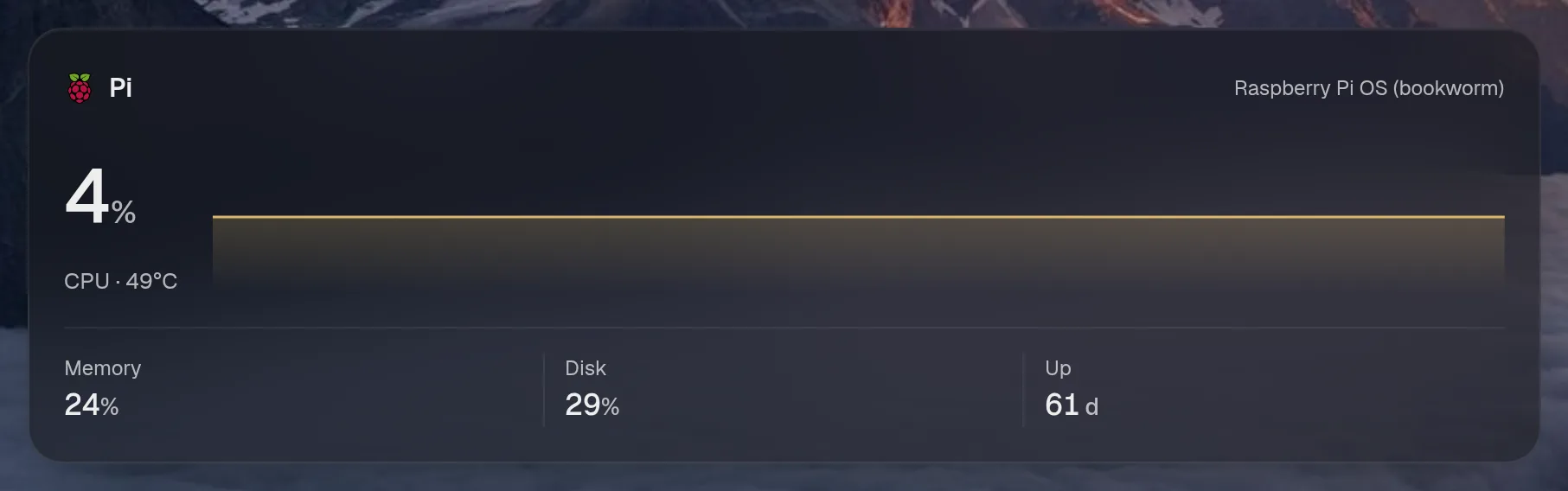
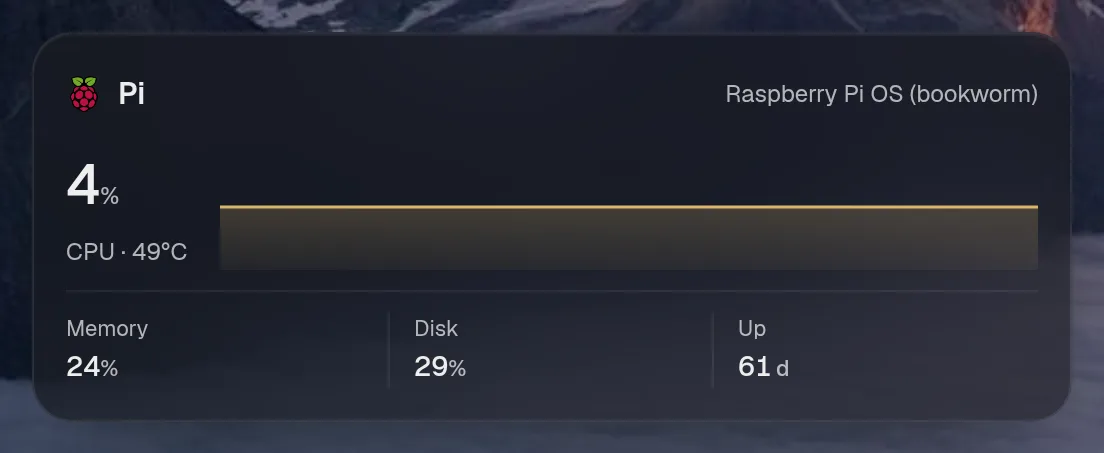
Tall draws the same as medium, so it isn't shown. Only the empty space changes.
States
Section titled “States”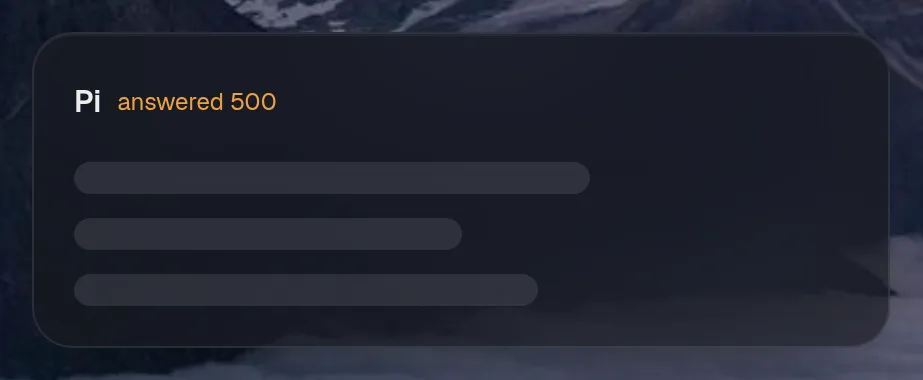
Mini PC
Section titled “Mini PC”machines.mini · stats card · refreshes every 15 seconds while the page is open.
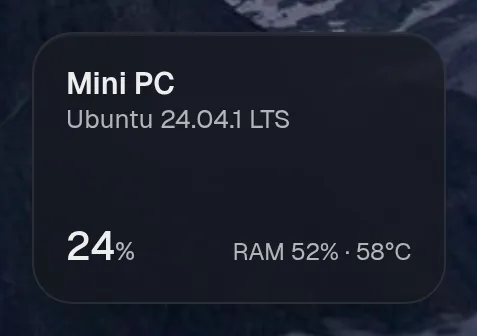
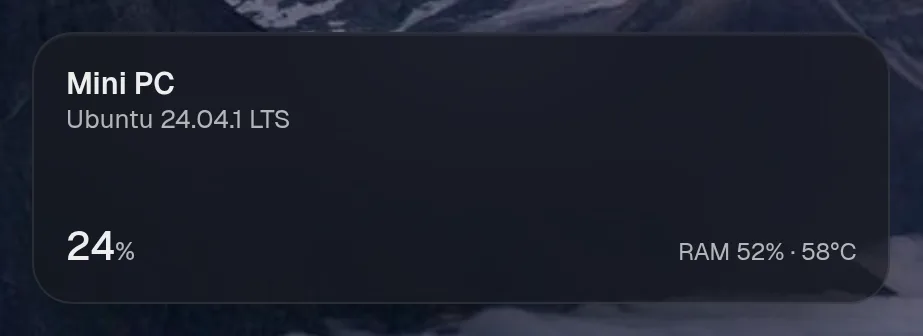
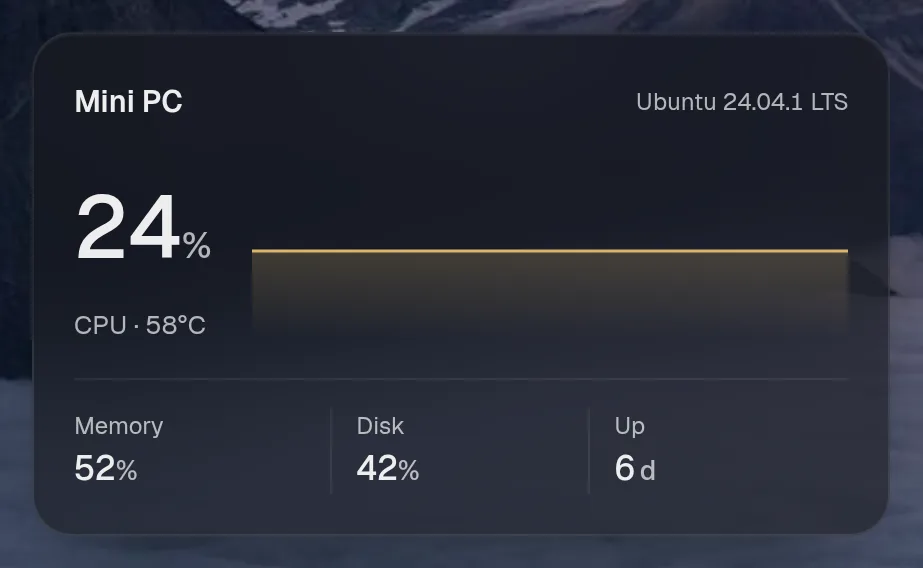
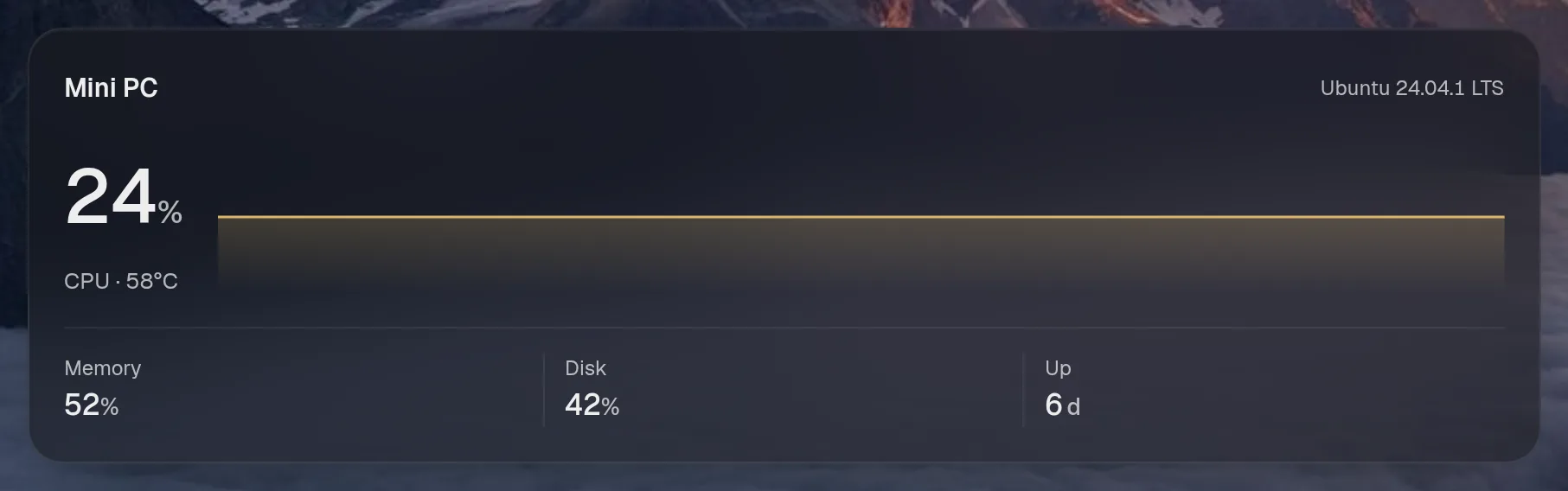
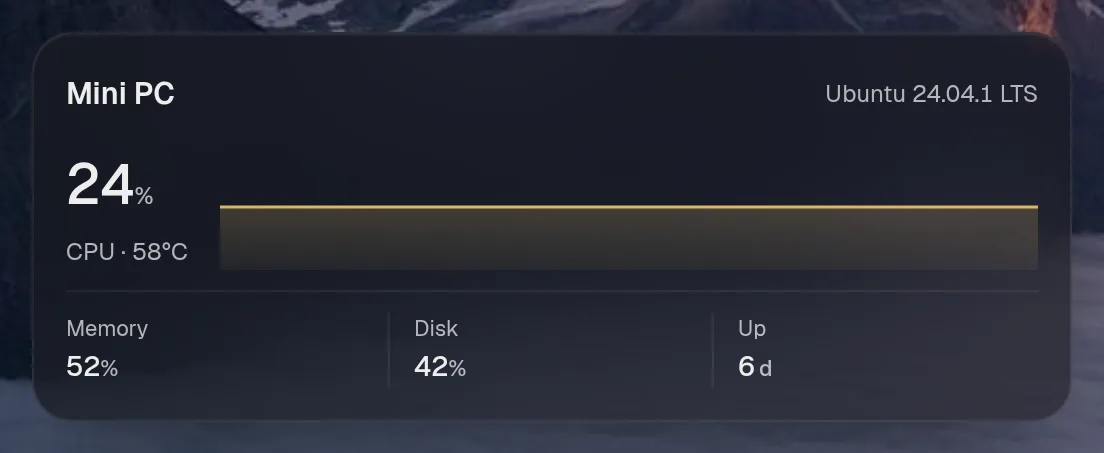
Tall draws the same as medium, so it isn't shown. Only the empty space changes.
States
Section titled “States”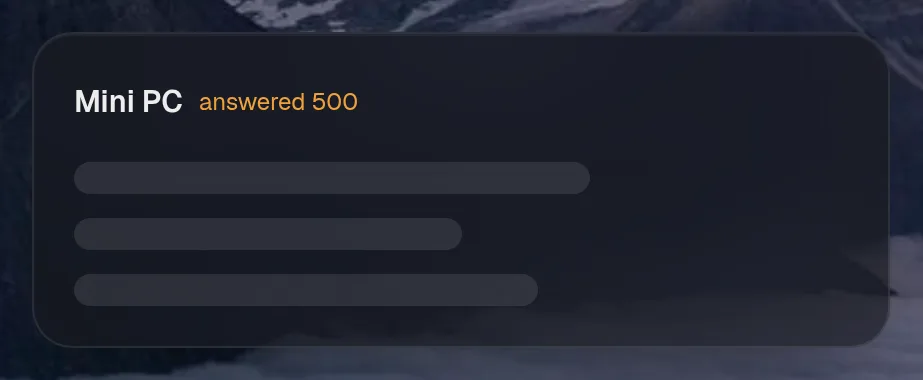
Assistant tools
Section titled “Assistant tools”What the assistant can use, once its access level allows it. Read tools run freely. Everything else asks first.
| Tool | Access | What it does |
|---|---|---|
machines_status | read | Every machine at once: whether it answers, CPU, memory, how full each disk is, temperature, load, uptime, and what’s wrong on it (a full disk, a service or container that’s down). |
machine_status | read | One machine in full: its system and kernel, processor, CPU, memory and swap, load, uptime, every disk and every temperature sensor it reports. |
machines_running | read | The containers and systemd services on one machine, or on all of them when no machine is named: running or not, how each exited, restarts. |
machines_find | read | Find a container or systemd service by name on any machine: which machine it’s on and how it is. |
machine_logs | read | The recent logs of a container or systemd service on a machine, with how it last ended (exit code, restarts, whether it was killed for memory). |
Commands
Section titled “Commands”What to type in the palette to run it with no model. {name} is the instance’s name in your config; a number goes where a slot like {minutes} is. Commands follow the same access as the chat.
| Type | Does |
|---|---|
machines, machines status, show machines, fleet, {name} status | Show the machines |