
Network
Your homelab as a map, with nothing to set up. Every integration’s address says which machine it’s on, so the map draws the internet, each network, every machine and what runs on it, with a dot for whether each is working. The dots are what the page’s widgets last said, so it asks no service anything. Containers and VMs come from Docker, your machines and Proxmox, and names gives a machine a name by its address.
Set it up
Section titled “Set it up”integrations: network: type: network names: localhost: Server
layout: - title: Network widgets: - network.map| Option | Type | Default | What it does |
|---|---|---|---|
title | string | Network | the card’s title |
names | map of string | {} | what to call a machine, by its address: { 10.0.0.20: Server }. Two addresses given one name are one machine; localhost names the one Valet runs on, and a domain its subdomains (example.com: Desktop for the services behind its reverse proxy) |
containers | boolean | true | containers, VMs and machines’ own services, from docker, machines, host and proxmox |
hide | list of string | [] | integrations (by their key), machines or containers (by name) to leave off |
Widgets
Section titled “Widgets”One widget. Its key is network.map, using the instance name from your config.
Network
Section titled “Network”network.map · map card · refreshes every 5 seconds while the page is open.
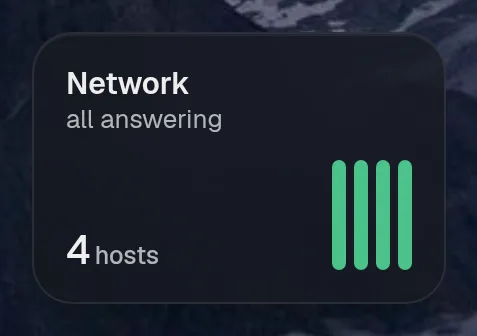
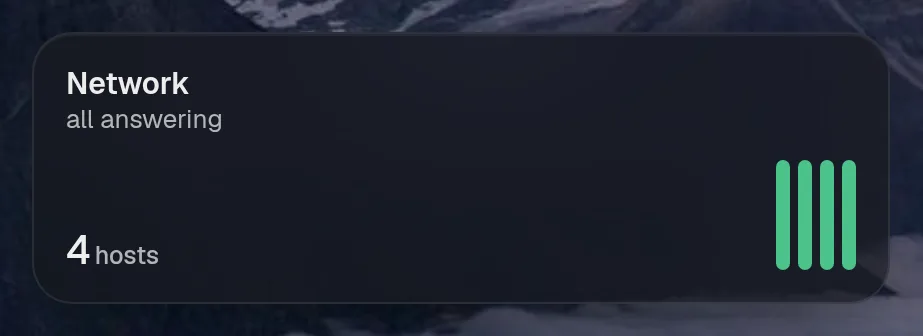
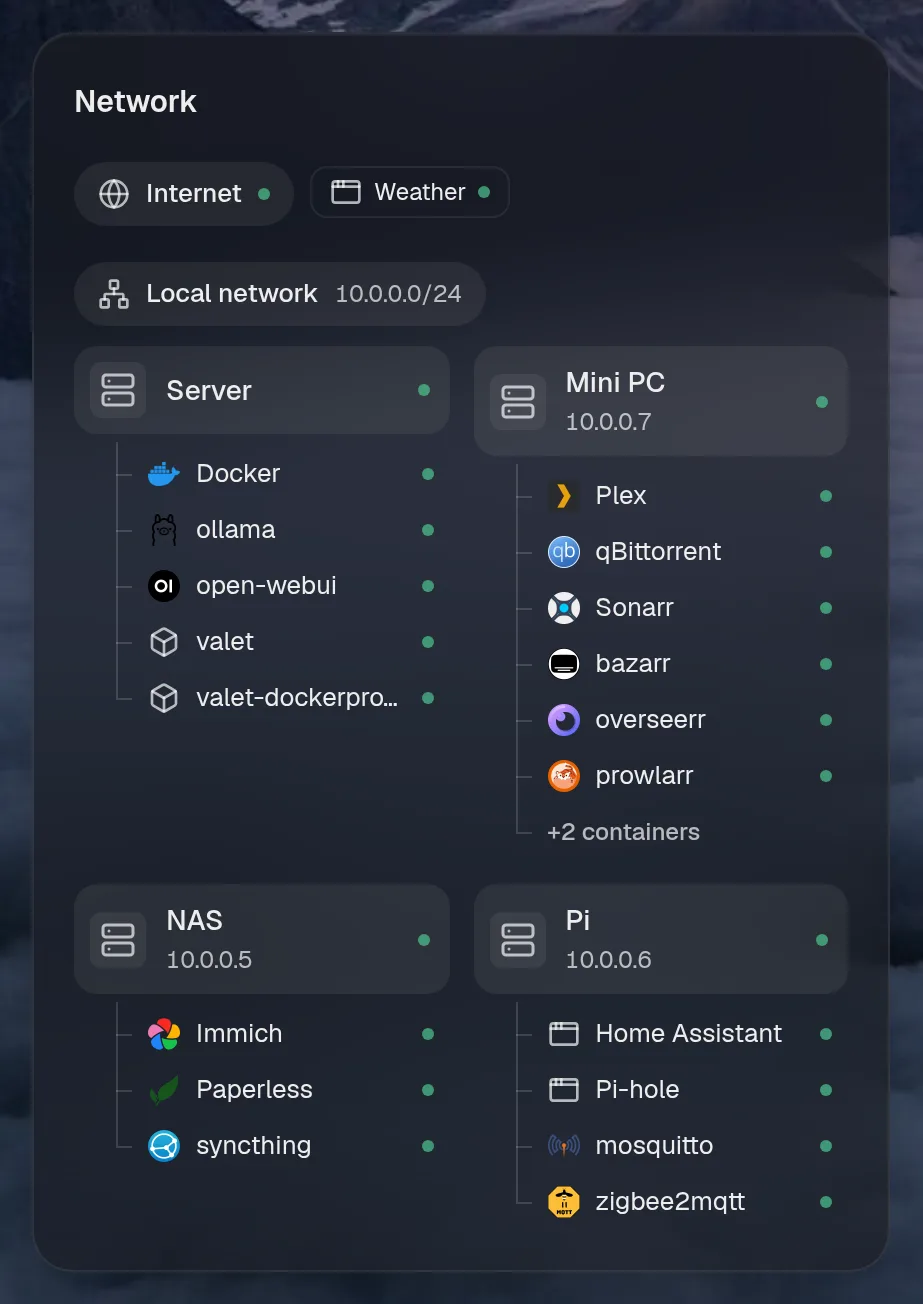
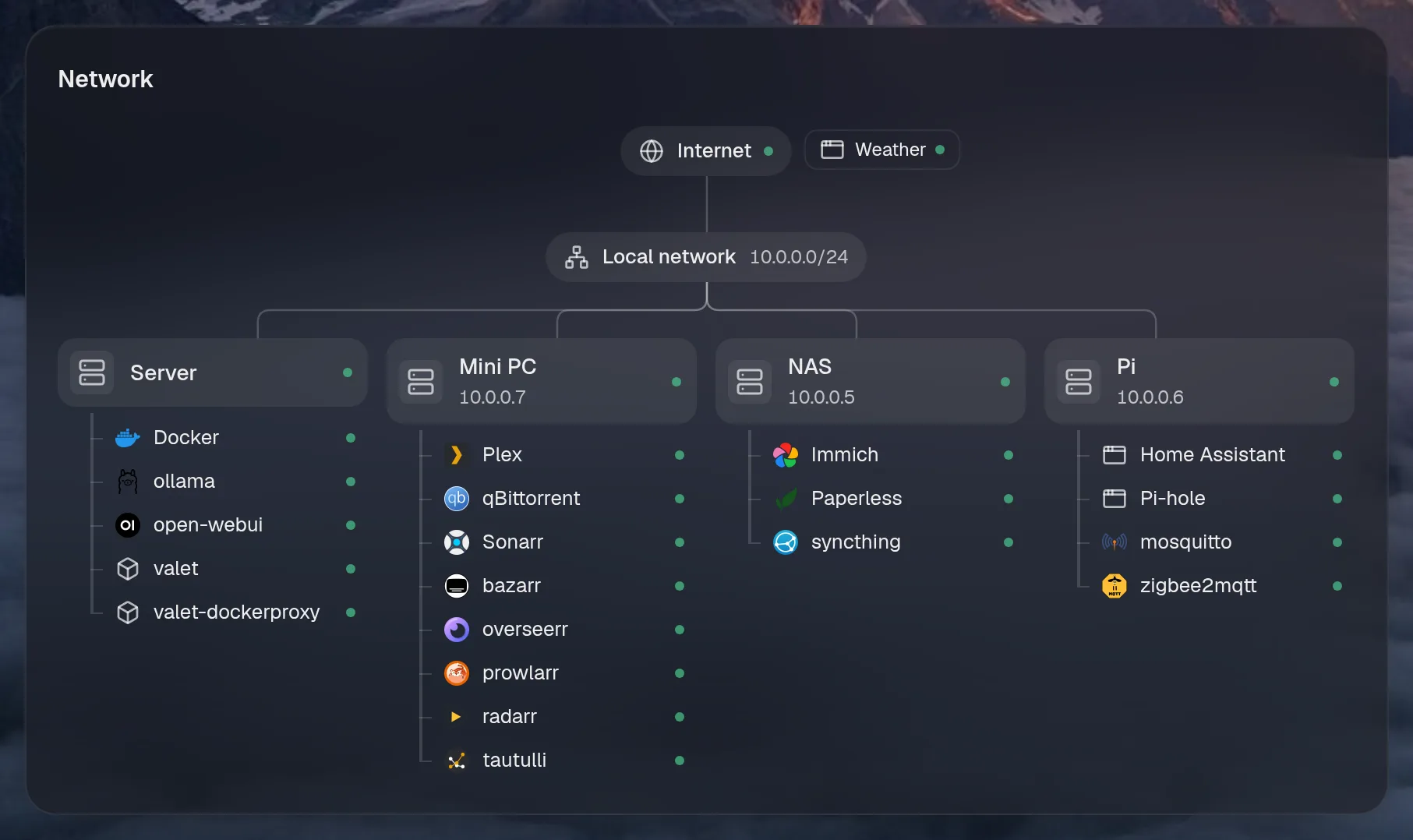
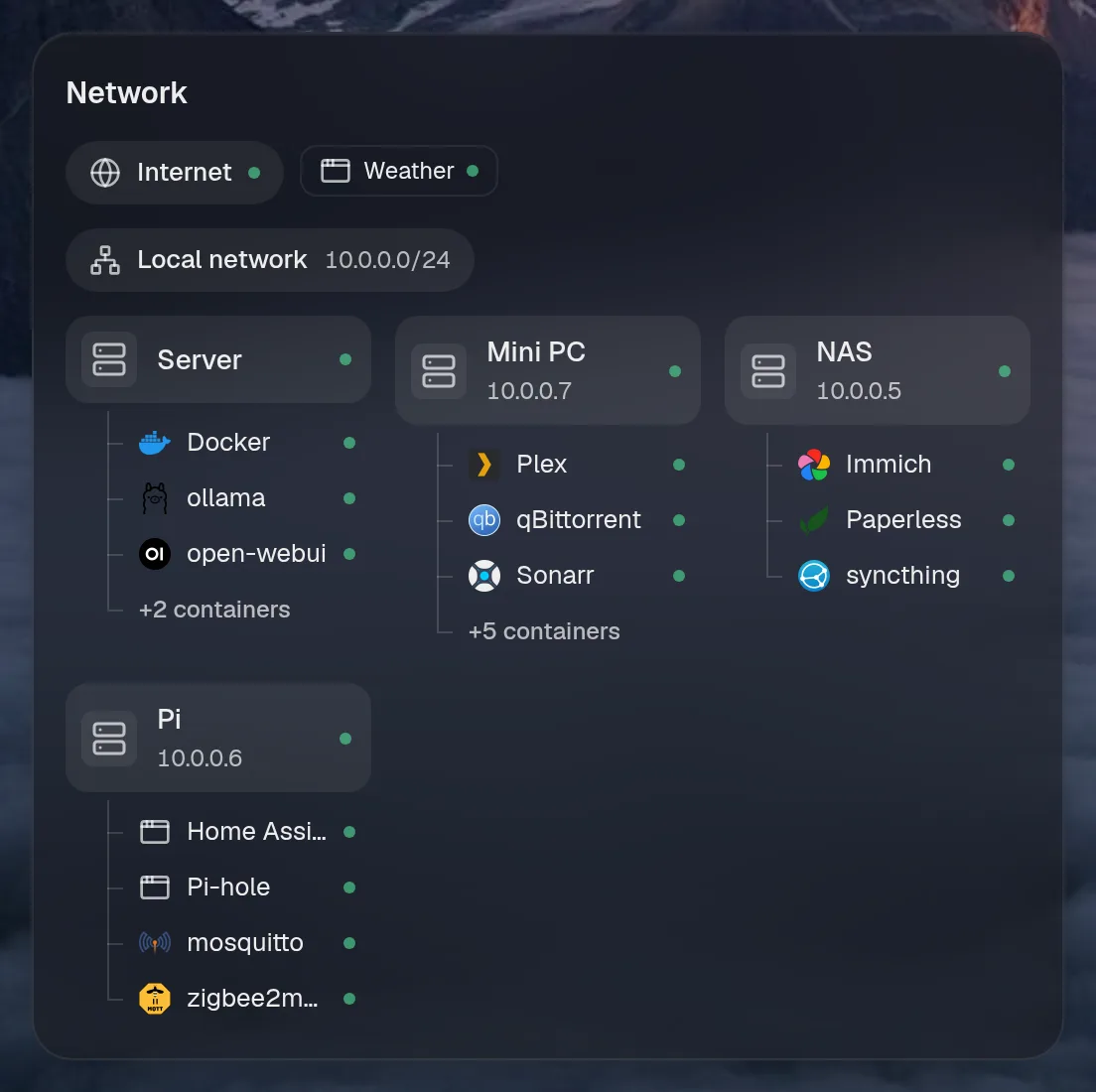
Tall draws the same as medium, so it isn't shown. Only the empty space changes.
States
Section titled “States”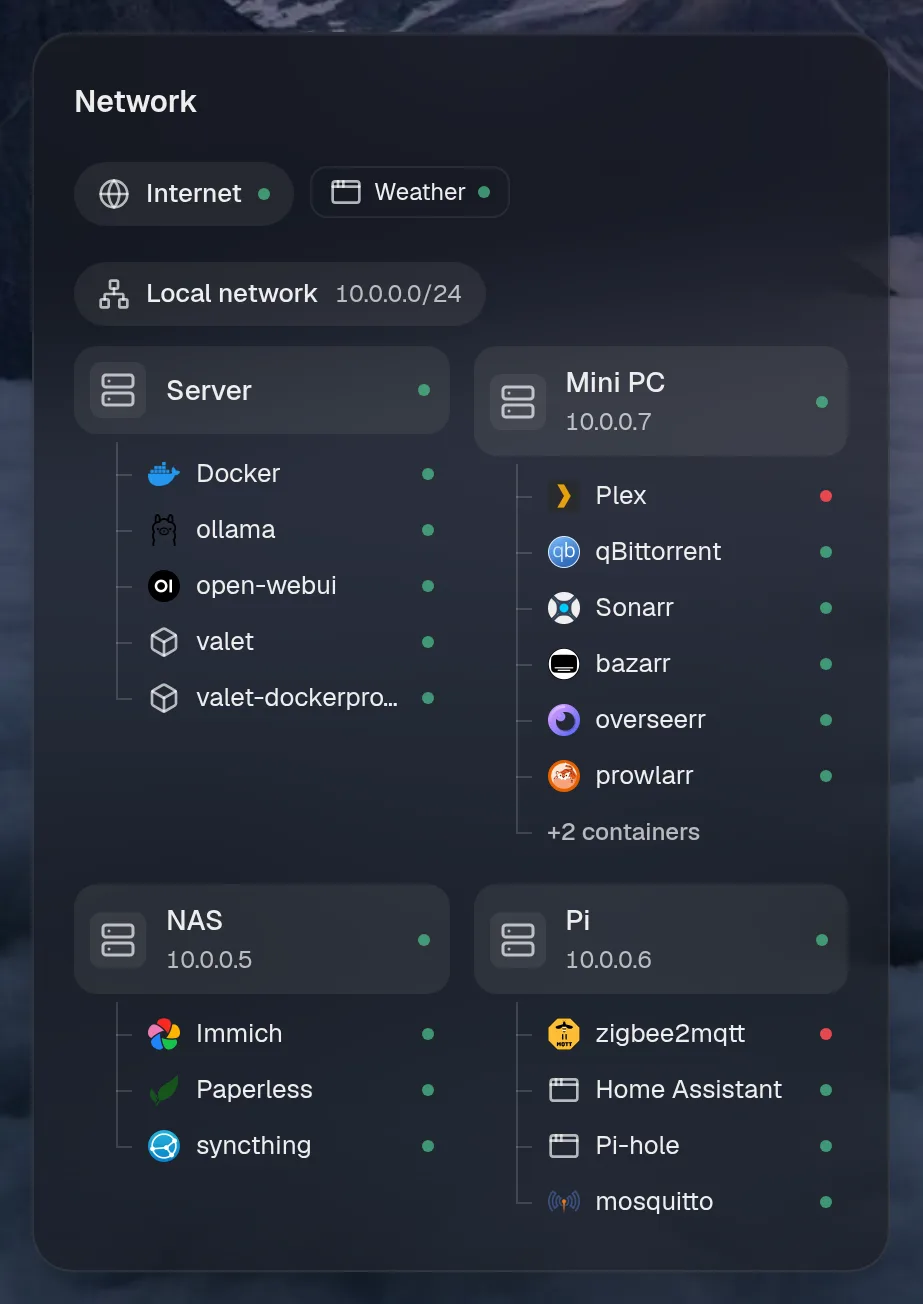
Assistant tools
Section titled “Assistant tools”What the assistant can use, once its access level allows it. Read tools run freely. Everything else asks first.
| Tool | Access | What it does |
|---|---|---|
network_map | read | What runs where in the homelab: each machine, its network and address, and the services, containers and VMs on it, with whether each is answering. |